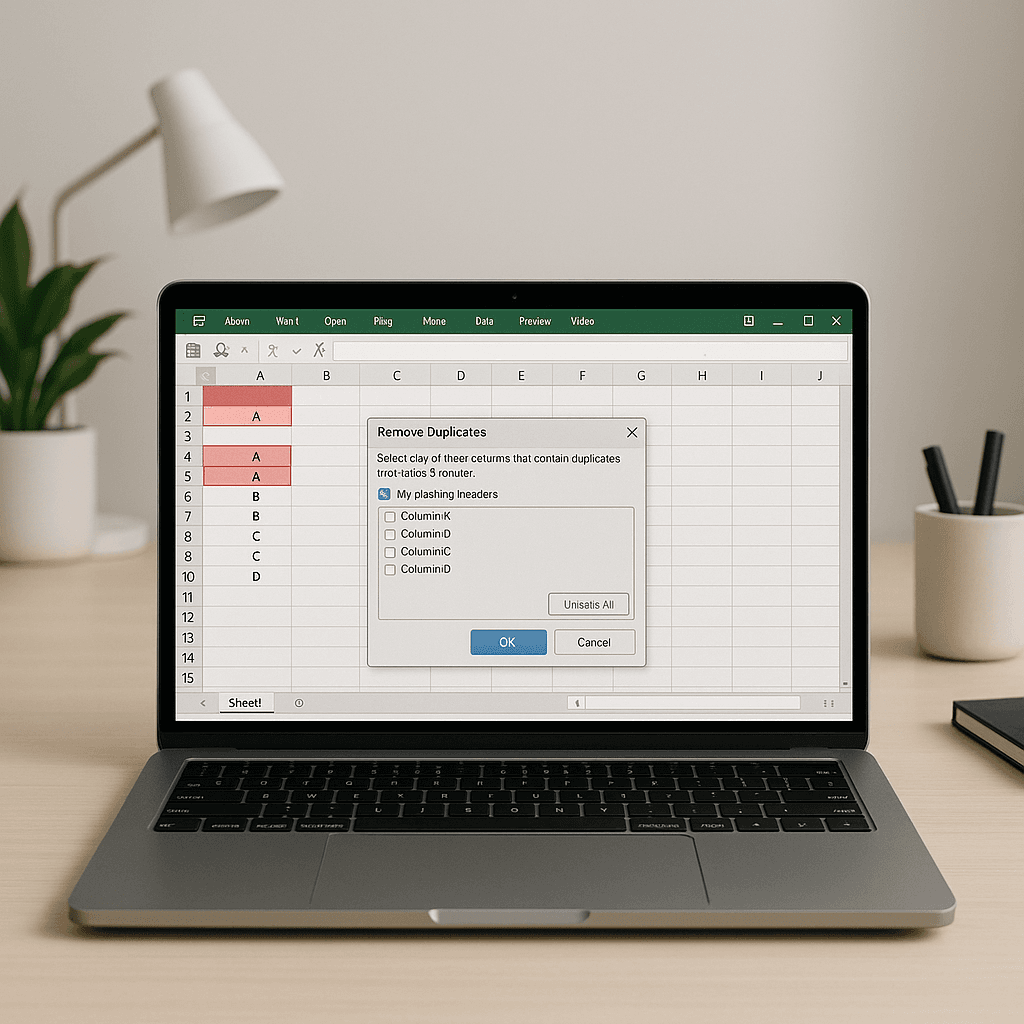
How to Remove Duplicates in Excel (5 Easy & Advanced Methods)
How to Remove Duplicates in Excel (5 Methods for Clean Data) Removing duplicates in Excel…
Oolook Best

To create and share a Zoom meeting link:
Go to zoom.us and log in using your account credentials. You can also use the Zoom desktop or mobile app.
If you don’t have an account, create a free Zoom account.

You have two options:
You’ll be taken to a summary page with your meeting details and the invitation link.
Paste the link into your email body manually or use Zoom’s Gmail/Outlook integrations.
Post in Slack, Teams, WhatsApp, or SMS. Make sure the recipient has access.
Add the link to your Google Calendar or Outlook invite in the event description.
If it’s a public meeting or webinar, post the link on Twitter, LinkedIn, or Facebook.
Reminder: Enable “Join before host” and turn off passcodes if you’re sharing links publicly.

Want to save time? Use automation tools like:
Explore more insights on AI, social media, and building a brand that lasts.
How to Remove Duplicates in Excel (5 Methods for Clean Data) Removing duplicates in Excel…

As we venture into 2025, the landscape of social media continues to evolve, presenting brands…

Choosing the right type of TikTok account can be a game-changer for your social media…

As we dive into the dynamic world of Instagram in 2025, finding trending audio can…