
Remove Duplicates in Google Sheets (Fast + Easy Methods)
How to Find and Remove Duplicates in Google Sheets If you manage any spreadsheet for…
Oolook Best
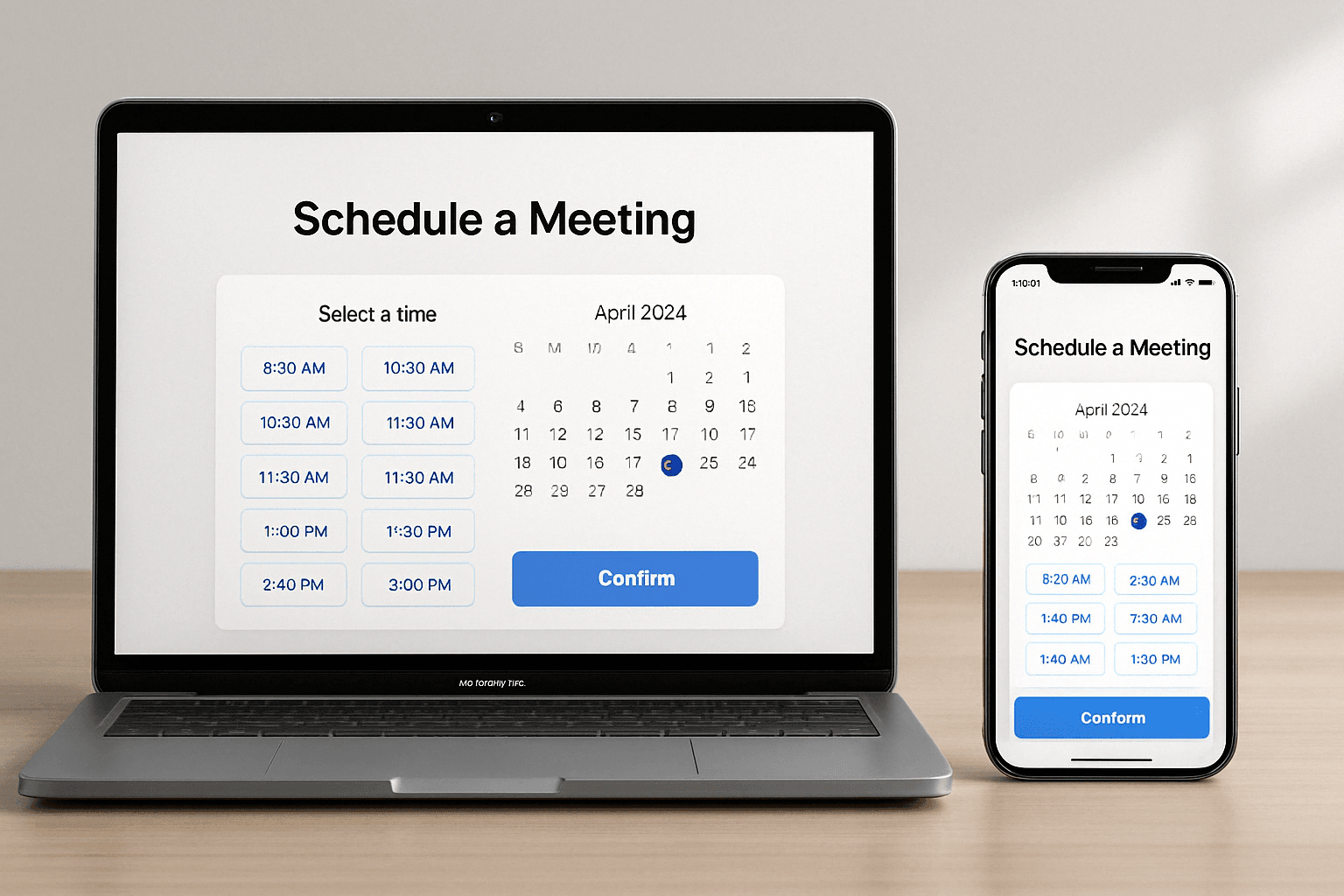
If you’re tired of back-and-forth emails trying to book a time, meeting scheduler software can save hours of productivity every week. These tools sync your calendar, auto-detect time zones, and let guests book time based on your availability—without double bookings or confusion.
They’re ideal for:
Teams booking client demos
Freelancers taking consultations
Sales reps qualifying leads
Coaches, consultants, and educators
Each tool below includes pros, cons, free features, and best use cases:
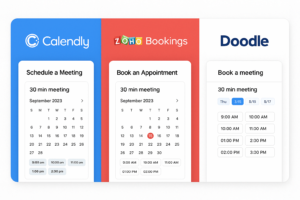
Free Plan: ✔️
Integrations: Google, Zoom, Slack, HubSpot
Best For: Solopreneurs & teams needing fast booking
Pros:
✅ Clean interface, great UX
✅ Time-zone detection & buffer times
✅ Group and round-robin meetings
Cons:
❌ Advanced features require paid plans
Free Plan: ✔️
Integrations: Zoho, Google Calendar, Zoom
Pros:
✅ Fully brandable booking page
✅ Team management and permissions
✅ Custom domain URLs
Cons:
❌ Learning curve for setup
Free Plan: ✔️
Integrations: Zapier, Google, Discord, Analytics
Pros:
✅ Fully open-source
✅ Supports Stripe & workflows
✅ Great for automating reminders or CRM syncing
Cons:
❌ Some tech skills needed for setup
Free Plan: ✔️
Integrations: Google Meet, Zoom, Outlook
Pros:
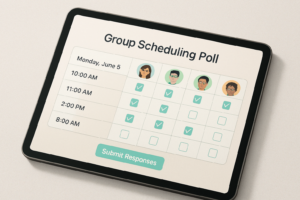
✅ Poll-based scheduling for teams
✅ Power features to avoid overbooking
✅ Supports 1-on-1 and team bookings
Cons:
❌ Ads on free plan
❌ Limited free booking page features
Free Plan: ✔️
Integrations: Google, Microsoft 365
Pros:
✅ Personalized booking URLs
✅ Team routing + Zapier automation
✅ Email + SMS reminders
Cons:
❌ Limited UI customizations without upgrade
Free Plan: ✔️
Integrations: PayPal, Stripe, Zoom

Pros:
✅ Easy web builder for booking pages
✅ Free unlimited bookings
✅ Great support
Cons:
❌ SMS reminders behind paywall
Free Plan: ✔️
Integrations: Google Calendar, Teams, Zapier
Pros:
✅ Intuitive design
✅ Supports group & 1-on-1 bookings
✅ Good analytics
Cons:
❌ Limited template branding
Free Plan: ✔️ (50 bookings/month)
Integrations: Facebook, Instagram, Zoom, Stripe
Pros:
✅ Perfect for salons, fitness, therapy
✅ Customer review module
✅ Sell subscriptions & memberships
Cons:
❌ UI can feel dated
Free Plan: ✔️
Integrations: HubSpot CRM, Zoom, Google
Pros:
✅ Seamless HubSpot timeline view
✅ Lead routing + email follow-ups
✅ Fast onboarding
Cons:
❌ Limited unless using broader HubSpot suite
Free Plan: ✔️
Integrations: Gmail, Google Meet
Pros:
✅ Integrated into Google Workspace
✅ Easy to share & embed
✅ Appointment slots feature
Cons:
❌ Not ideal for customer-facing booking
Free Plan: ❌
Integrations: Stripe, PayPal, Square
Pros:
✅ Great for coaches, therapists
✅ Advanced scheduling rules
✅ Multiple service types
Cons:
❌ Paid only
Free Plan: ✔️
Integrations: Google, Zoom, Slack
Pros:
✅ Overlays guest calendar view
✅ “Propose a time” feature
✅ Modern, mobile-first design
Cons:
❌ Premium features gated
Free Plan: ❌
Integrations: Salesforce, HubSpot
Pros:
✅ Lead routing rules
✅ Auto-qualify leads on booking
✅ Built for B2B sales teams
Cons:
❌ Not for general users
| Tool | Free Plan | 1:1 | Group | Round Robin | Payments | CRM Sync | Best For |
|---|---|---|---|---|---|---|---|
| Calendly | ✅ | ✅ | ✅ | ✅ | ❌ | ✅ | SMBs, Solopreneurs |
| Zoho Bookings | ✅ | ✅ | ✅ | ✅ | ✅ | ✅ | Businesses, Teams |
| Doodle | ✅ | ✅ | ✅ | ✅ (Polls) | ❌ | ❌ | Team collaboration |
| Cal.com | ✅ | ✅ | ✅ | ✅ | ✅ | ✅ | Devs, Agencies |
| YouCanBook.me | ✅ | ✅ | ✅ | ✅ | ✅ | ❌ | Agencies, Freelancers |
| Setmore | ✅ | ✅ | ✅ | ❌ | ✅ | ❌ | Local services |
| Acuity | ❌ | ✅ | ✅ | ✅ | ✅ | ✅ | Therapists, Coaches |
Choose based on:
Use Case: Internal meetings vs. client bookings?
Team Size: Do you need round-robin and team routing?
Customization: Need branded booking pages?
Budget: Free plan sufficient, or are paid features worth it?
Automation: Want workflows, reminders, CRM sync?
If you want a quick recommendation:
| Need | Tool |
|---|---|
| Best free scheduler | Calendly, Google Cal |
| Best for automation | Cal.com + viaSocket |
| Best for sales teams | ChiliCal, HubSpot |
| Best for booking services | SimplyBook.me, Acuity |
| Best for internal team polls | Doodle |
| Best all-in-one for businesses | Zoho Bookings |
1. Are there any truly free meeting schedulers?
Yes — Calendly, Google Calendar, Doodle, and YouCanBook.me all offer free plans with essential features.
2. Can I collect payments with these tools?
Yes. Tools like Zoho Bookings, Acuity, SimplyBook.me, and Setmore support Stripe or PayPal.
3. What’s best for teams with many meetings?
Tools like Zoho Bookings, Cal.com, HubSpot, and YouCanBook.me support round-robin, admin views, and integrations.
Explore more insights on AI, social media, and building a brand that lasts.
How to Find and Remove Duplicates in Google Sheets If you manage any spreadsheet for…
How to Grow on TikTok in 2025: Data-Backed Guide to Followers, Views & Viral Reach…

6 Instagram Analytics Tools That Will Help You Grow Your Audience in 2025 Understanding Instagram…

User-Generated Content (UGC) creators have become a pivotal element in the marketing landscape, transforming how…