Oolook for AI Social Media Content

Create Brand-Aware Social Media Content With AI

Turn a campaign objective into editable captions, images, carousels, destination-specific drafts, and supported publishing actions inside one brand workspace.

Oolook Copilot

Brand-aware content preparation

Working in: Alder & Form
Ask anything
Brand details shown here are fictional. Actual output uses available information from the selected Brand Kit.
Create a social campaignWrite platform-specific captionsRepurpose approved content

Supported actions are prepared for review and confirmation. Publishing capabilities and formats depend on current Oolook availability and the destination network.

Connected social content creation

Create the Campaign, Not Just an Isolated Caption

Use Oolook to connect the brief, Brand Kit, creative production, reusable media, destination adaptation, scheduling, and available reporting.

Start with the objective

Turn a Marketing Brief Into a Practical Content Direction

Tell Copilot what you are promoting, who the campaign should reach, which destinations matter, and what the audience should do next.

  • Use available Brand Kit and campaign context
  • Prepare content around a defined objective
  • Identify destination and media requirements
  • Keep assumptions and missing information visible
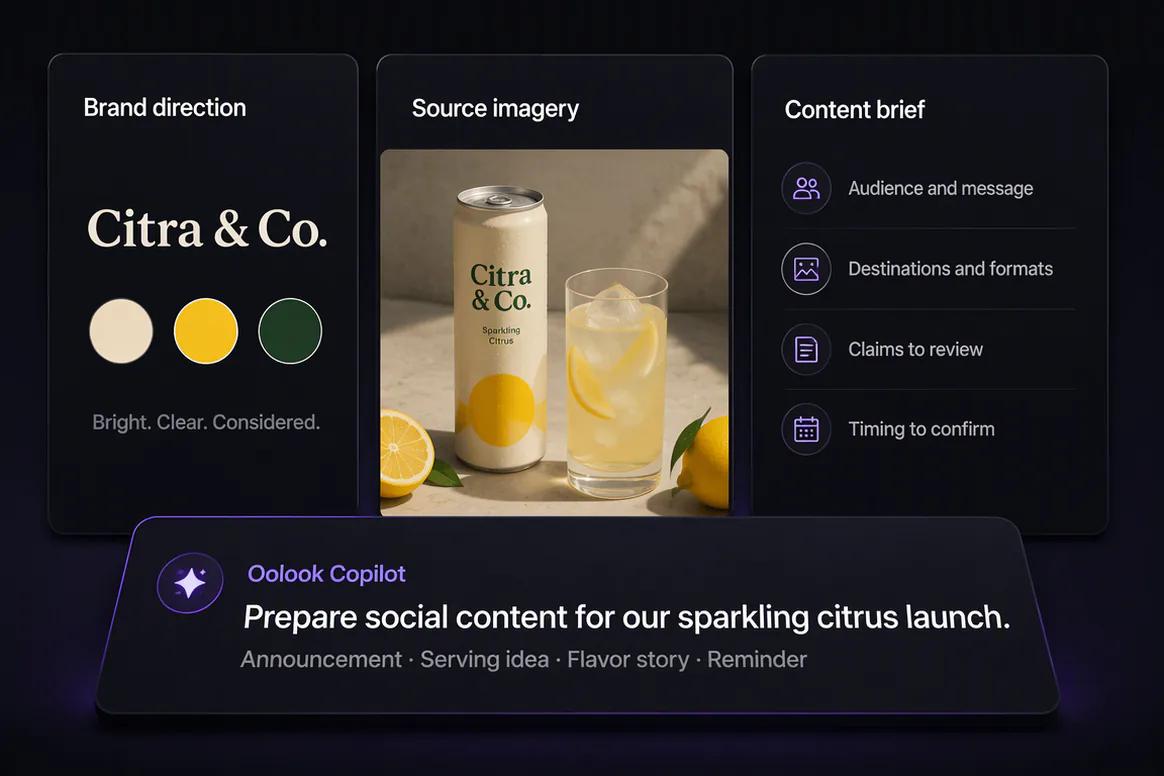
Oolook Copilot turning a marketing objective into a social content direction

Create the content

Generate Captions, Images, and Coordinated Carousels

Prepare the copy and visual assets required by the campaign without disconnecting them from the selected brand workspace.

  • Generate captions and editable variants
  • Create images using prompts and references
  • Build coordinated multi-card carousels
  • Save approved creative to the Media Library
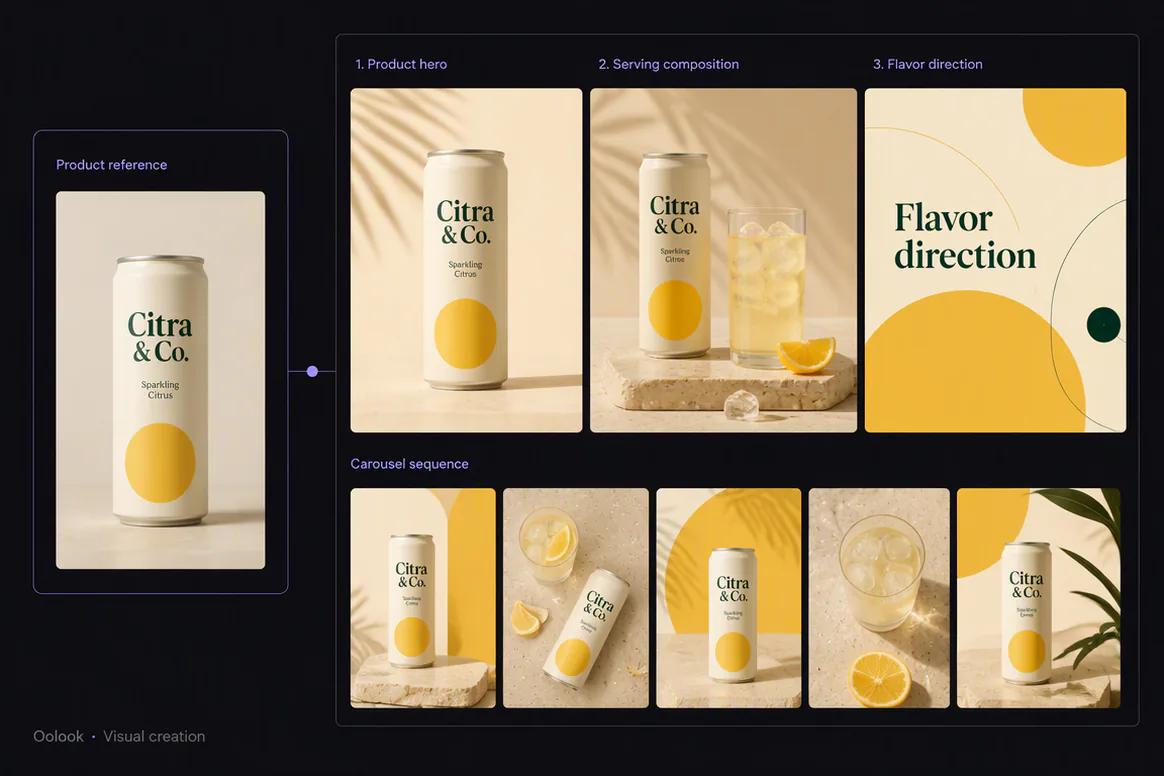
AI captions, images, and social carousels created with Oolook

Adapt every destination

Prepare Platform-Specific Content Without Starting Again

Carry the campaign idea into separate destination drafts so the copy, media, settings, and timing can be reviewed independently.

  • Edit captions for each supported destination
  • Select the correct profile and media
  • Review supported platform-specific settings
  • Save incomplete work as editable drafts
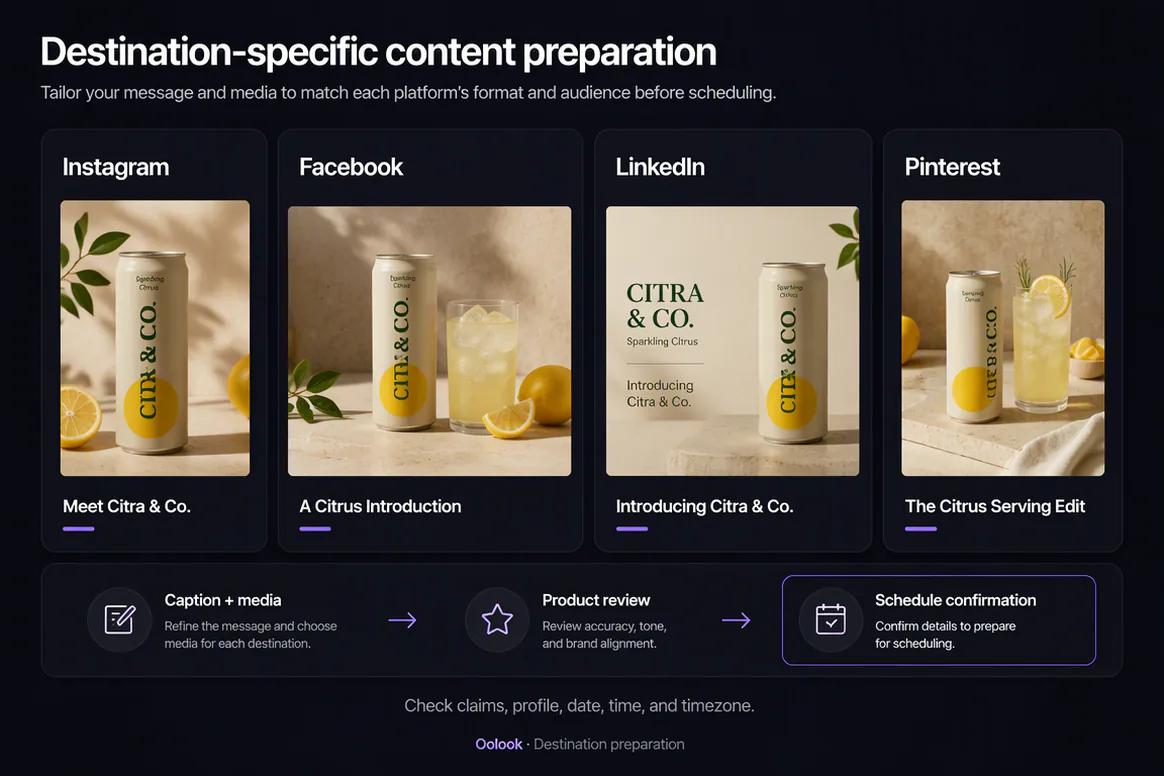
Destination-specific social content drafts prepared in Oolook

Publish and continue

Move Approved Content Into Scheduling and Reporting

Confirm supported publishing actions, monitor their status, and return to available performance information when preparing the next campaign.

  • Publish immediately or schedule eligible content
  • Monitor queued and attention-required states
  • Review available profile and post metrics
  • Prepare follow-up content from approved observations
Social content scheduling and available reporting in Oolook

Social content examples

Turn One Campaign Brief Into Platform-Aware Social Content

Connect approved product information, brand guidance, captions, creative assets, destination drafts, and review.

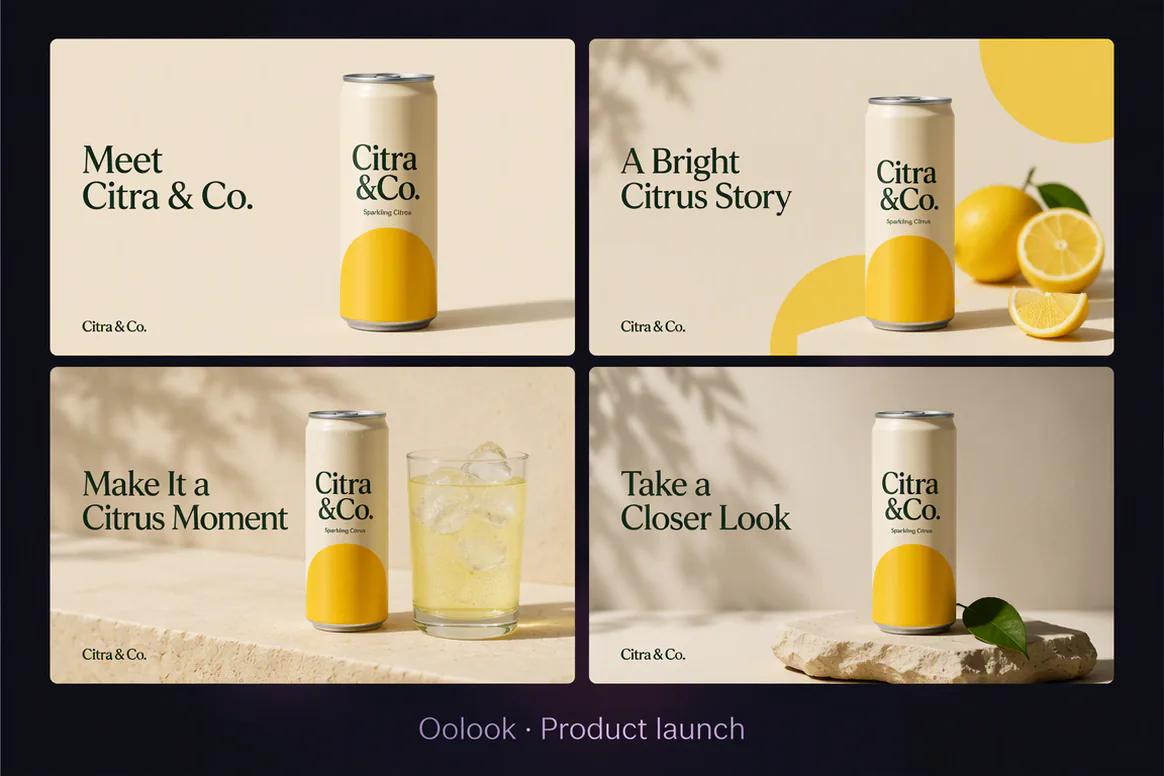
Oolook displaying a coordinated beverage product launch content set

Product Launch Content

Create an announcement, product story, serving idea, and campaign reminder from one approved brief.

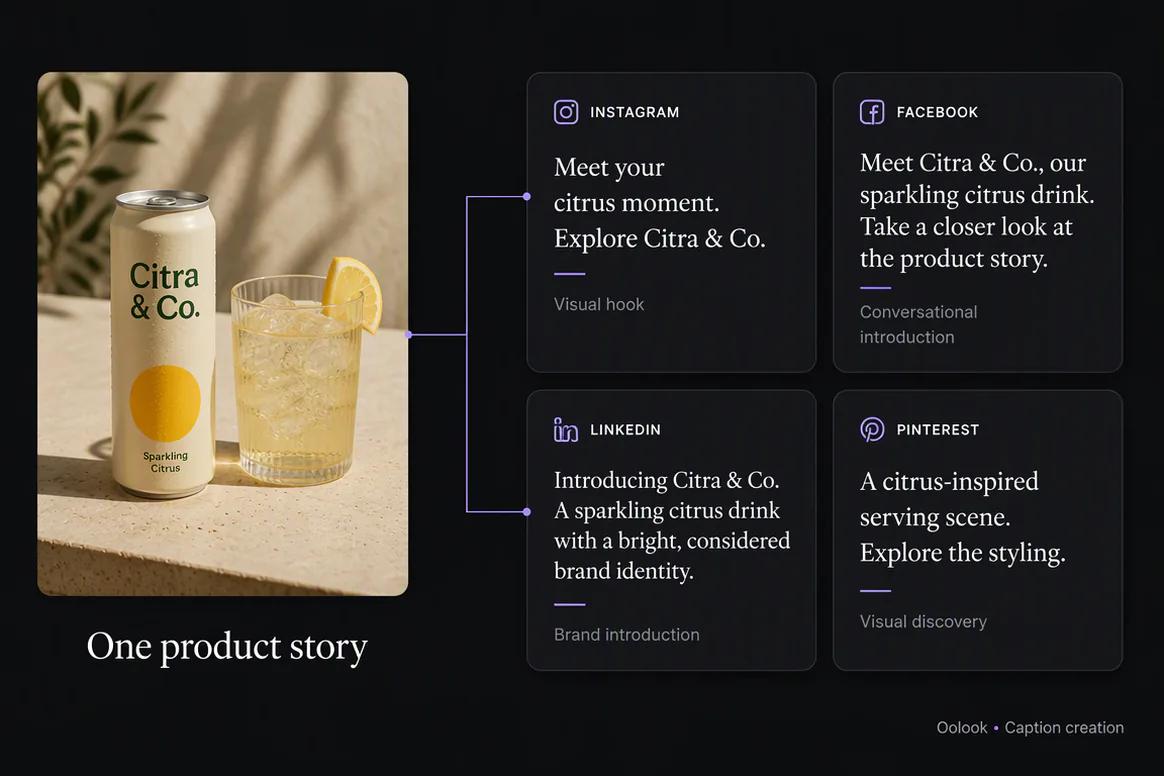
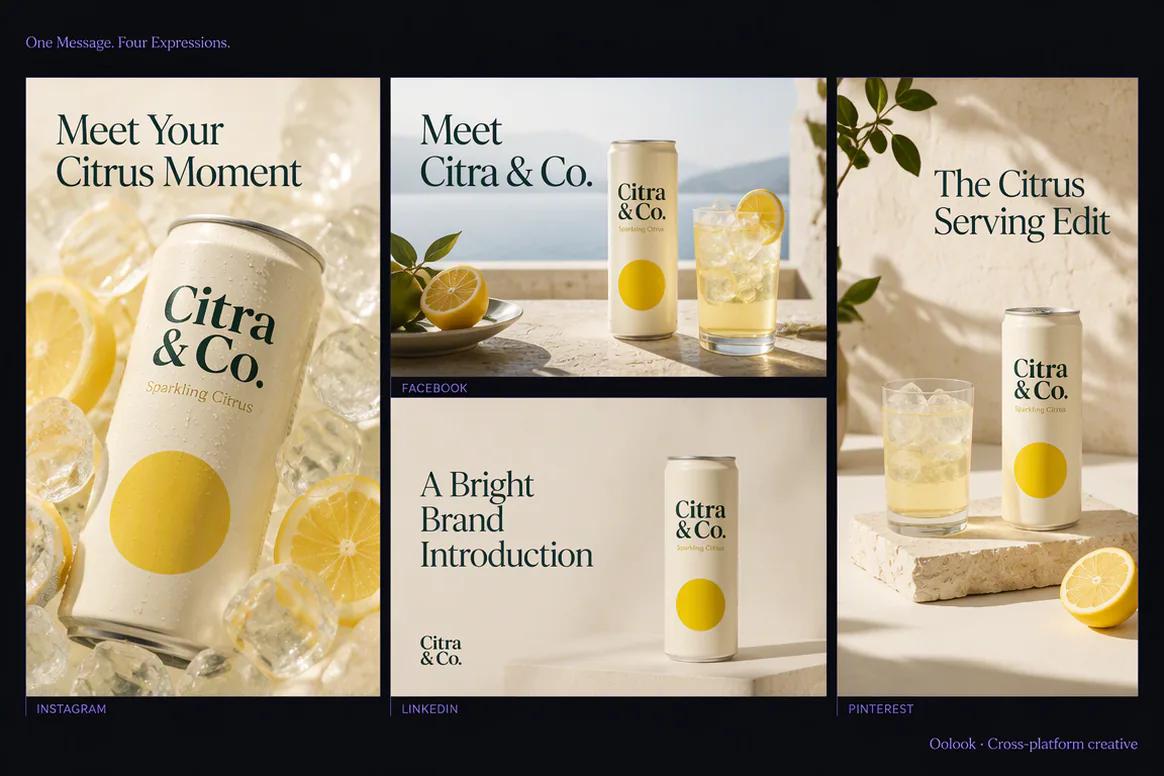
Oolook displaying destination-specific social content variations

Cross-Platform Content

Adapt the same approved message for Instagram, Facebook, LinkedIn, and Pinterest.

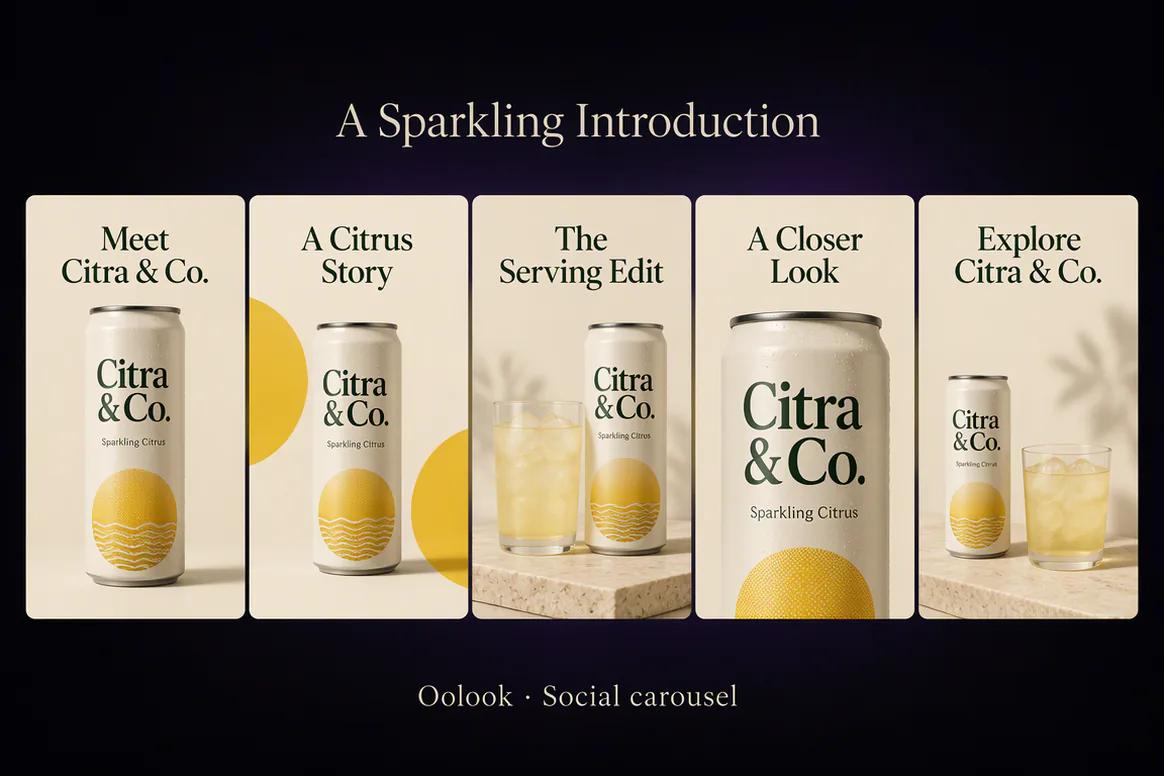
Oolook displaying a completed product education carousel

Social Carousel

Turn approved product information into a coordinated visual narrative with editable supporting copy.

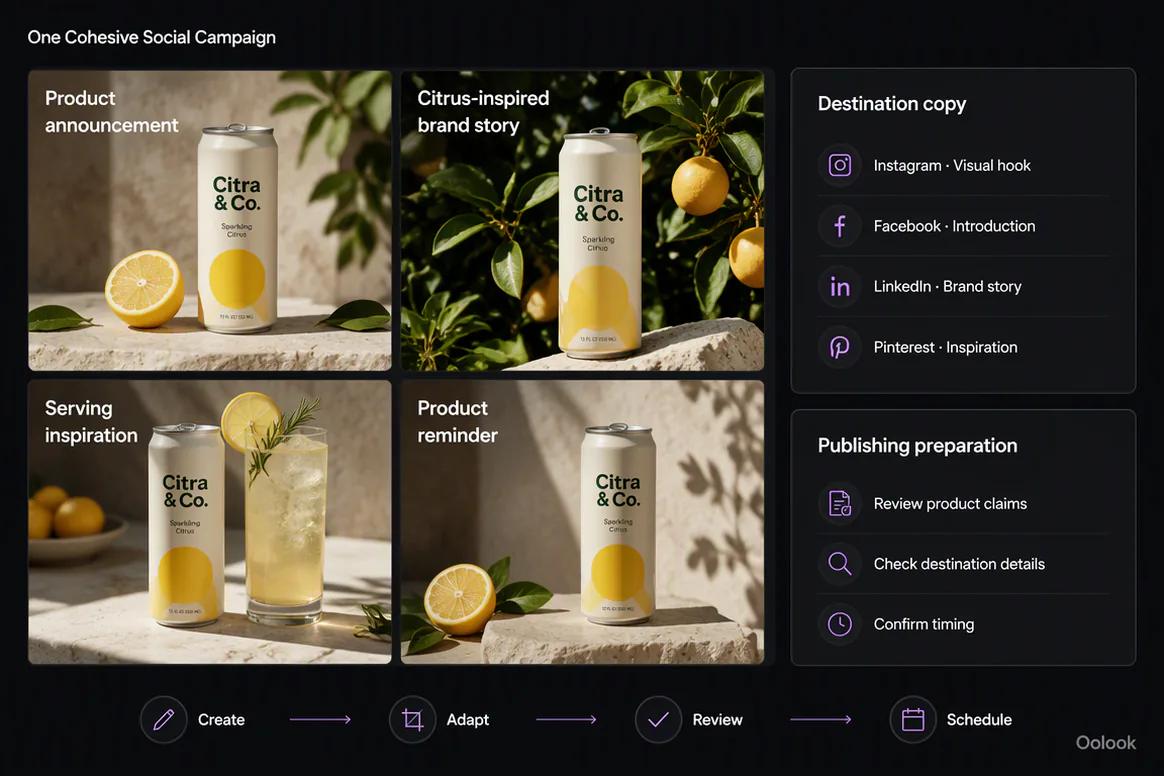
Oolook displaying a complete social campaign ready for review

Complete Social Campaign

Bring approved creative assets, destination captions, scheduling details, and review states together.

Oolook Copilot in action

How Oolook Turns a Brief Into Social Content

Keep brand context, creative production, destination adaptation, and review connected.

01

Describe the campaign

Provide the objective, audience, offer, source material, destinations, and intended publishing period.

02

Apply brand context

Use available positioning, writing preferences, visual direction, topics, and calls to action.

03

Prepare each destination

Create the captions, media, and supported platform details required by the campaign.

04

Review and confirm

Inspect each supported publishing action before scheduling or publication.

Built for AI Social Media Content

Create the Content Required by the Campaign

Exact formats, destination settings, and publishing behavior depend on current social-network APIs and Oolook availability.

Social captions

Generate editable copy and variants using supported brand, campaign, and destination context.

Marketing images

Create images using prompts, references, aspect ratios, output settings, and supported models.

Social carousels

Build coordinated multi-card content using topics, references, websites, platforms, and Brand Kit context.

Publishing drafts

Connect copy and media to eligible destinations, settings, schedules, and publication records.

Practical marketing jobs

Use Oolook for Recurring Social Content Work

Build each content set around a real marketing objective and a defined audience.

Launch a new product or service

Create an educational carousel

Prepare a seasonal marketing campaign

Adapt one message for several platforms

Repurpose an approved article

Create follow-up content from available results

One connected workspace

Connect Social Content to the Rest of the Workspace

Keep content tied to the context, assets, destinations, and records needed to move it into execution.

Brand Kit

Use available audience, positioning, voice, writing preferences, visual direction, and calls to action.

Oolook Copilot

Turn campaign requests into content and supported actions that remain visible for review.

Creative applications

Generate captions, images, coordinated carousels, moodboards, and other supported assets.

Media Library

Find, organize, process, and reuse uploaded and generated assets inside the selected brand.

Social publishing

Prepare drafts, validate supported requirements, schedule content, and monitor status.

Available reporting

Review accessible profile and post information and use approved observations in future content.

Why Oolook

Replace Fragmented Content Production With One Workflow

Oolook connects social content to the brand and the path required to publish it.

Workflow
Disconnected tools
Oolook
Campaign brief
Copied into separate writing and creative tools
Connected to the selected brand workspace
Brand context
Repeated in every prompt
Reused from available Brand Kit information
Creative
Produced outside the content workflow
Captions, images, and carousels remain connected
Adaptation
The same content is copied everywhere
Each destination can be reviewed independently
Publishing
Final drafts move into another scheduler
Supported actions continue into controlled execution

Step-by-step guide

How to Create Social Media Content With AI

Move from a clear objective to reviewed destination-specific content.

  1. 1

    Select the correct brand workspace

    Use the workspace containing the relevant Brand Kit, media, connected profiles, drafts, and reports.

  2. 2

    Define the campaign objective

    Specify the audience, offer, key message, destinations, timing, and desired call to action.

  3. 3

    Ask Copilot to prepare the content

    Use a clear request and identify the available brand or source information it should consider.

  4. 4

    Create or select supporting media

    Generate new images or carousels, or reuse approved assets from the Media Library.

  5. 5

    Adapt each destination

    Review the caption, media, profile, and supported platform-specific settings separately.

  6. 6

    Confirm the publishing action

    Approve the complete destination, content, media, date, time, timezone, and supported settings.

  7. 7

    Review available performance

    Use accessible profile and post information to prepare the next content action.

Frequently asked questions

Your AI Social Media Content Questions, Answered

What is an AI social media content generator?+

An AI social media content generator helps create captions, content variations, creative direction, images, or other social assets from a marketing brief.

What social content can Oolook create?+

Oolook supports caption generation, AI images, coordinated carousels, moodboards, and other established creative and media workflows.

Can Oolook use my Brand Kit?+

Yes. Available Brand Kit information can guide supported Copilot, caption, visual, media, social, and SEO workflows.

Can Oolook adapt content for different platforms?+

Yes. Oolook supports independently editable destination content and platform-specific settings where currently available.

Can I reuse existing images?+

Yes. Uploaded, generated, and processed assets can be organized and reused through the selected brand's Media Library.

Can Oolook schedule the content it creates?+

Oolook supports drafts, immediate publishing, scheduling, validation, queue states, retries, and publication-status monitoring where currently supported.

Does Copilot publish content without review?+

Supported workspace changes are presented for confirmation so the content, media, destination, settings, and timing can be reviewed first.

Which social platforms does Oolook support?+

Oolook has documented workflows for Instagram, Facebook, LinkedIn, Pinterest, YouTube, X, and Google Business Profile. Exact capabilities depend on current APIs and product availability.

Start with Oolook

Turn Your Next Campaign Brief Into Publishable Social Content

Connect your Brand Kit, Copilot, captions, creative assets, Media Library, controlled publishing, and available reporting.