Oolook for AI Carousel Generator

Create Coordinated Social Media Carousels With AI

Turn a topic, campaign objective, source material, references, and available Brand Kit context into a structured multi-card visual narrative.

Oolook Copilot

Brand-aware content preparation

Working in: Alder & Form
Ask anything
Brand details shown here are fictional. Actual output uses available information from the selected Brand Kit.
Create an educational carouselBuild a product launch carouselRepurpose an approved article

Supported actions are prepared for review and confirmation. Publishing capabilities and formats depend on current Oolook availability and the destination network.

AI carousel creation

Build a Complete Visual Story, Not Unrelated Slides

Use Oolook to structure the narrative, prepare coordinated card content, apply available visual direction, review every card, and save approved outputs.

Define the narrative

Turn a Topic Into a Clear Card-by-Card Structure

Start with the audience, central idea, desired action, destination, and source material so the carousel has a coherent purpose.

  • Define the audience and intended outcome
  • Organize the opening hook and narrative progression
  • Use approved source material where required
  • Plan a clear final action or conclusion
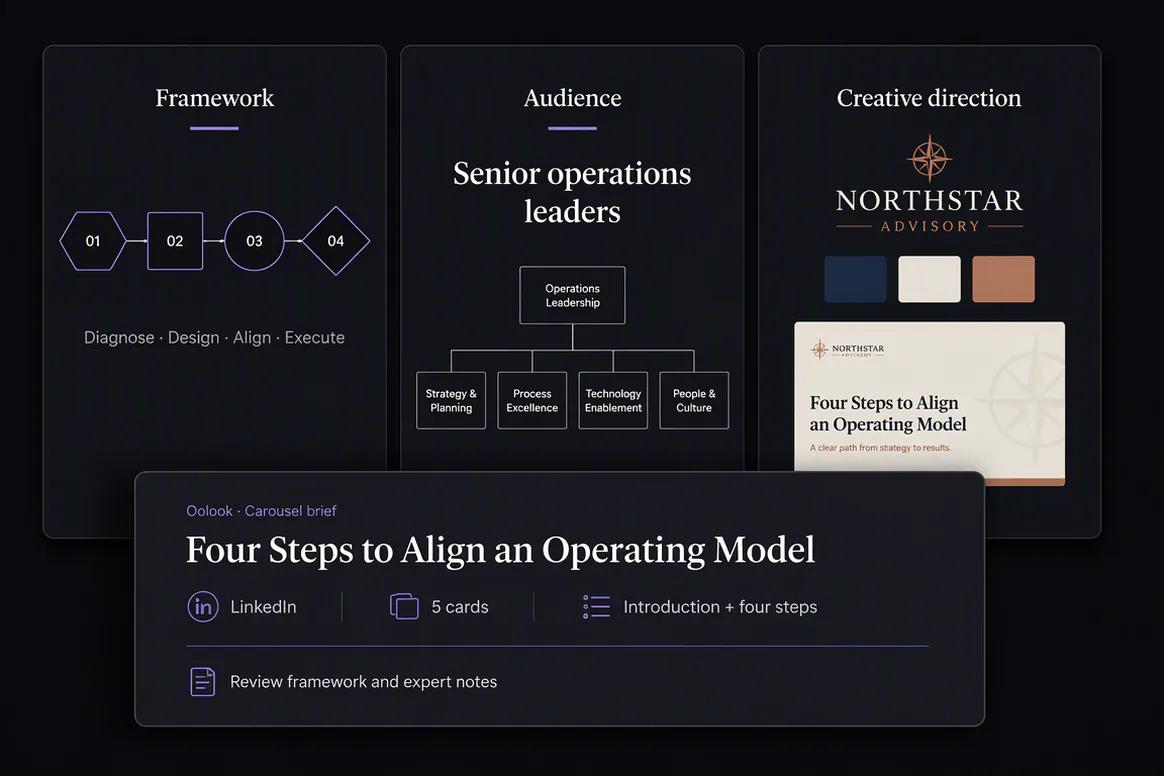
Oolook structuring a social media carousel card by card

Apply brand direction

Connect the Carousel to the Selected Brand Kit

Use available writing preferences, visual direction, audience information, colors, references, and calls to action to guide the carousel.

  • Use available brand voice and positioning
  • Apply relevant visual guidance and references
  • Keep related cards visually coordinated
  • Review claims and brand details for accuracy
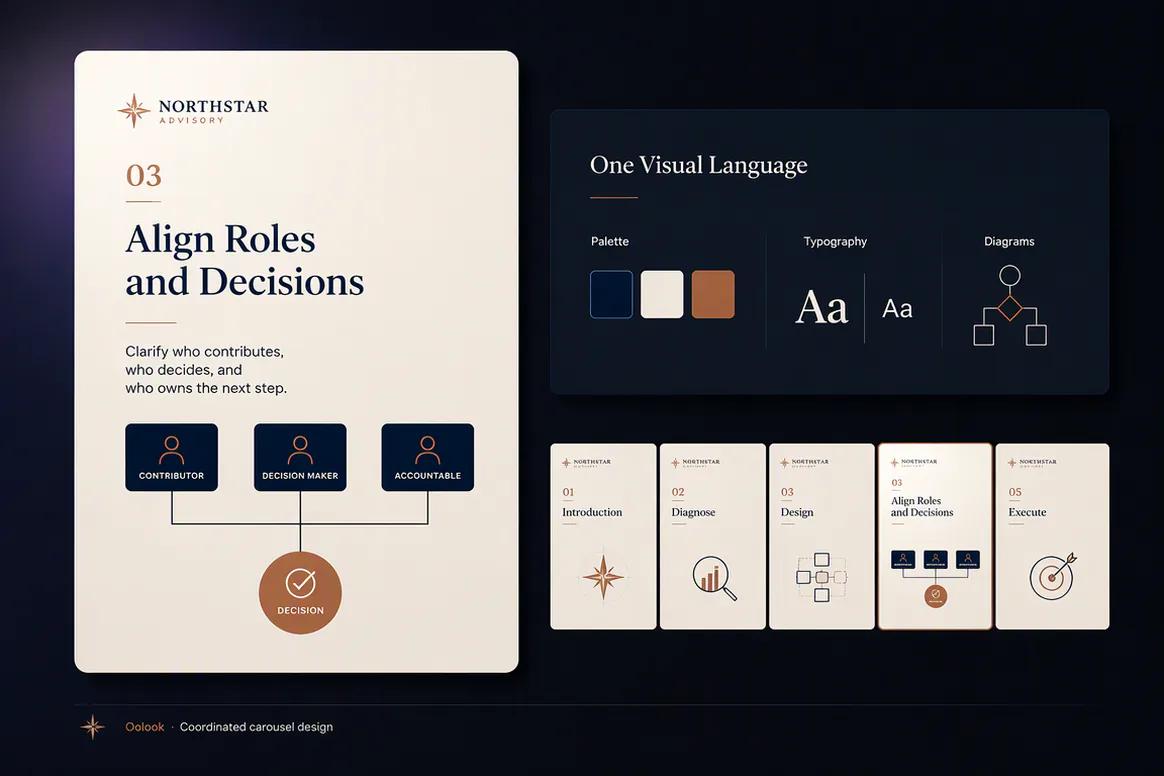
Brand Kit context applied to an AI-generated social carousel

Generate coordinated cards

Create the Complete Multi-Card Carousel

Generate the card set around one structured narrative instead of creating disconnected images one at a time.

  • Prepare a coordinated opening, body, and closing
  • Use platform and format context where supported
  • Keep hierarchy and visual direction consistent
  • Review the displayed credit-consuming action
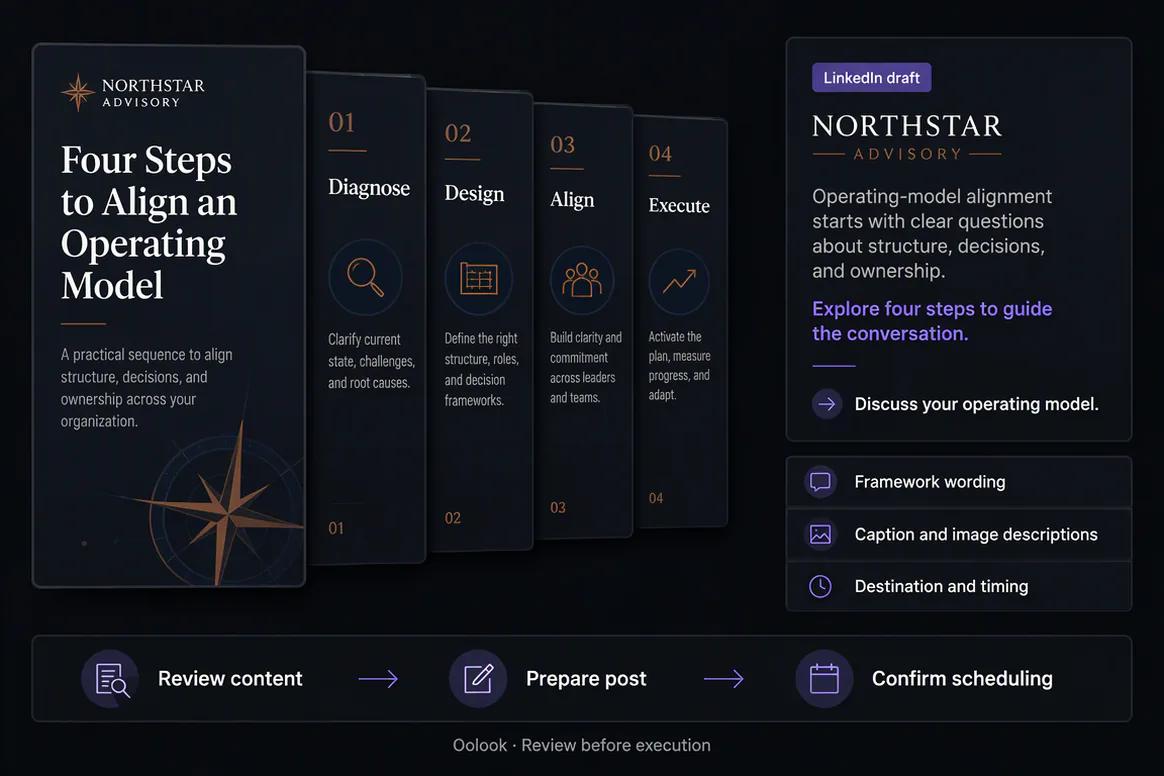
Coordinated multi-card social media carousel generated in Oolook

Review and publish

Inspect Every Card Before Saving or Publishing

Check the narrative, visual consistency, spelling, factual accuracy, product representation, and destination fit before approval.

  • Review cards individually and as a sequence
  • Save approved outputs to the Media Library
  • Connect the carousel to an editable caption
  • Continue into supported scheduling and publication
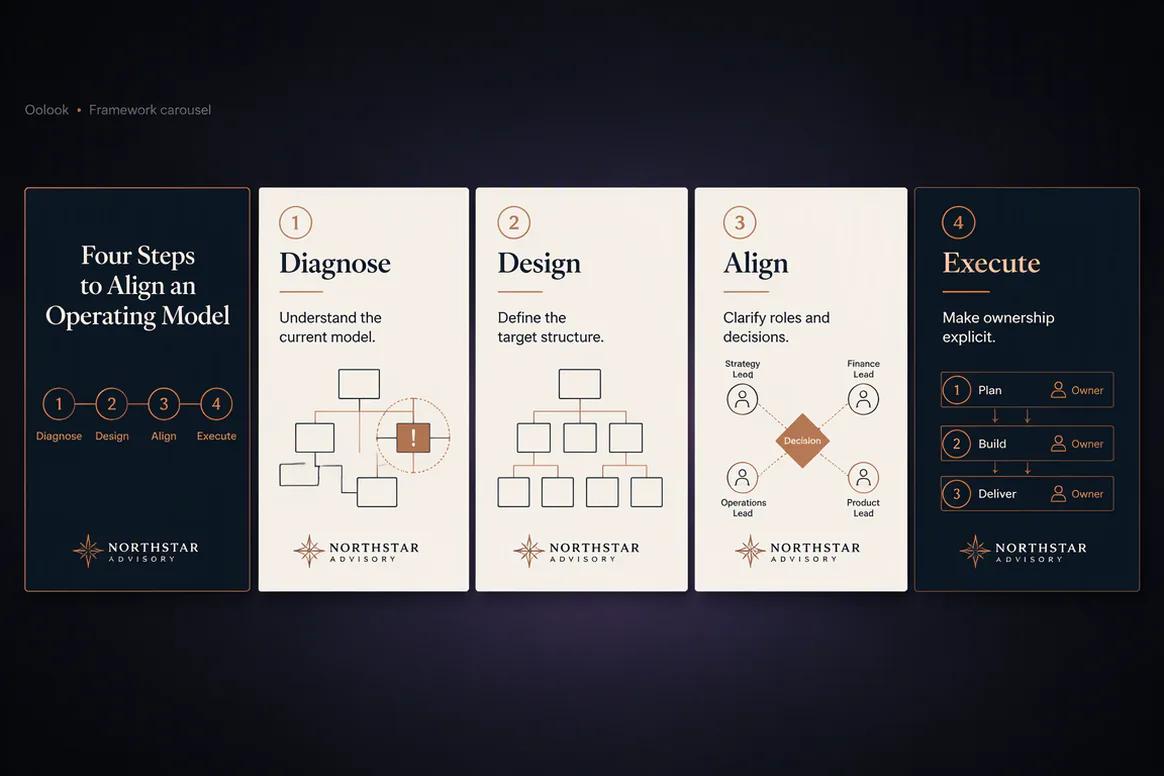
Completed social media carousel reviewed before publishing in Oolook

Carousel examples

Create Coordinated Visual Narratives for Different Marketing Jobs

Connect approved sources, Brand Kit context, narrative structure, visual direction, card review, and publishing.

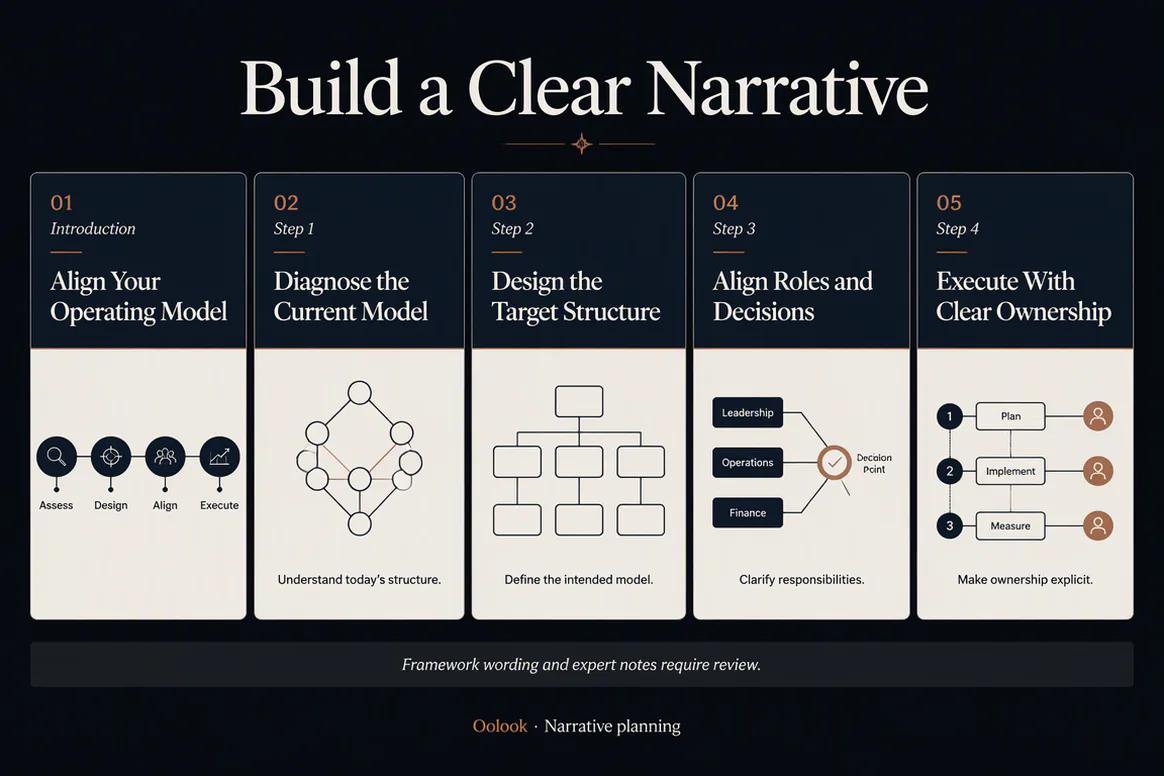
Oolook displaying a finished consulting framework carousel

Framework Carousel

Turn an approved business framework into a clear multi-card executive narrative.

Oolook displaying a finished B2B product education carousel

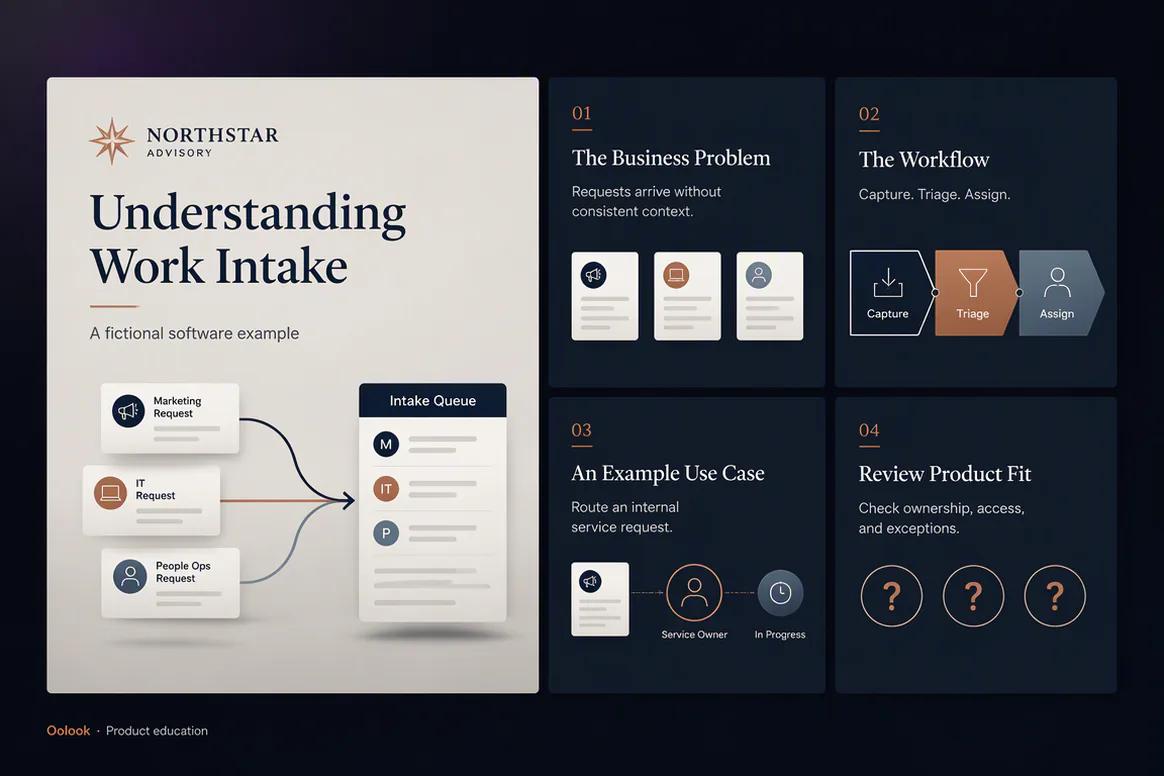
Product Education Carousel

Explain a verified workflow, supported use case, and product-fit considerations.

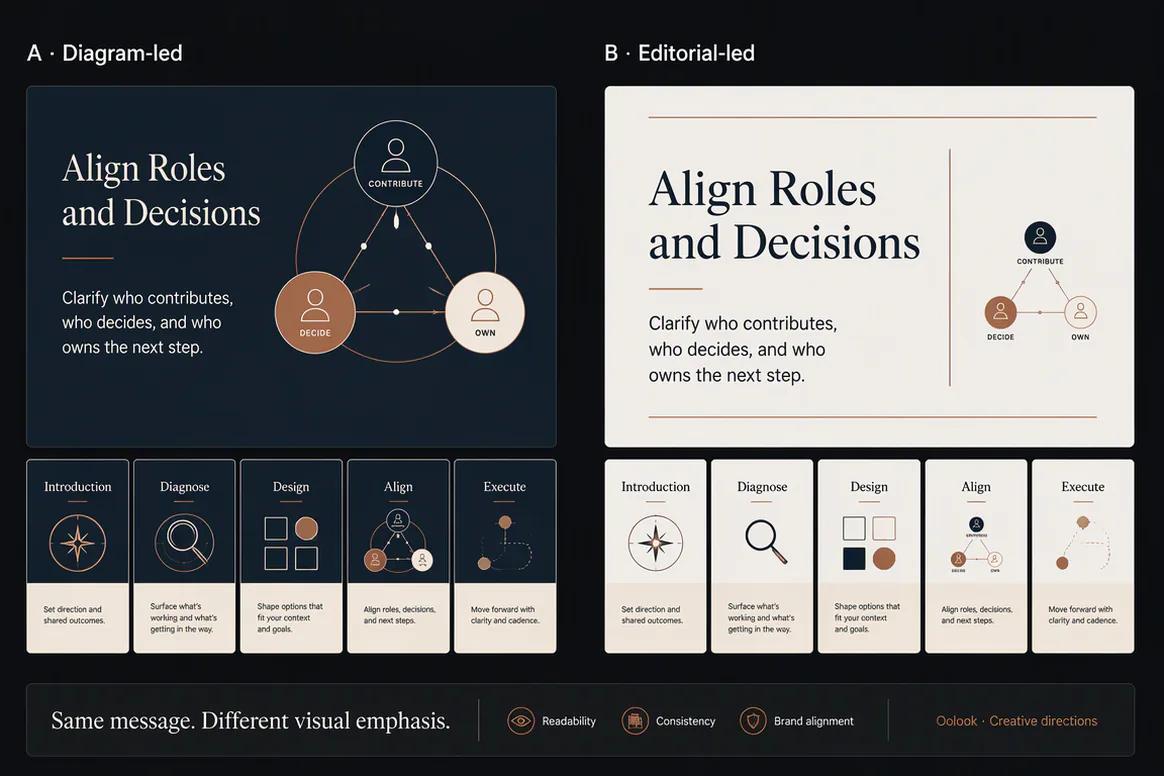
Oolook comparing two visual directions for the same carousel

Carousel Variations

Compare coordinated visual treatments without changing the approved source meaning.

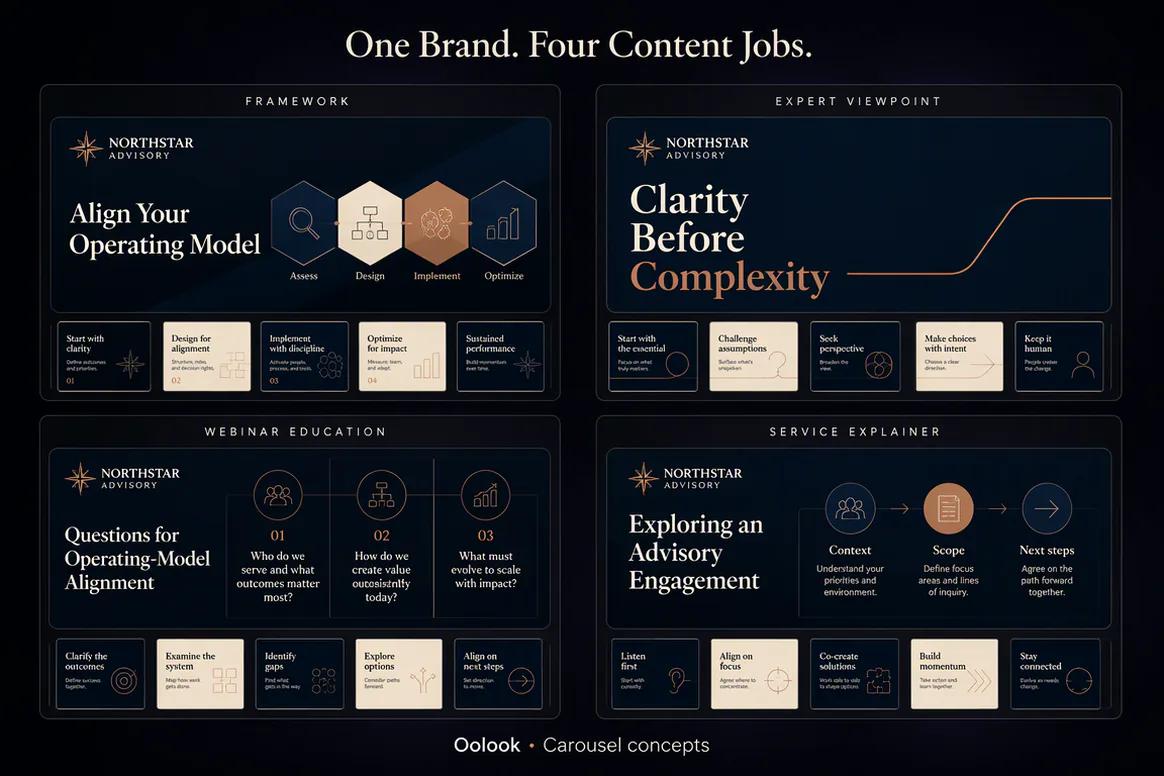
Oolook displaying several coordinated carousel campaign projects

Carousel Campaign Collection

Manage framework, expert, event, and service carousels under one consistent Brand Kit.

Oolook Copilot in action

How Oolook Copilot Prepares a Carousel

Move from the content objective to a reviewable, credit-consuming creative action.

01

Describe the carousel

Provide the topic, audience, objective, platform, source material, references, and desired card count.

02

Prepare the structure

Organize the hook, narrative sequence, supporting points, and final call to action.

03

Configure the creative

Apply available Brand Kit context, visual references, platform direction, and supported output settings.

04

Review and confirm

Inspect the proposed generation and displayed credit cost before creating the complete card set.

Built for AI Carousel Generator

Create Carousels for Different Marketing Jobs

Current card counts, platforms, references, source inputs, settings, models, and credit costs depend on Oolook availability.

Educational carousels

Break a complex topic into a clear sequence of useful and connected cards.

Product carousels

Introduce product benefits, use cases, details, and next steps through a coordinated narrative.

Campaign carousels

Prepare launch, seasonal, event, and promotional content around one visual direction.

Article carousels

Repurpose approved article material into a shorter platform-aware visual explanation.

Practical marketing jobs

Use Oolook for Recurring Carousel Content

Build each carousel around a useful narrative and a defined marketing objective.

Explain a product or service

Create an educational social series

Launch a new collection

Repurpose an approved article

Answer recurring customer questions

Create a step-by-step visual guide

One connected workspace

Connect Carousel Creation to the Complete Workspace

Keep the carousel tied to the brand context, source material, reusable media, caption, destination, and publishing records.

Brand Kit

Use available audience, positioning, writing preferences, visual direction, colors, and calls to action.

Oolook Copilot

Turn a marketing objective into a structured carousel request with visible generation details.

Image generation

Create or use relevant visual assets and references required by the carousel direction.

Media Library

Find approved references and store generated carousel outputs inside the correct brand.

Social publishing

Connect the approved carousel to destination-specific copy, scheduling, and publication.

Available reporting

Review accessible post metrics after publication and use approved observations in future content.

Why Oolook

Replace Disconnected Slide Creation With One Narrative Workflow

Oolook connects the carousel structure, brand context, visual direction, output, caption, and publishing path.

Workflow
Disconnected tools
Oolook
Narrative
Slides are planned separately
Cards follow one structured story
Brand context
Instructions are repeated manually
Available Brand Kit context is reused
Visuals
Each card is created independently
The complete card set is coordinated
Storage
Outputs are exported into folders
Approved assets remain in the Media Library
Publishing
The carousel moves to another tool
Continue into caption and publishing workflows

Step-by-step guide

How to Create a Social Media Carousel With AI

Build a useful narrative, apply appropriate context, and review the complete sequence.

  1. 1

    Select the brand workspace

    Use the workspace containing the relevant Brand Kit, source material, references, and Media Library.

  2. 2

    Define the carousel objective

    State the audience, central idea, intended platform, desired action, and factual constraints.

  3. 3

    Choose the source material

    Provide an approved topic, article, website, reference, campaign brief, or product information.

  4. 4

    Plan the card sequence

    Create the opening hook, supporting progression, conclusion, and final call to action.

  5. 5

    Apply the visual direction

    Use available Brand Kit guidance and approved references to clarify the intended treatment.

  6. 6

    Review and confirm generation

    Check the card count, platform, source, settings, and displayed credit cost before generation.

  7. 7

    Inspect and publish

    Review every card, save approved outputs, prepare the caption, and continue into supported publishing.

Frequently asked questions

Your AI Carousel Generator Questions, Answered

What is an AI carousel generator?+

An AI carousel generator turns a topic, source, or campaign objective into a coordinated set of visual cards designed to communicate one structured narrative.

Can Oolook generate complete social media carousels?+

Yes. Oolook supports complete coordinated carousel-card generation using topics, references, websites, platforms, and available Brand Kit context.

Can I choose the social platform?+

Platform selection is available in supported carousel workflows. Exact destination options depend on current Oolook availability.

Can I use reference images?+

Supported carousel workflows can use available references and workspace context. Exact reference behavior depends on the current application configuration.

Can Oolook use my Brand Kit?+

Yes. Available Brand Kit information can guide supported carousel writing, visual direction, campaign context, and calls to action.

Does carousel generation use AI credits?+

Yes. Oolook uses credits for supported AI operations. The exact cost depends on the current application, card count, model, settings, and pricing configuration.

Can I edit the carousel before publishing?+

Generated outputs should be reviewed for narrative quality, spelling, accuracy, brand alignment, and destination fit before publication.

Can I schedule a generated carousel?+

Approved carousel assets can continue into supported destination-specific drafts, scheduling, publishing, and status monitoring.

Start with Oolook

Turn Your Next Topic Into a Coordinated Social Carousel

Connect narrative structure, Brand Kit context, visual references, credit review, Media Library storage, captions, and controlled publishing.