Oolook for Small Businesses

Run More of Your Business Marketing From One Workspace

Turn business objectives into brand-aware social content, creative assets, scheduled posts, available performance reviews, and SEO articles without assembling a large marketing stack.

Oolook Copilot

Brand-aware content preparation

Working in: Alder & Form
Ask anything
Brand details shown here are fictional. Actual output uses available information from the selected Brand Kit.
Plan next week's contentPromote a seasonal offerCreate an educational post

Supported actions are prepared for review and confirmation. Publishing capabilities and formats depend on current Oolook availability and the destination network.

AI marketing tools for small businesses

Move From a Business Objective to Publishable Marketing Content

Use Oolook to keep your brand guidance, reusable assets, creative work, social publishing, reports, and SEO content together.

Start with your business

Create a Reusable Source of Brand Context

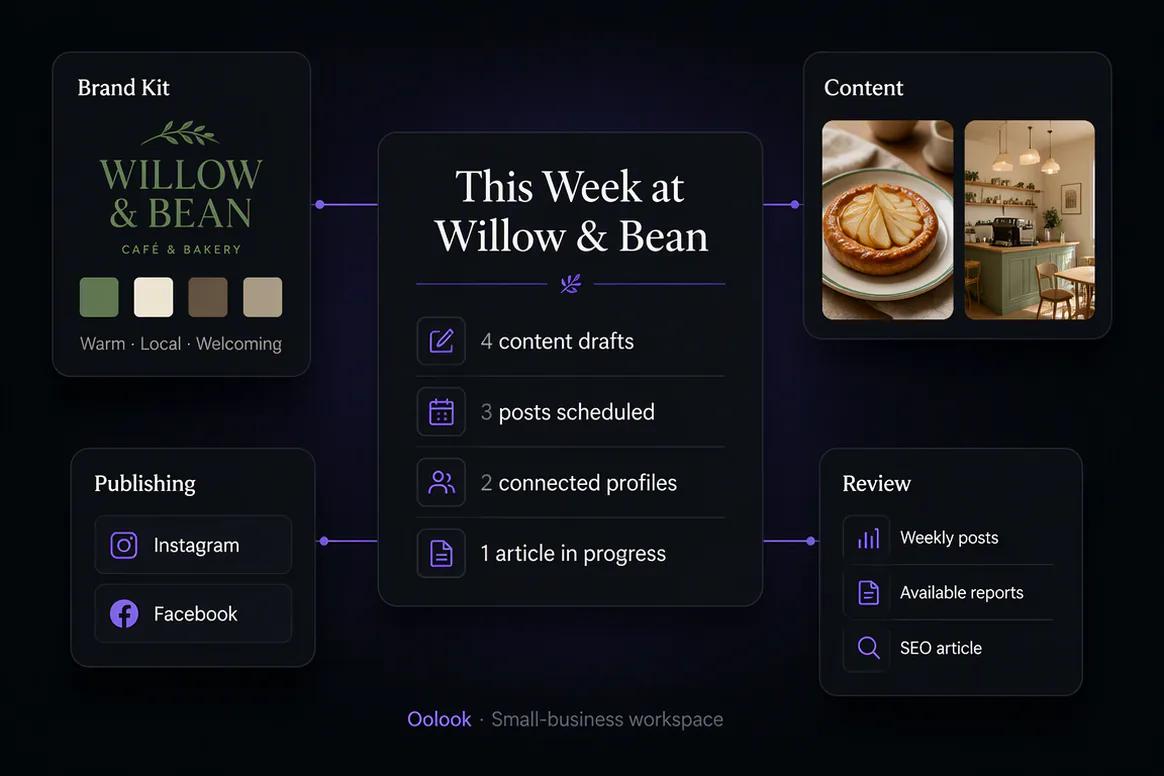
Record available information about your business, audience, positioning, writing preferences, visual direction, and calls to action.

  • Keep business identity and audience context together
  • Define reusable writing and visual preferences
  • Organize approved calls to action and topics
  • Guide supported content without repeating every instruction
Small-business Brand Kit configured inside Oolook

Create practical content

Prepare Social Copy and Creative Around Real Business Goals

Turn a promotion, service update, product launch, educational topic, or seasonal objective into editable marketing content.

  • Generate captions and destination variants
  • Create images and coordinated carousels
  • Use approved references and existing business media
  • Review generated details before publication
Small-business social copy and creative prepared with Oolook

Maintain a consistent presence

Move Approved Content Into Scheduling

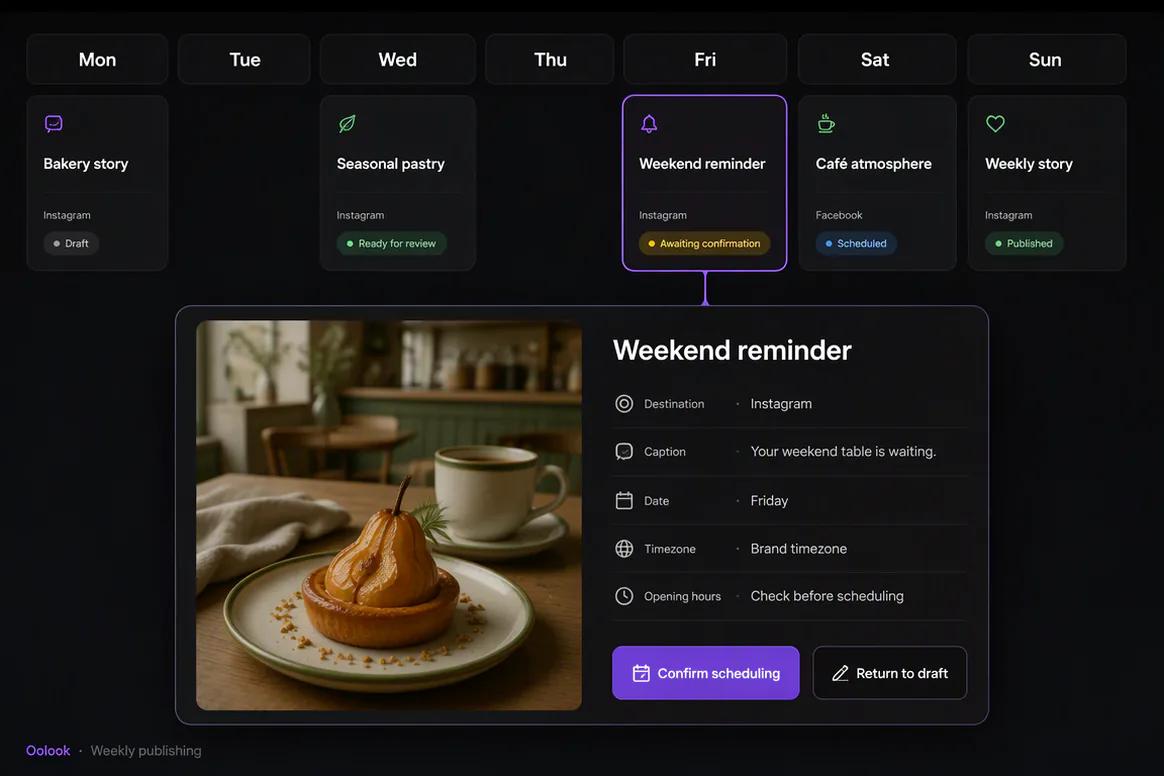
Review the selected profile, caption, media, date, time, timezone, and supported destination settings before confirming publication.

  • Keep incomplete content as editable drafts
  • Prepare supported immediate or scheduled publication
  • Monitor publishing and attention-required states
  • Retain control over every supported action
Small-business social content prepared for scheduling in Oolook

Learn and continue

Use Available Results to Prepare the Next Content Action

Review accessible profile and post information, identify useful patterns without overclaiming, and prepare follow-up content.

  • Review available profile and post metrics
  • Compare eligible published content
  • Prepare grounded follow-up ideas
  • Continue into supported SEO article creation
Small business reviewing social performance and preparing follow-up marketing content

Small-business campaign examples

Turn Weekly Business Priorities Into Publishable Marketing

Connect a practical weekly objective to approved photography, social content, scheduling, and follow-up without assembling a large tool stack.

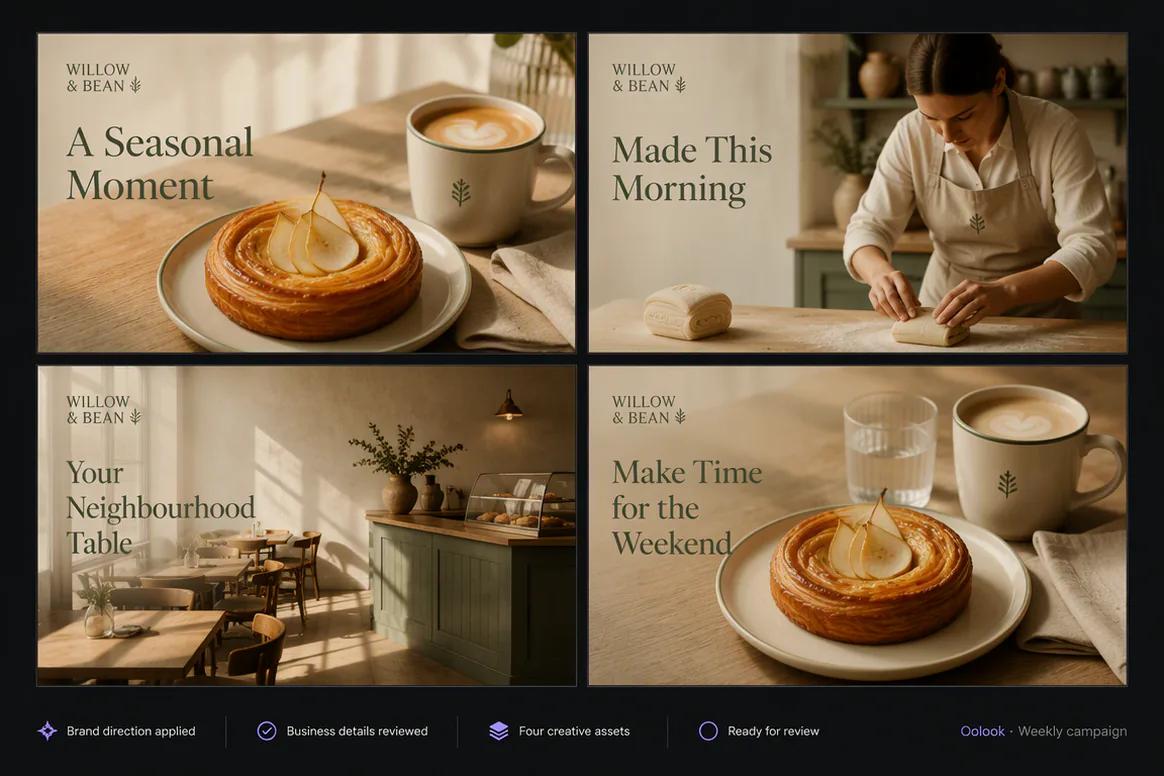
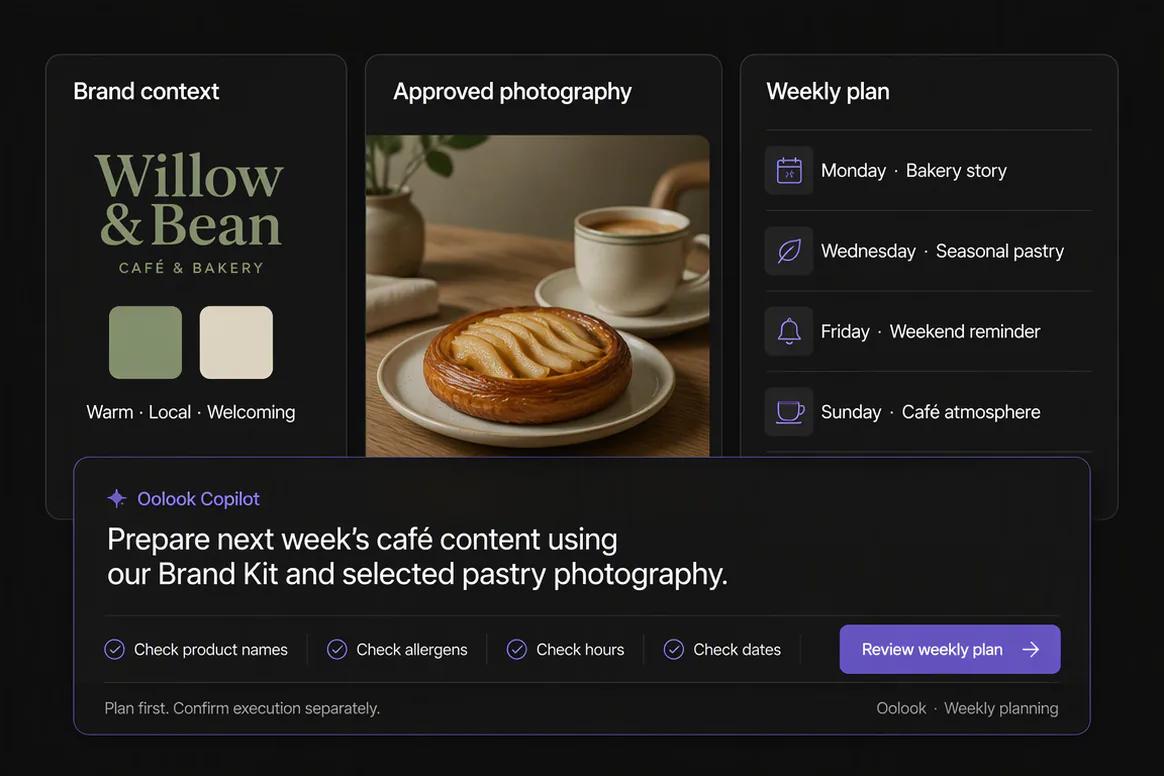
Oolook displaying a completed weekly cafe campaign

Weekly Café Campaign

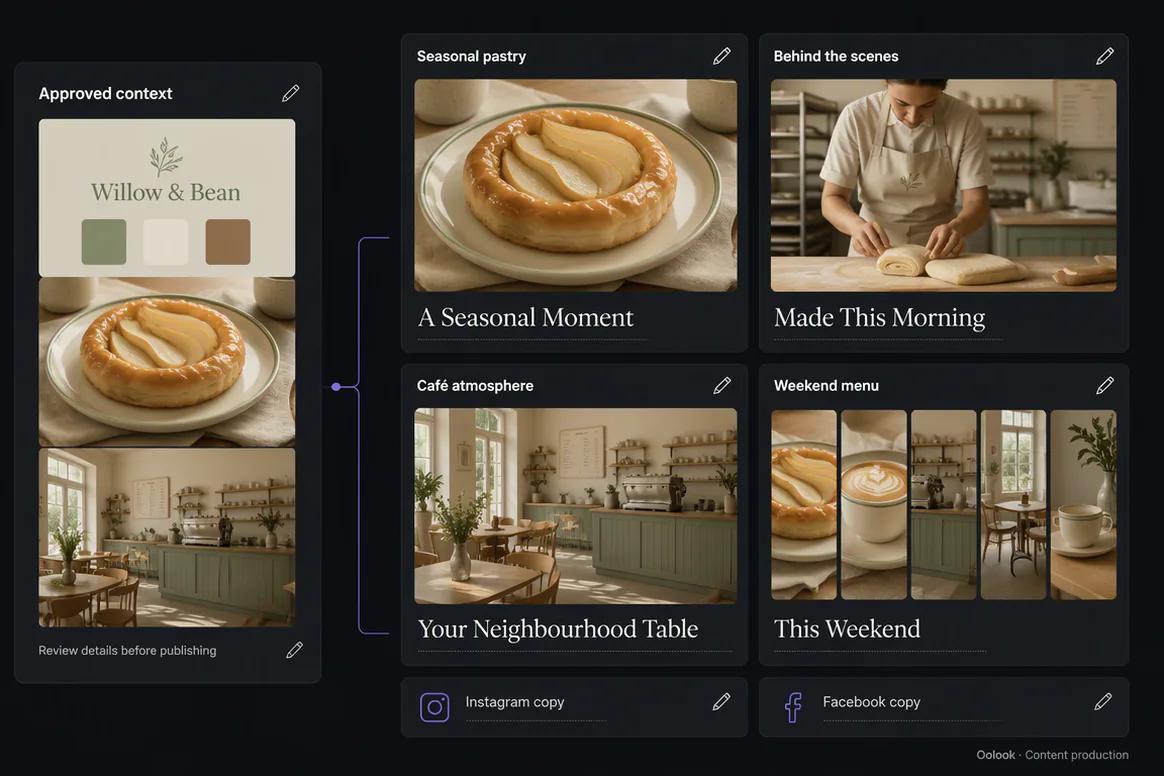
Combine a seasonal product announcement, business story, atmosphere post, and weekend reminder.

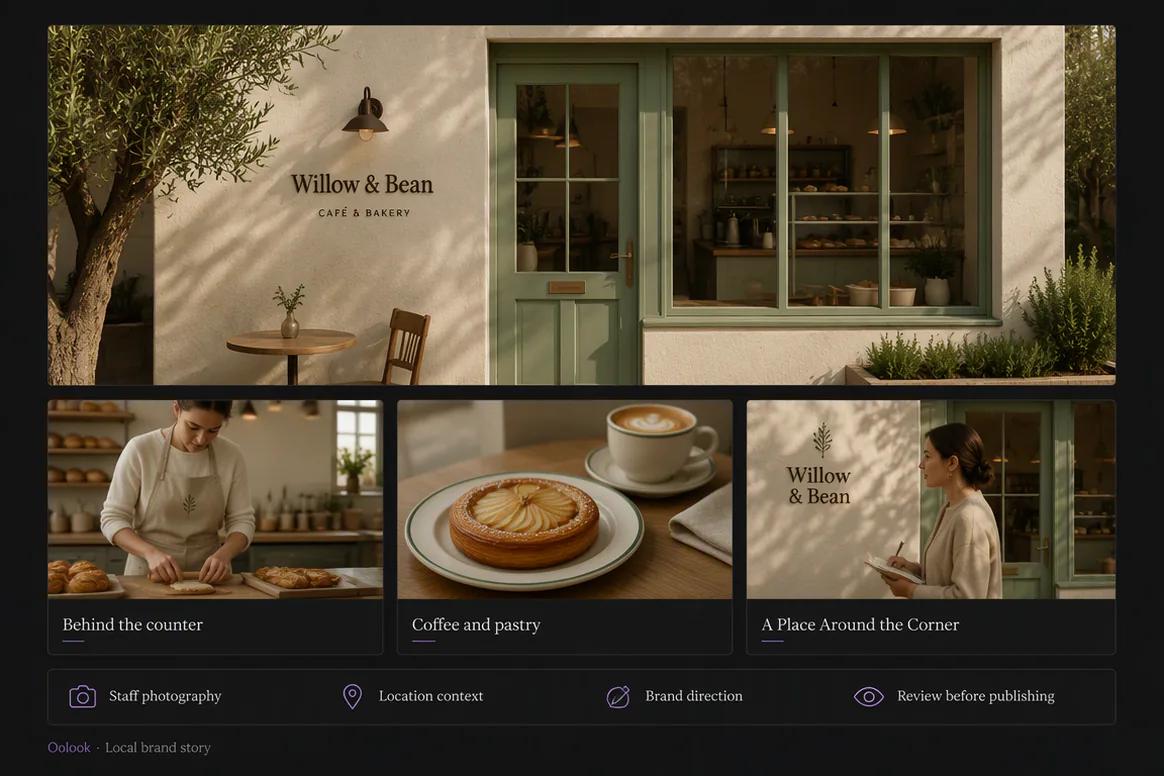
Oolook displaying a local small-business brand story

Local Brand Story

Use approved business, staff, product, and location photography to explain the brand accurately.

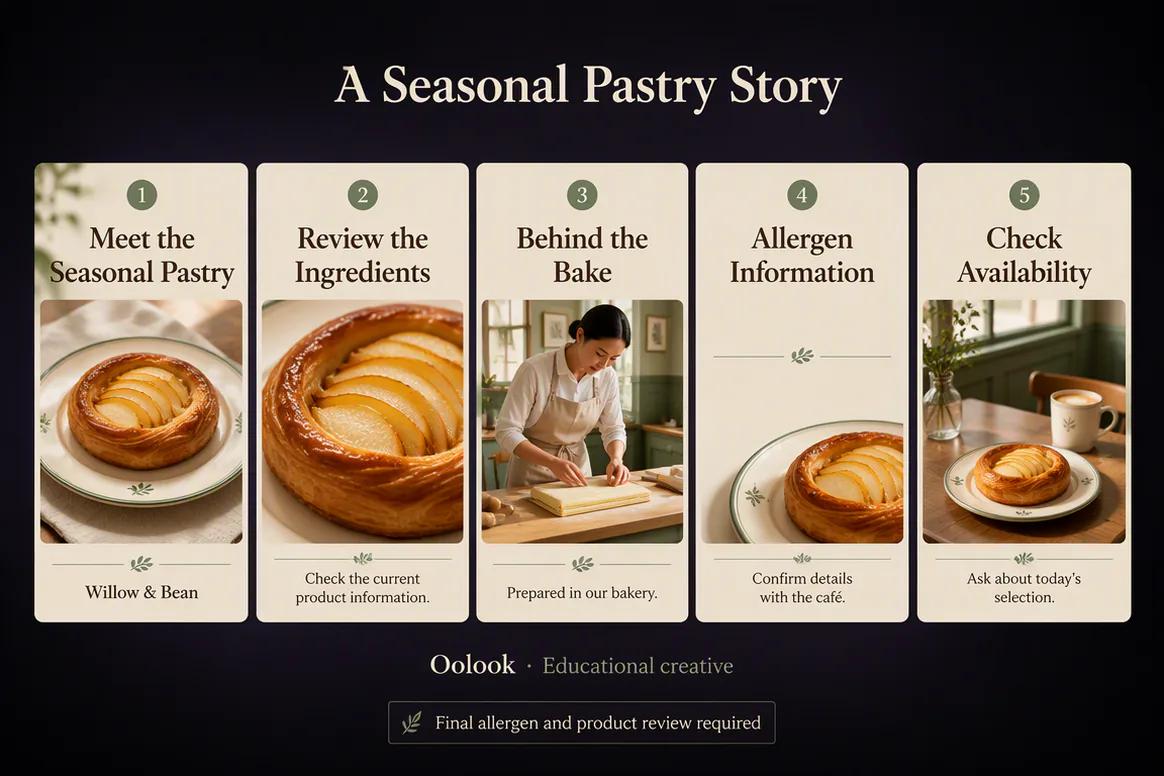
Oolook displaying an educational small-business carousel

Customer Education

Turn verified product or service information into useful visual content for recurring customer questions.

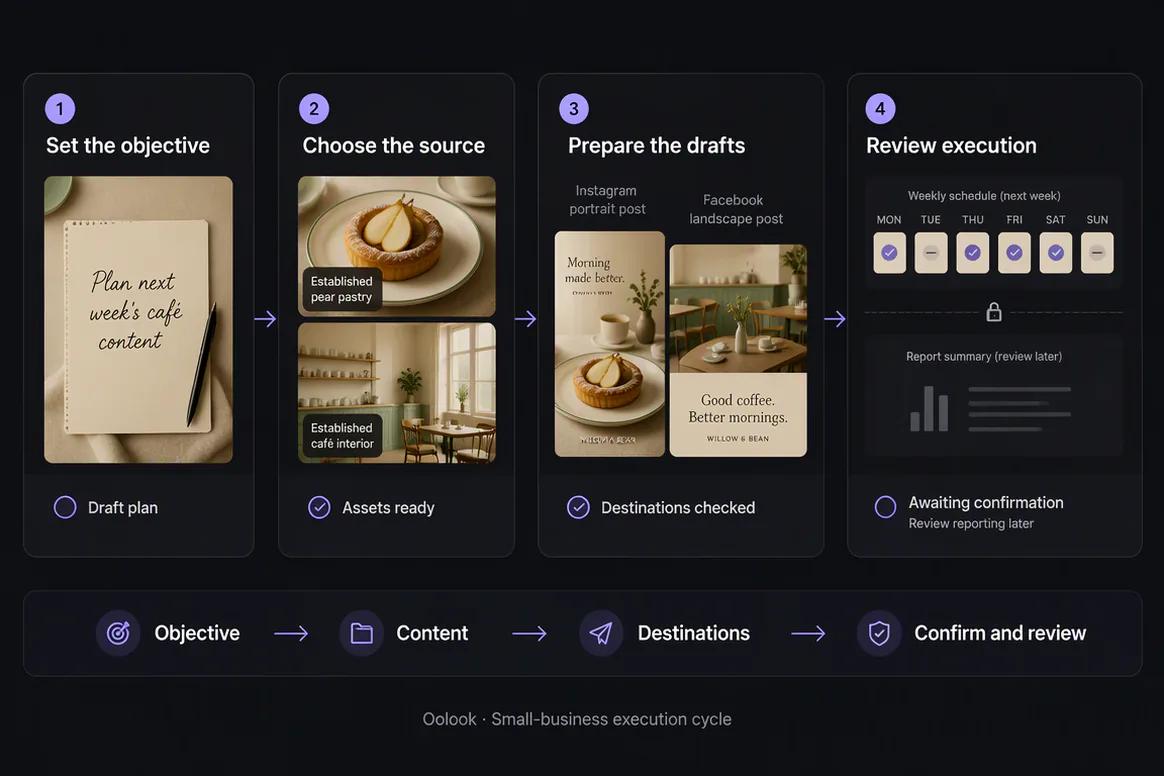
Oolook displaying a complete small-business marketing cycle

Weekly Execution Cycle

Move from the objective into approved assets, destination drafts, confirmed scheduling, and later review.

Oolook Copilot in action

How Oolook Copilot Supports Small-Business Marketing

Start with a clear business objective and keep the resulting work visible and reviewable.

01

Describe the objective

Explain the offer, audience, campaign, destinations, and intended outcome.

02

Use business context

Apply available Brand Kit information and approved assets from the workspace.

03

Prepare the marketing work

Create the copy, visual assets, drafts, publishing details, or SEO content required.

04

Review and confirm

Check accuracy, brand alignment, media, destination, settings, and timing before execution.

Built for Small Businesses

Complete Recurring Marketing Jobs Without a Large Tool Stack

Exact capabilities, limits, models, credits, social formats, and publishing behavior depend on current Oolook availability and the selected plan.

Social campaigns

Prepare connected posts around products, services, offers, events, and seasonal objectives.

Marketing creative

Generate or process the images and carousels required by the campaign.

Scheduled publishing

Prepare destination-specific content and monitor supported publication states.

SEO articles

Research, generate, evaluate, edit, and manage business blog content.

Practical marketing jobs

Use Oolook for Everyday Small-Business Marketing

Connect recurring marketing work to the same brand guidance and reusable assets.

Promote a product or service

Prepare a week of social content

Create a seasonal campaign

Reuse existing business photography

Explain a common customer question

Create and improve an SEO article

One connected workspace

Everything Connected to Your Business Marketing

Keep brand context, creative production, media, publishing records, reports, and SEO content inside one business workspace.

Brand Kit

Use available audience, positioning, writing preferences, visual direction, and calls to action.

Oolook Copilot

Inspect available workspace information and prepare supported marketing actions for review.

Creative applications

Generate captions, images, coordinated carousels, moodboards, and other supported assets.

Media Library

Find, organize, process, and reuse uploaded and generated assets inside the selected brand.

Controlled publishing

Prepare drafts, validate supported requirements, schedule content, and monitor publication states.

Available reporting

Review accessible profile and post information from supported connected networks.

Why Oolook

Replace Disconnected Marketing Handoffs for Small Businesses

Oolook connects brand context, content production, reusable media, publishing, reporting, and SEO work inside the same operating environment.

Workflow
Disconnected tools
Oolook
Brand context
Re-entered in every writing and creative tool
Reused from the selected Brand Kit
Creative
Copy and visuals are prepared separately
Captions, images, and carousels stay connected
Media
Assets are scattered across folders and downloads
Approved media remains organized by brand
Publishing
Final content moves into another scheduler
Drafts continue into controlled publishing
Follow-up
Reports are separated from the next content action
Available reporting stays connected to execution

Step-by-step guide

How Small Businesses Can Use Oolook

Follow a controlled workflow from brand setup to content production, publication, and review.

  1. 1

    Create or select the brand workspace

    Keep Brand Kit information, media, profiles, drafts, schedules, reports, and SEO content associated with the correct brand.

  2. 2

    Configure the available brand context

    Add identity, audience, positioning, writing preferences, visual direction, topics, and calls to action.

  3. 3

    Define the marketing objective

    State the campaign, audience, offer, destinations, publishing period, and required source material.

  4. 4

    Prepare the content and creative

    Use Copilot, focused applications, and existing Media Library assets to create the required work.

  5. 5

    Review each destination

    Check the copy, media, profile, date, time, timezone, and supported platform-specific settings.

  6. 6

    Confirm supported actions

    Approve publishing or other workspace changes only after the complete action has been reviewed.

  7. 7

    Review available results

    Use accessible profile and post information to prepare the next grounded content action.

Frequently asked questions

Your Small Businesses Questions, Answered

What is an AI marketing tool for small businesses?+

It is software that helps a small business prepare marketing content, creative assets, publishing actions, reports, or SEO content with AI assistance.

Can Oolook learn my business brand?+

Oolook's Brand Kit stores structured business, audience, positioning, writing, and visual information that can guide supported workflows.

Can Oolook create social media content?+

Yes. Oolook supports captions, images, coordinated carousels, moodboards, media processing, and destination-specific drafts.

Can Oolook schedule social content?+

Oolook supports drafts, immediate publishing, scheduling, validation, queue states, retries, and status monitoring where currently supported.

Can I reuse my existing business photos?+

Yes. Uploaded, generated, and processed assets can be organized and reused through the selected brand's Media Library.

Can Oolook create blog content?+

Yes. Oolook supports researched SEO article generation, evaluation, editing, reevaluation, optimization, and management.

Does Oolook guarantee more followers or sales?+

No. Oolook helps execute marketing work but does not guarantee followers, engagement, leads, rankings, or revenue.

Does Copilot publish without my approval?+

No. Supported workspace changes are presented for confirmation before execution.

Start with Oolook

Move Your Business Marketing From Idea to Execution

Connect your Brand Kit, Copilot, creative applications, reusable media, controlled publishing, available reporting, and SEO content.