Oolook for Marketing Teams

Connect Your Marketing Team From Brief to Execution

Keep brand guidance, campaign briefs, creative assets, social drafts, publishing records, available reports, and SEO content inside one shared marketing workspace.

Oolook Copilot

Media Library discovery

Working in: Alder & Form
Ask anything
Demonstration assets are fictional. Actual results depend on media stored in the selected brand workspace.
Prepare a team campaignReview upcoming contentFind approved brand assets

Supported actions are prepared for review and confirmation. Publishing capabilities and formats depend on current Oolook availability and the destination network.

AI marketing workspace for teams

Reduce Handoffs Between Brand, Content, Creative, and Publishing

Use Oolook to keep the context behind the campaign connected to the assets, drafts, destinations, publication states, and follow-up work required to execute it.

Centralize brand context

Give the Team One Source of Marketing Direction

Use the selected Brand Kit to keep available audience, positioning, writing preferences, visual direction, topics, and calls to action connected to supported workflows.

  • Keep reusable brand guidance in the workspace
  • Reduce repeated instructions across applications
  • Connect campaign work to approved brand context
  • Review generated content for brand alignment
Marketing team using structured brand context inside Oolook

Prepare the campaign

Create Copy and Visual Assets Around the Same Objective

Turn an approved brief into captions, images, coordinated carousels, and destination-specific drafts without separating the creative from its business context.

  • Generate captions and editable variants
  • Create images using prompts and references
  • Build coordinated multi-card carousels
  • Reuse approved assets from the Media Library
Marketing campaign copy and creative assets prepared in Oolook

Keep actions reviewable

Review Destination Details Before Publication

Inspect the selected profile, caption, media, date, time, timezone, and supported platform settings before confirming a publishing action.

  • Keep incomplete content as editable drafts
  • Review each destination independently
  • Validate supported publishing requirements
  • Confirm only approved workspace changes
Marketing team reviewing destination-specific publishing actions

Continue from performance

Turn Available Results Into Follow-Up Work

Review accessible profile and post information, identify observable patterns, and prepare the next content action using the same brand and campaign context.

  • Review available profile and post metrics
  • Compare eligible published content
  • Prepare grounded follow-up content
  • Continue into supported SEO article workflows
Marketing team reviewing available performance in Oolook

Marketing team examples

Keep Product, Creative, Social, and SEO Work Connected

Move from an approved product brief into coordinated campaign assets, social distribution, reusable media, and supporting search content.

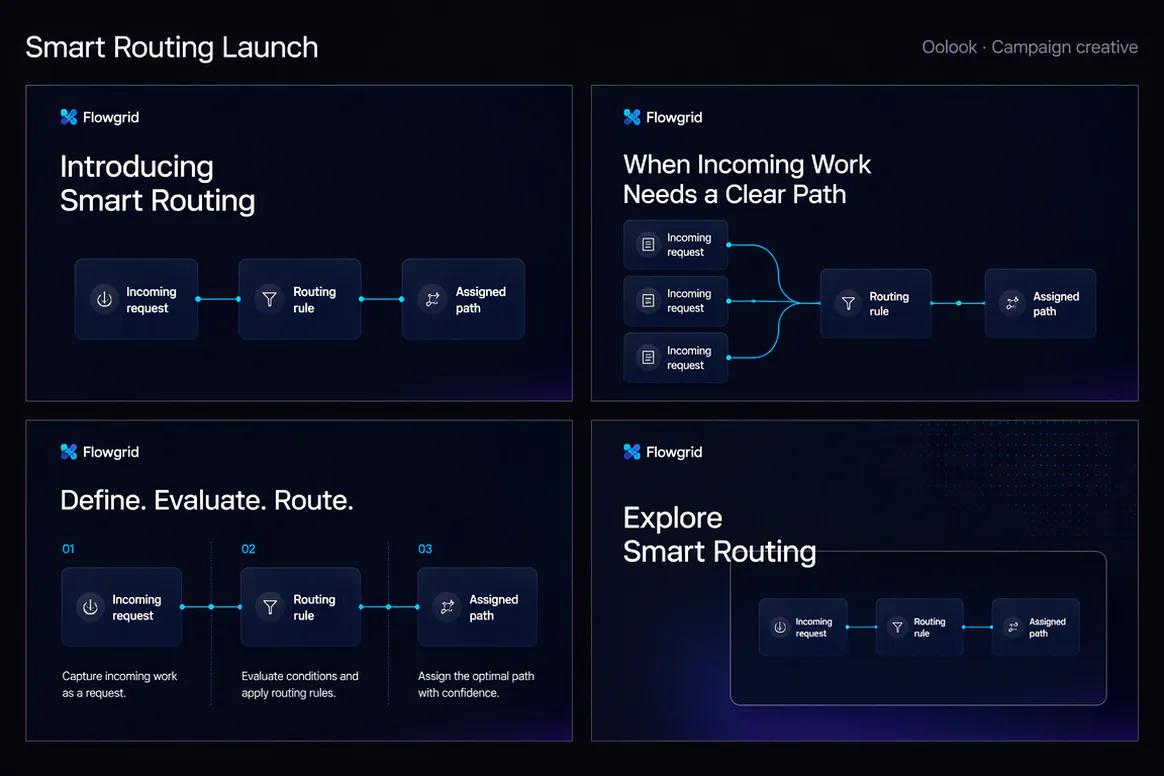
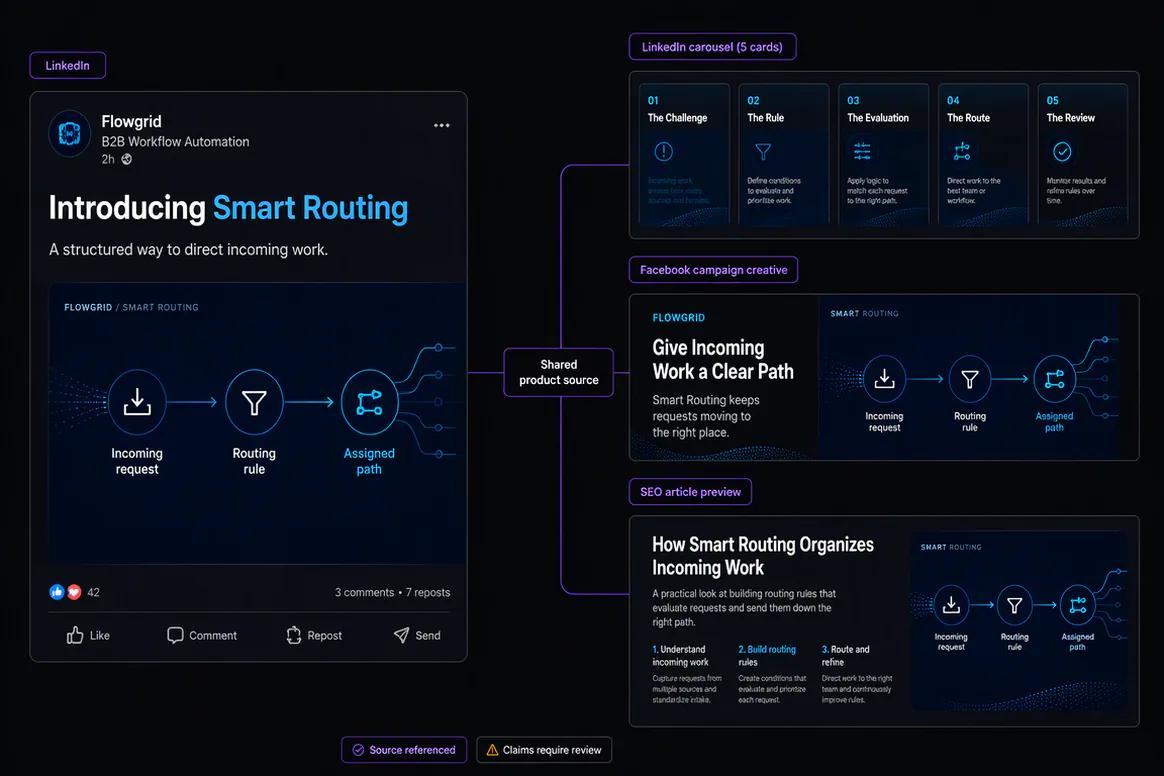
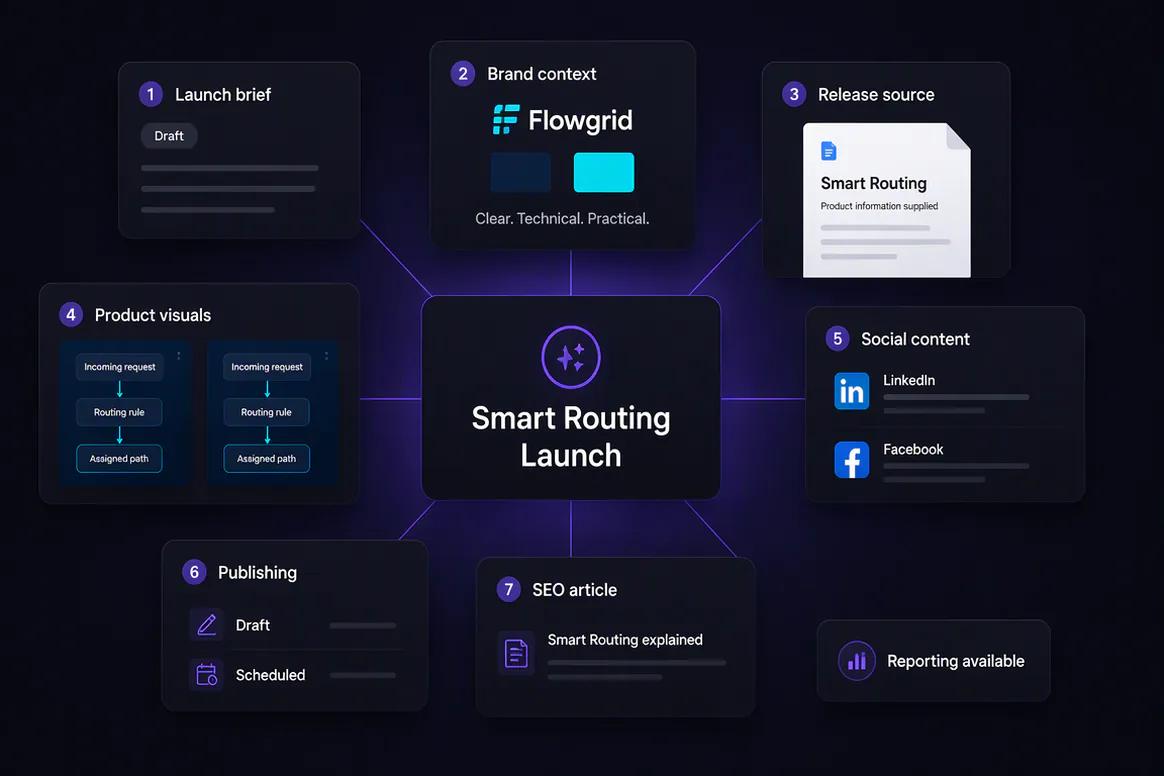
Oolook displaying an in-house product launch campaign

In-House Launch Campaign

Connect approved product information, screenshots, messaging, and destination drafts around one launch.

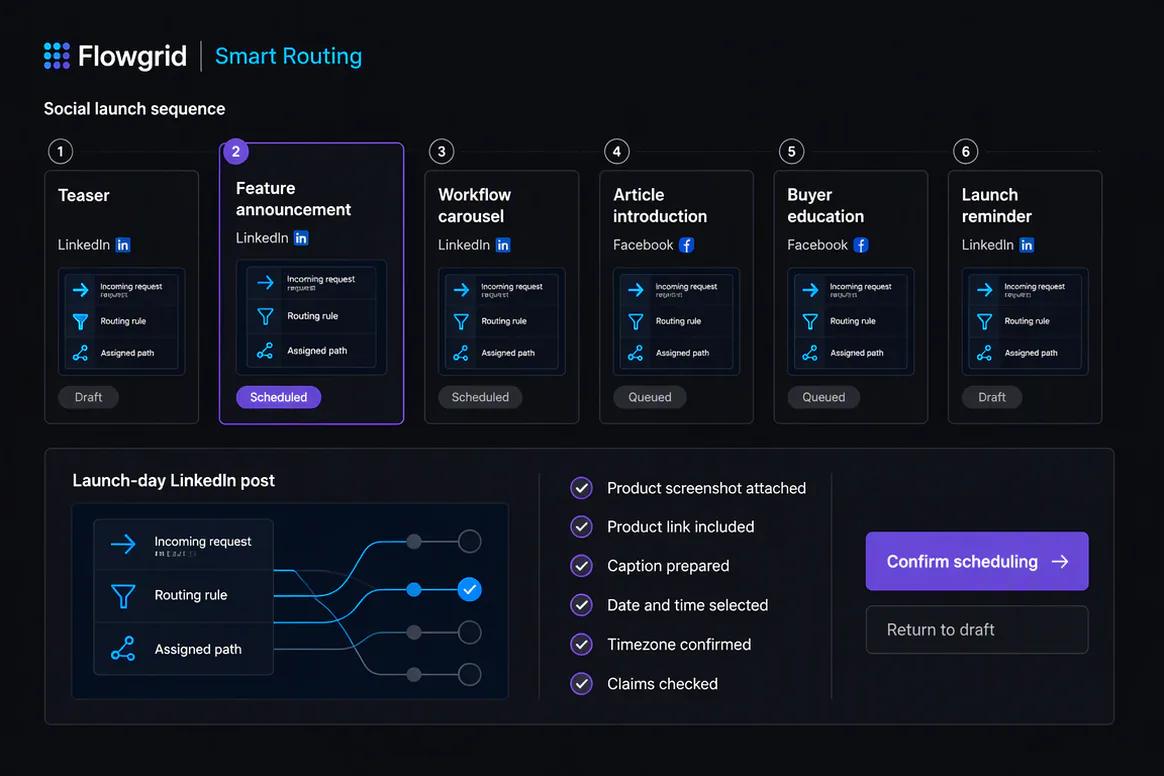
Oolook displaying a connected social and SEO campaign

Social and Article Campaign

Use the same approved product truth across social posts, a carousel, and supporting article content.

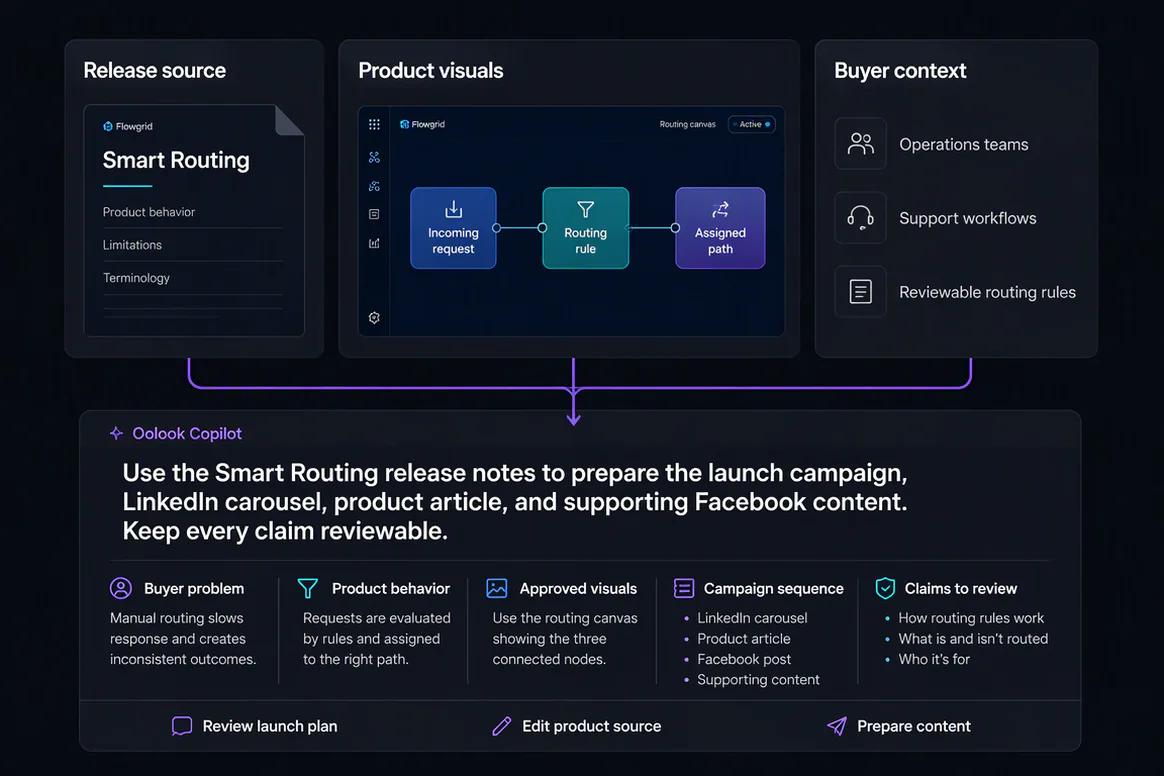
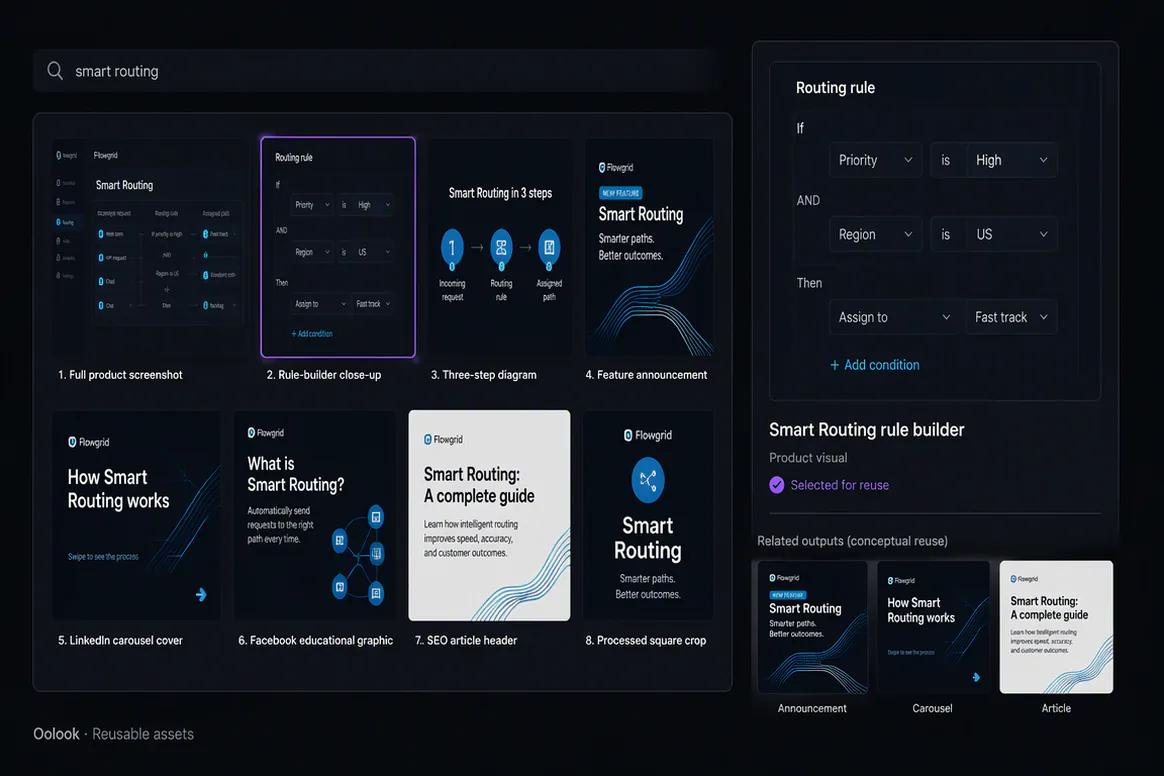
Oolook displaying reusable product marketing assets

Reusable Product Assets

Keep approved screenshots, diagrams, campaign graphics, and article media available for reuse.

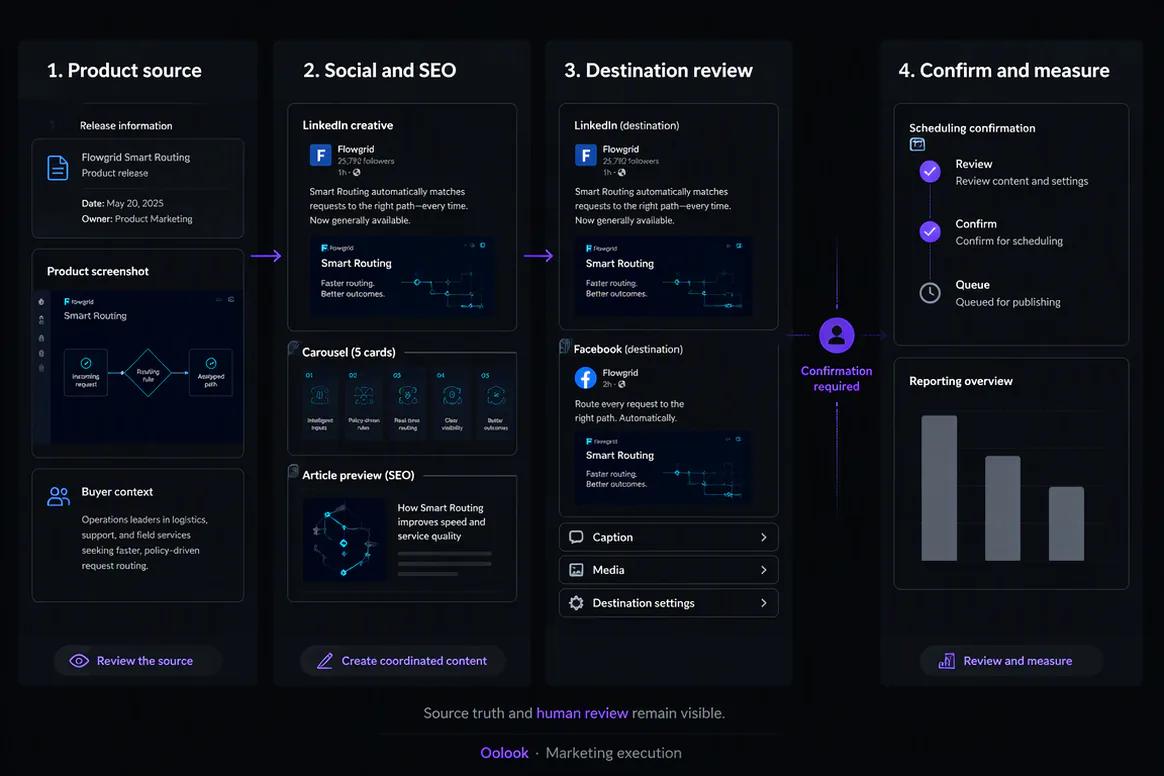
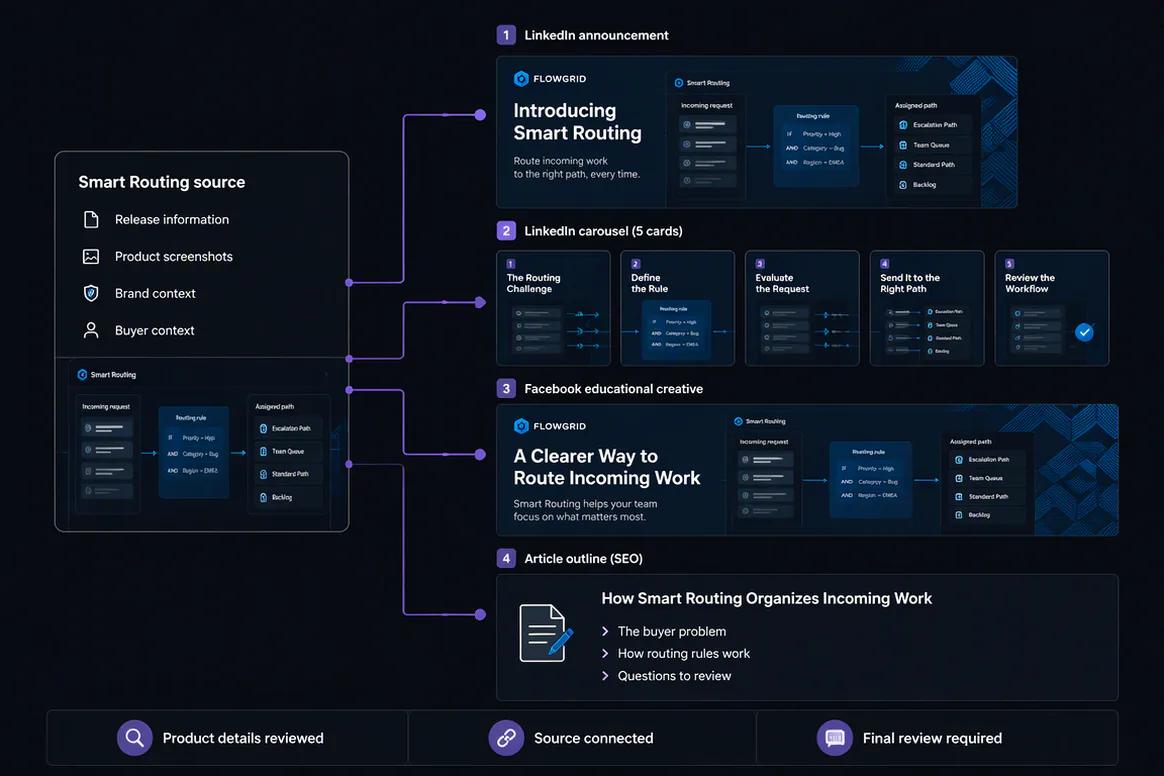
Oolook displaying an in-house marketing execution workflow

Team Execution Workflow

Connect approved sources, brand-aware production, destination review, publishing, and reporting.

Oolook Copilot in action

How Oolook Copilot Supports Marketing Teams

Keep campaign assistance connected to the workspace while preserving human review.

01

Select the brand

Open the workspace containing the correct Brand Kit, media, profiles, reports, and content records.

02

Provide the objective

State the audience, offer, destinations, timing, approved sources, and campaign constraints.

03

Prepare the work

Create the captions, assets, destination drafts, or SEO content required by the campaign.

04

Review and confirm

Inspect accuracy, brand alignment, media, destination settings, and timing before execution.

Built for Marketing Teams

Support Connected Marketing Team Workflows

Seats, permissions, workspaces, profiles, posts, reports, storage, and AI credits depend on the selected Oolook plan.

Campaign production

Prepare connected social content and creative around an approved campaign brief.

Brand operations

Reuse structured guidance and approved assets across supported workflows.

Social execution

Prepare, validate, schedule, publish, and monitor eligible content.

SEO content

Research, generate, evaluate, edit, and manage article workflows.

Practical marketing jobs

Use Oolook for Recurring Marketing Team Work

Keep every task connected to the brand context and campaign records behind it.

Prepare a multi-platform product launch

Create a seasonal campaign

Find and reuse approved brand assets

Review next week's scheduled content

Prepare follow-up content from available results

Create and improve an SEO article

One connected workspace

Everything Connected to the Marketing Team Workflow

Keep brand guidance, creative production, assets, publishing records, available reporting, and SEO content together.

Brand Kit

Use available audience, positioning, writing preferences, visual direction, topics, and calls to action.

Oolook Copilot

Inspect available workspace information and prepare supported marketing actions for review.

Creative applications

Generate captions, images, coordinated carousels, moodboards, and other supported marketing assets.

Media Library

Find, organize, process, and reuse uploaded and generated assets inside the selected brand.

Controlled publishing

Prepare drafts, validate supported requirements, schedule content, and monitor publication states.

Available reporting

Review accessible profile and post information from supported connected networks.

Why Oolook

Replace Disconnected Marketing Handoffs for Marketing Teams

Oolook connects brand context, creative production, reusable media, publishing, available reporting, and SEO content inside one operating environment.

Workflow
Disconnected tools
Oolook
Brand context
Instructions are repeated across writing and creative tools
Available Brand Kit information remains connected
Creative
Copy, images, and carousels are prepared separately
Creative outputs remain associated with the campaign
Media
Approved assets are scattered across folders
Media remains organized inside the brand workspace
Publishing
Approved content moves into another scheduler
Drafts continue into controlled publishing
Follow-up
Reports are separated from future content work
Available reporting can inform the next action

Step-by-step guide

How Marketing Teams Can Use Oolook

Follow a controlled workflow from workspace setup to content production, publication, and review.

  1. 1

    Select the correct brand workspace

    Keep Brand Kit information, media, profiles, drafts, schedules, reports, and SEO content associated with the correct brand.

  2. 2

    Configure the available brand context

    Add identity, audience, positioning, writing preferences, visual direction, topics, and calls to action.

  3. 3

    Define the marketing objective

    State the campaign, audience, offer, destinations, publishing period, and approved source material.

  4. 4

    Prepare the content and creative

    Use Copilot, focused applications, and existing Media Library assets to create the required work.

  5. 5

    Review every destination

    Check the copy, media, profile, date, time, timezone, and supported platform-specific settings.

  6. 6

    Confirm supported actions

    Approve publishing or other workspace changes only after reviewing the complete action.

  7. 7

    Review available results

    Use accessible profile and post information to prepare the next grounded content action.

Frequently asked questions

Your Marketing Teams Questions, Answered

What is an AI marketing workspace for teams?+

It is software that connects marketing context, content creation, creative assets, publishing, reporting, and related workflows with AI assistance.

Can Oolook keep brand guidance reusable?+

Yes. Structured Brand Kit information can guide supported Copilot, content, creative, media, social, and SEO workflows.

Can teams create social content in Oolook?+

Yes. Oolook supports captions, images, coordinated carousels, moodboards, media processing, and destination-specific drafts.

Can teams reuse approved assets?+

Yes. Uploaded, generated, and processed assets can be organized and reused through the selected brand's Media Library.

Can Oolook schedule social content?+

Oolook supports drafts, scheduling, validation, queue states, retries, and publication-status monitoring where currently supported.

Can Oolook support SEO article work?+

Yes. Oolook supports article research, generation, evaluation, editing, reevaluation, optimization, and management.

Does Copilot make changes without approval?+

No. Supported workspace changes are presented for confirmation before execution.

Does Oolook replace enterprise project management?+

No. Oolook focuses on connected marketing execution. Complex enterprise project management and approval depth should not be assumed without verification.

Start with Oolook

Connect Your Marketing Team From Brand Context to Execution

Bring Copilot, Brand Kit guidance, creative production, reusable media, controlled publishing, available reporting, and SEO content together.