Oolook for AI Brand Kit

Keep AI-Generated Marketing Content Consistent With Your Brand

Give Oolook structured information about your identity, audience, positioning, writing preferences, visual direction, and calls to action, then reuse that context across supported marketing workflows.

Oolook Copilot

Brand-aware content preparation

Working in: Alder & Form
Ask anything
Brand details shown here are fictional. Actual output uses available information from the selected Brand Kit.
Create content in our brand voiceApply our visual directionReview missing brand context

Supported actions are prepared for review and confirmation. Publishing capabilities and formats depend on current Oolook availability and the destination network.

Reusable brand intelligence

Stop Rewriting the Same Brand Instructions for Every Task

The Oolook Brand Kit gives supported Copilot, content, creative, media, social publishing, and SEO workflows a structured source of brand context.

Define the brand

Capture the Identity Behind Every Marketing Decision

Organize the essential information that explains what the brand is, who it serves, how it is positioned, and what it should communicate.

  • Record business identity and website context
  • Define the target audience and relevant pain points
  • Capture positioning, values, and marketing objectives
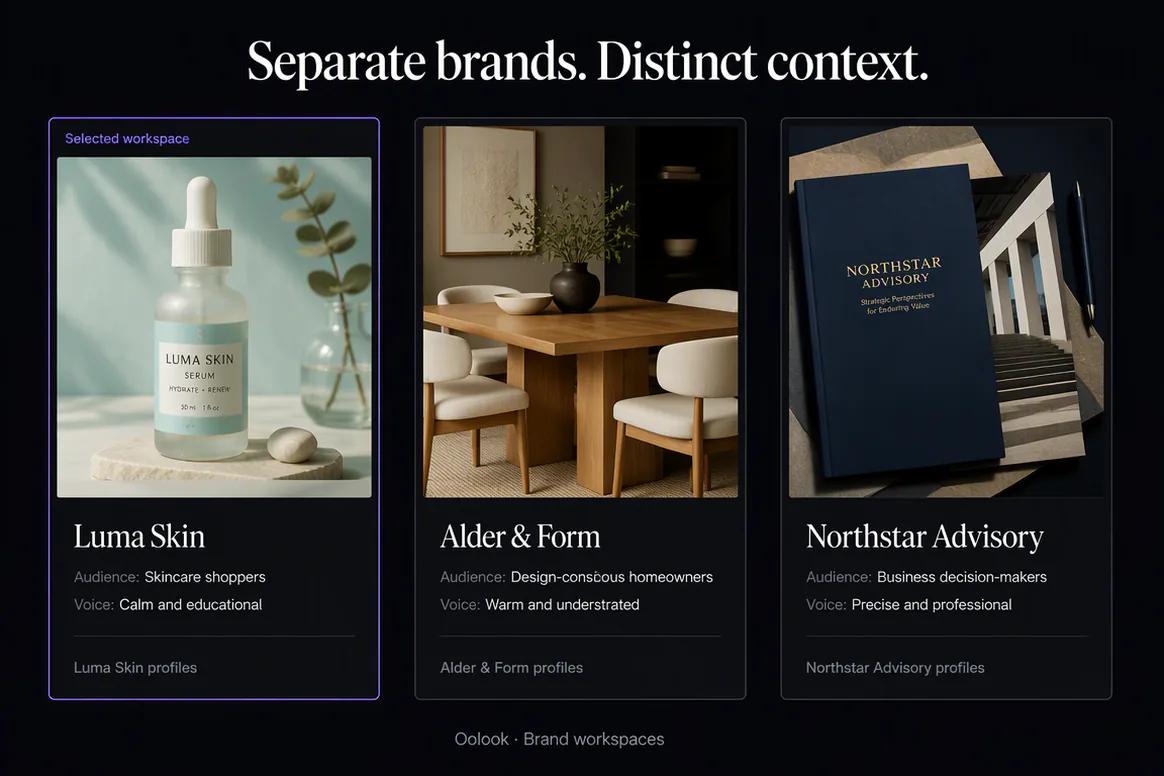
  • Keep each brand's information in a separate workspace
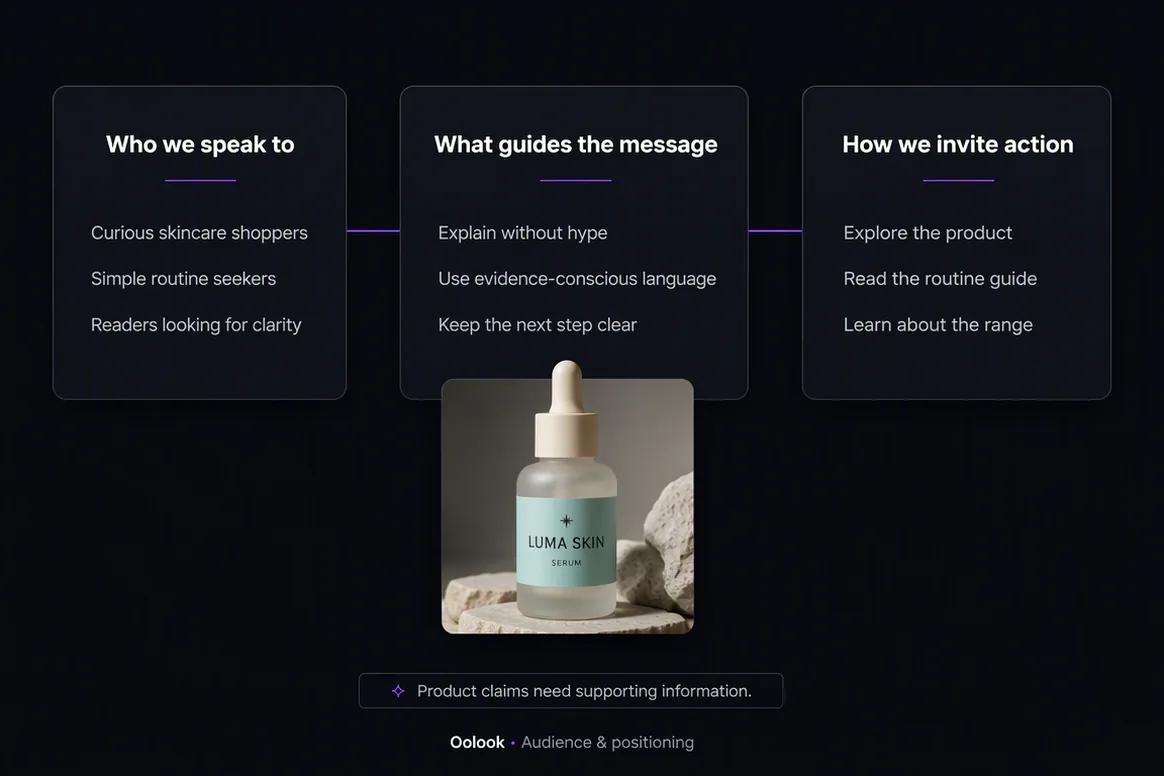
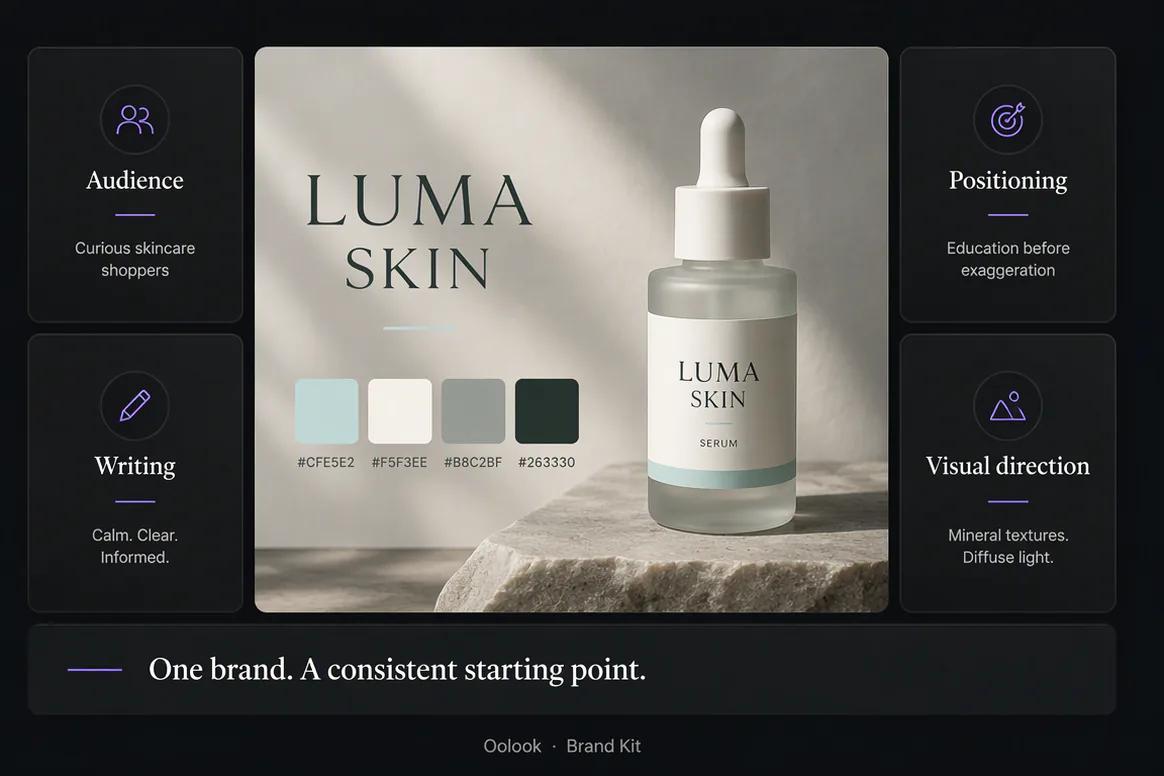
Oolook Brand Kit containing structured business identity and audience information

Shape the writing

Guide Captions and Articles With Reusable Writing Preferences

Give supported writing workflows clear direction about tone, language, messaging, calls to action, and recurring content priorities.

  • Define tone of voice and preferred language
  • Store caption and writing preferences
  • Add approved calls to action and hashtags
  • Connect content topics and campaigns to the brand
Writing preferences and messaging guidance inside the Oolook Brand Kit

Direct the visuals

Connect Visual Direction to Creative Production

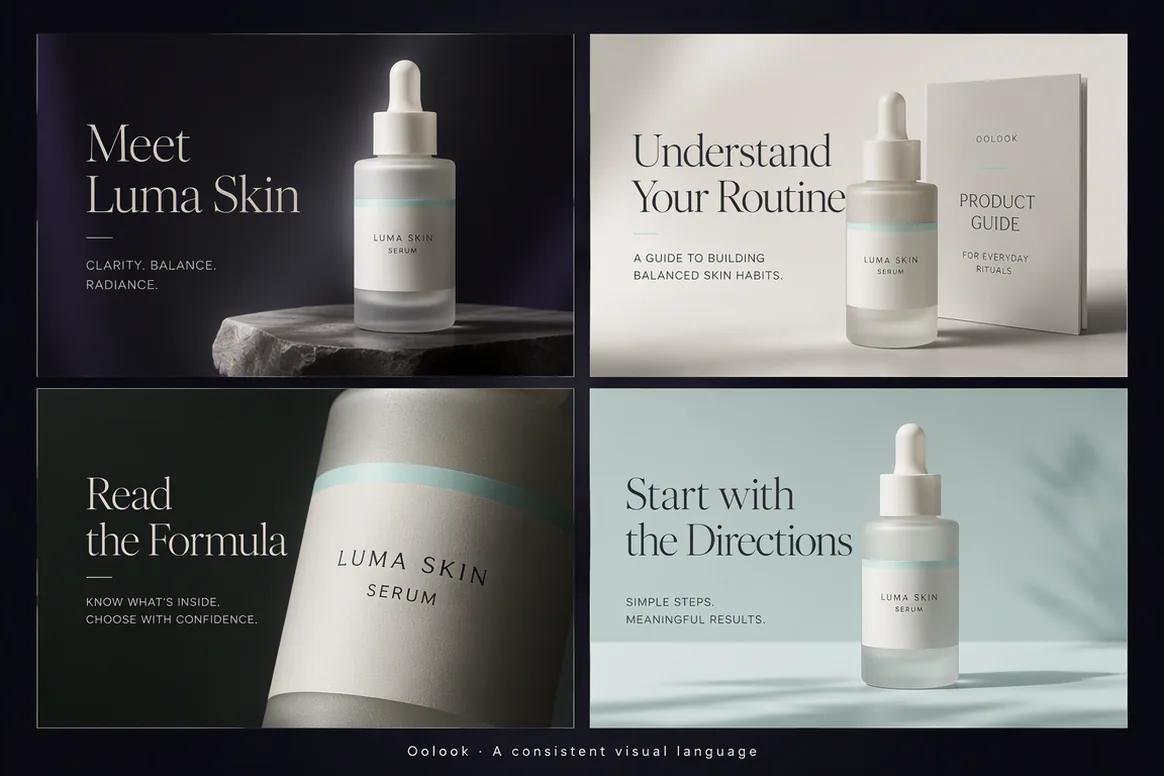
Keep logos, colors, fonts, references, and visual guidance available when preparing supported images, carousels, moodboards, and campaign assets.

  • Organize logos, colors, and font direction
  • Use references to clarify the intended visual language
  • Apply available context to supported creative workflows
  • Save approved outputs in the brand Media Library
Visual brand direction connected to creative production in Oolook

Reuse the context

Carry One Brand System Across Social and SEO Workflows

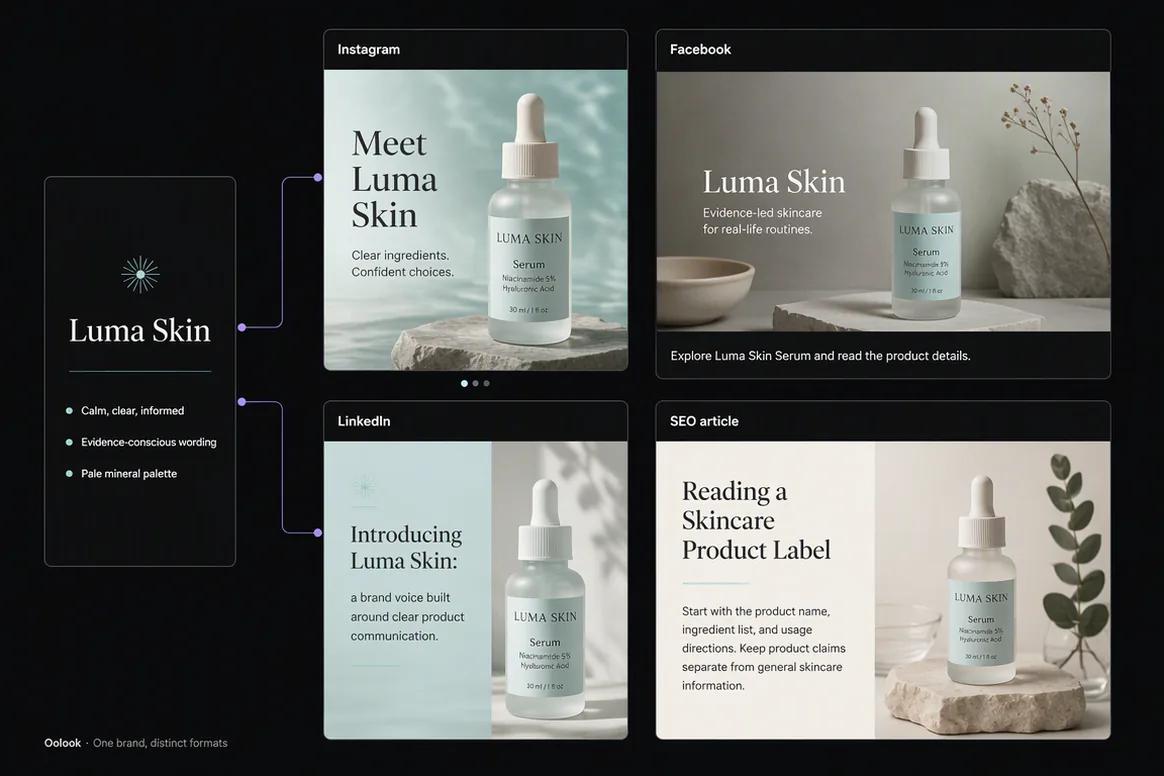
Use the same structured context when preparing social captions, creative assets, destination-specific drafts, and supported SEO content.

  • Give Copilot access to available Brand Kit context
  • Create destination-aware social content
  • Guide supported image and carousel generation
  • Continue into researched SEO article workflows
Oolook Brand Kit context reused across social and SEO workflows

Brand Kit examples

Turn Structured Brand Guidance Into Consistent Execution

Apply reusable identity, audience, positioning, writing preferences, and visual direction across supported Oolook workflows.

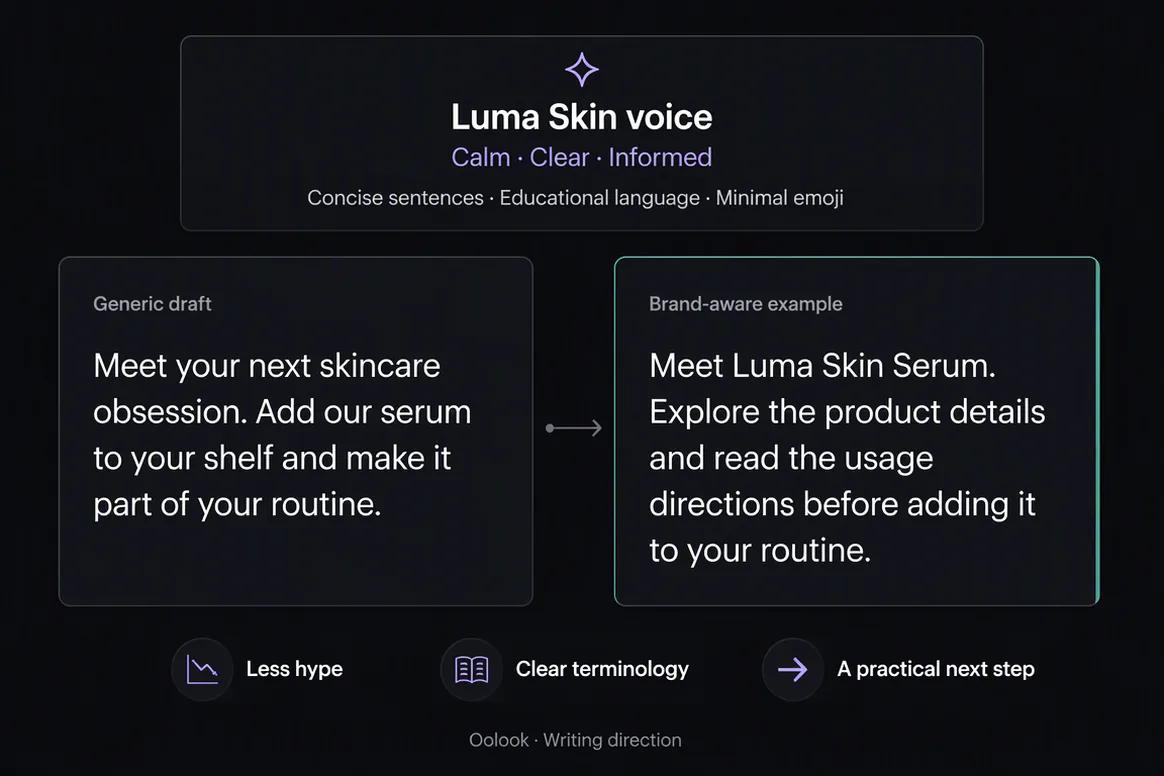
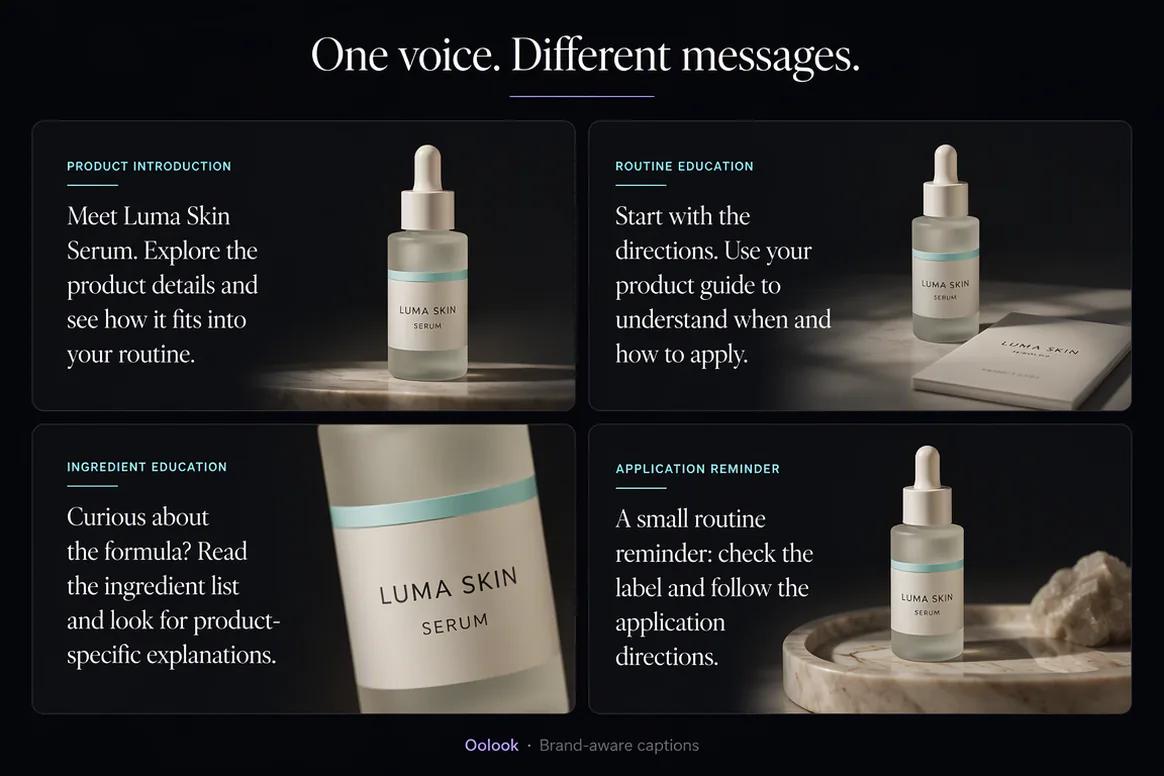
Oolook applying a Brand Kit to several marketing captions

Brand-Aware Captions

Use approved tone, terminology, messaging, and calls to action across campaign copy.

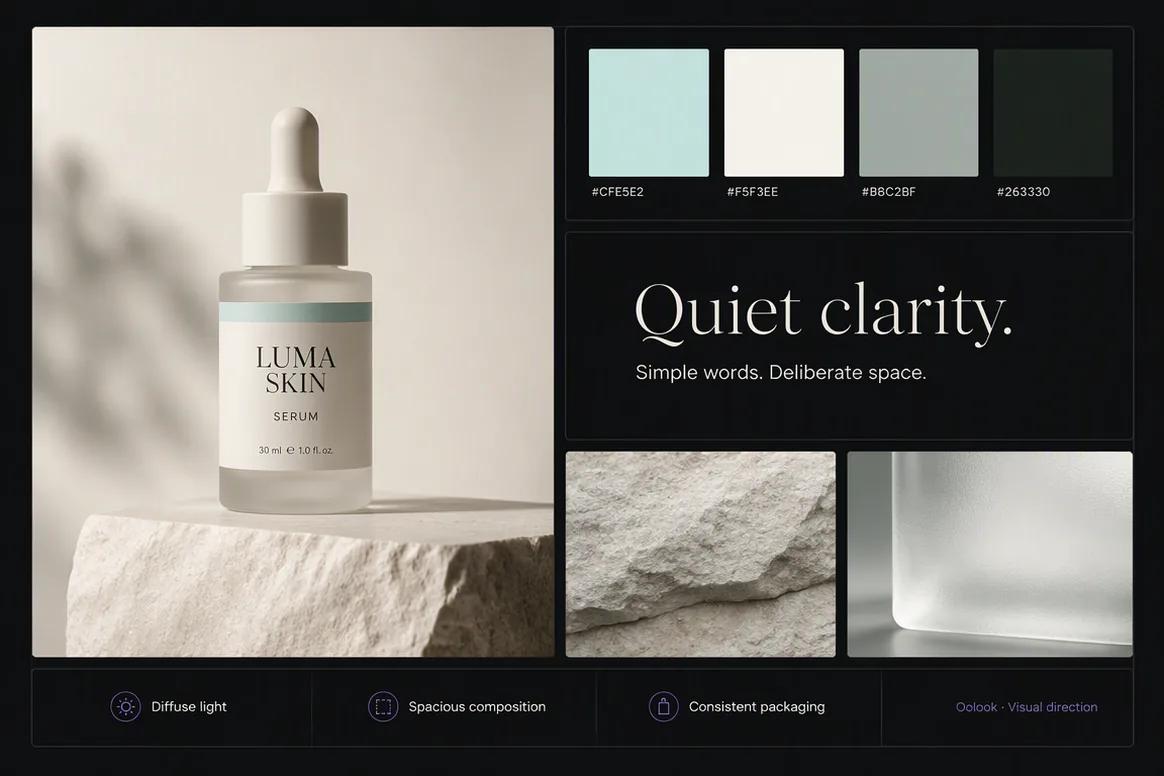
Oolook applying visual Brand Kit guidance to campaign assets

Consistent Visual Direction

Carry approved palette, photography, composition, and typography direction into creative production.

Oolook applying one Brand Kit across social and SEO content

Social and SEO Consistency

Reuse the same audience, positioning, language, and visual guidance across several content formats.

Oolook displaying separate Brand Kits for several brands

Multi-Brand Separation

Keep every brand's guidance, assets, profiles, content, and workspace records separate.

Oolook Copilot in action

How the Oolook Brand Kit Guides Marketing Work

Build the context once, select the correct workspace, and review how it is applied.

01

Create the workspace

Set up a separate workspace for the brand so its context, media, profiles, content, and reports remain isolated.

02

Add structured context

Record available identity, audience, positioning, writing, visual, campaign, and call-to-action information.

03

Use it in a workflow

Ask Copilot or a supported application to prepare content using the selected Brand Kit.

04

Review the output

Check accuracy and brand alignment before approving creative or confirming a supported action.

Built for AI Brand Kit

Give Supported Workflows the Brand Context They Need

The exact fields and ways Brand Kit information is applied depend on the current Oolook application and workflow.

Business identity

Describe the business, website, offer, market, and essential background.

Audience and positioning

Clarify who the brand serves, their relevant needs, and the brand's differentiated position.

Writing guidance

Store tone, language, caption preferences, messaging, topics, and calls to action.

Visual direction

Organize logos, colors, fonts, references, and intended visual characteristics.

Practical marketing jobs

Use Brand Kit Context Across Daily Marketing Work

Connect brand guidance to practical execution rather than leaving it in a static document.

Prepare captions in the selected brand voice

Create a coordinated product-launch campaign

Guide image and carousel generation

Adapt one message for several destinations

Prepare a brand-aware SEO article

Keep multiple client brands separated

One connected workspace

Connect Brand Context to the Complete Oolook Workspace

The Brand Kit becomes useful when it informs the applications and records used to execute marketing work.

Oolook Copilot

Use available Brand Kit information when answering questions and preparing supported marketing actions.

Social content

Guide captions and destination-specific variants with reusable brand and audience context.

Creative production

Connect visual direction and references to supported image, carousel, and moodboard workflows.

Media Library

Keep uploaded, generated, processed, and approved assets associated with the correct brand.

Social publishing

Carry brand-aware drafts into review, scheduling, publication, and status monitoring.

SEO content

Reuse relevant brand context during supported article research, generation, evaluation, and editing.

Why Oolook

Replace Repeated Prompt Instructions With Structured Context

Oolook keeps available brand information connected to the workspace where marketing work is prepared.

Workflow
Disconnected tools
Oolook
Identity
Rewritten for every application
Stored in the selected Brand Kit
Audience
Reduced to a short prompt description
Available as reusable structured context
Writing
Tone instructions copied repeatedly
Connected to supported writing workflows
Visuals
References scattered across folders
Connected to brand and creative workflows
Execution
Brand guidance separated from publishing
Content continues into controlled execution

Step-by-step guide

How to Build an AI Brand Kit

Create a useful source of context that can guide real marketing work.

  1. 1

    Select the correct brand workspace

    Create or open the workspace that will contain this brand's context, assets, profiles, content, and reports.

  2. 2

    Add the business identity

    Record the business name, website, offer, category, market, and other available foundational information.

  3. 3

    Define the audience and positioning

    Describe the intended audience, relevant pain points, differentiators, values, and marketing objectives.

  4. 4

    Configure writing preferences

    Add tone, language, caption guidance, preferred messaging, content topics, calls to action, and hashtags.

  5. 5

    Add visual direction

    Organize logos, colors, fonts, references, and the intended visual characteristics of the brand.

  6. 6

    Test the Brand Kit

    Generate a representative caption or creative brief and check whether the result reflects the intended brand.

  7. 7

    Refine the context

    Correct incomplete or conflicting guidance before using the Brand Kit across additional workflows.

Frequently asked questions

Your AI Brand Kit Questions, Answered

What is an AI Brand Kit?+

An AI Brand Kit is structured brand information that can guide supported AI-assisted content and creative workflows. In Oolook, it acts as the central source of brand context for the selected workspace.

What information can an Oolook Brand Kit contain?+

Available Brand Kit information can cover identity, website, audience, positioning, tone, writing preferences, values, objectives, calls to action, hashtags, topics, campaigns, logos, colors, fonts, and visual references.

Can the Brand Kit guide social captions?+

Yes. Available Brand Kit information can guide supported caption and destination-specific content workflows.

Can the Brand Kit guide image generation?+

Available visual direction and references can support image, carousel, moodboard, and other creative workflows where applicable.

Can I manage Brand Kits for multiple brands?+

Yes. Oolook uses separate brand workspaces so each brand can maintain its own context, media, profiles, content, schedules, and reports. Plan limits apply.

Does the Brand Kit guarantee every output is on-brand?+

No. Brand Kit context guides supported workflows, but generated content should still be reviewed for accuracy, quality, and brand alignment.

Can Copilot use the Brand Kit?+

Yes. Oolook Copilot can inspect available Brand Kit information inside the selected workspace and use it when preparing supported content or actions.

Does Brand Kit information apply to SEO content?+

Relevant Brand Kit context can support Oolook's established SEO article research, generation, evaluation, editing, and optimization workflows.

Start with Oolook

Give Every Marketing Workflow the Right Brand Context

Create a structured Brand Kit and connect it to Copilot, creative production, social publishing, reusable media, and SEO content.