Oolook for TikTok

Prepare Brand-Aware TikTok Content With AI

Turn an approved short-form video and campaign objective into editable TikTok copy, supporting media, destination details, and a reviewable publishing action.

Oolook Copilot

Brand-aware content preparation

Working in: Alder & Form
Ask anything
Brand details shown here are fictional. Actual output uses available information from the selected Brand Kit.
Prepare TikTok copyPlan a short-form campaignReview video publishing details

Supported actions are prepared for review and confirmation. Publishing capabilities and formats depend on current Oolook availability and the destination network.

TikTok marketing in one workspace

Connect the Short-Form Video to Its Marketing Workflow

Use Oolook to organize the approved video, prepare supporting copy, review available destination settings, schedule eligible content, and monitor publication status.

Start with the objective

Turn a Short-Form Campaign Brief Into a TikTok Draft

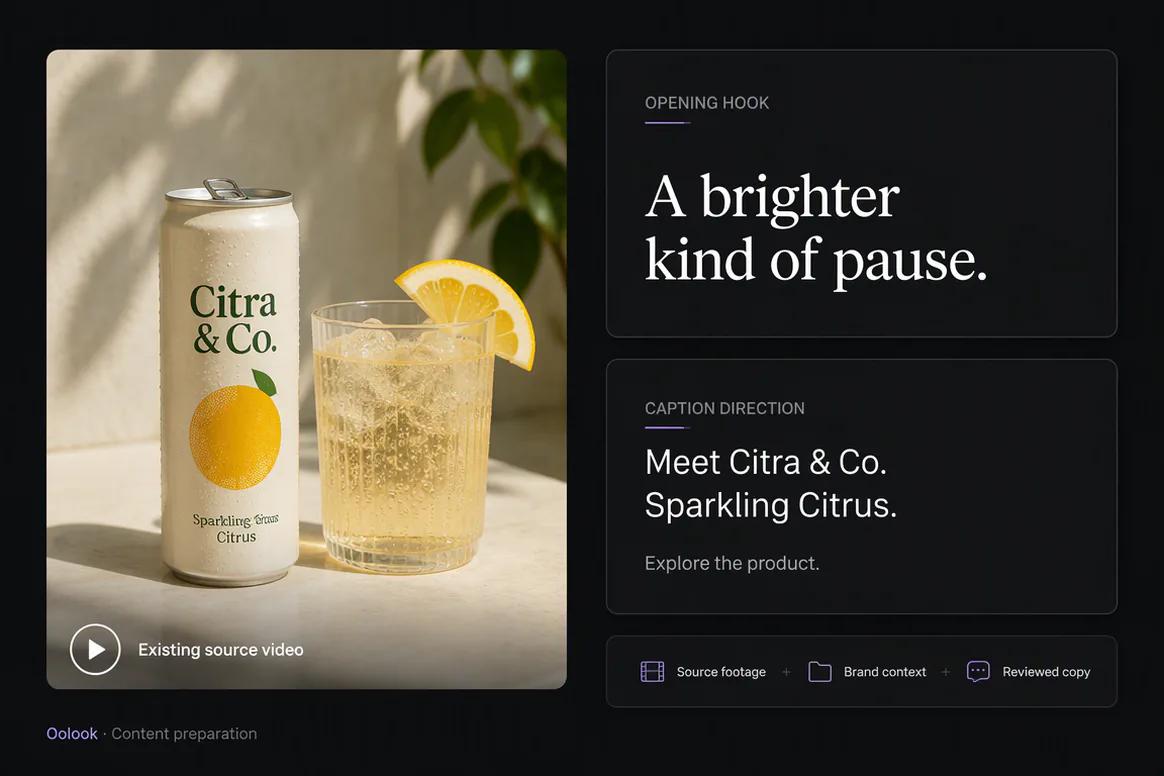
Give Copilot the audience, message, approved source video, campaign objective, intended timing, and factual constraints.

  • Use available Brand Kit and campaign context
  • Prepare editable TikTok supporting copy
  • Keep factual and product requirements visible
  • Identify missing destination details before submission
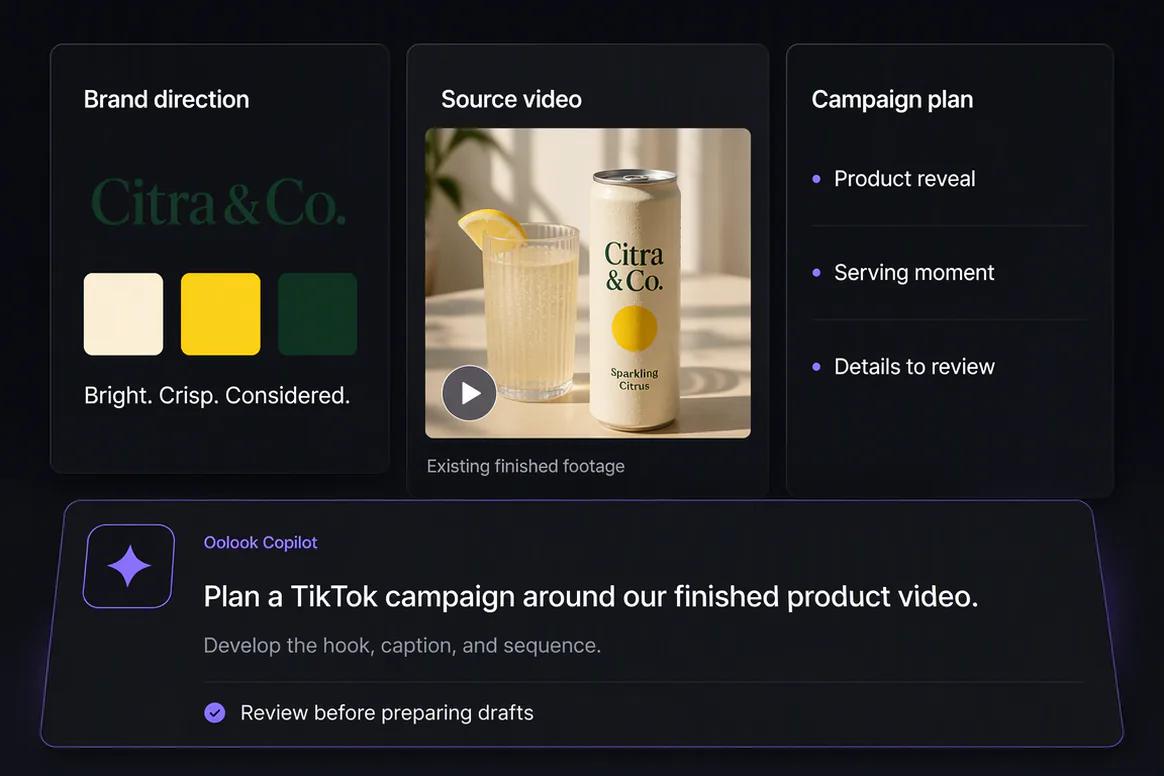
Oolook Copilot preparing TikTok content from an approved video brief

Prepare the video asset

Find and Process Approved Short-Form Media

Select an existing video from the brand Media Library or upload the approved source before preparing the destination action.

  • Keep the source video associated with the correct brand
  • Use eligible video background-removal workflows
  • Upscale eligible existing videos where supported
  • Save approved processed outputs for reuse
Short-form video asset prepared for TikTok inside Oolook

Review the destination

Check TikTok Copy, Media, Profile, and Timing

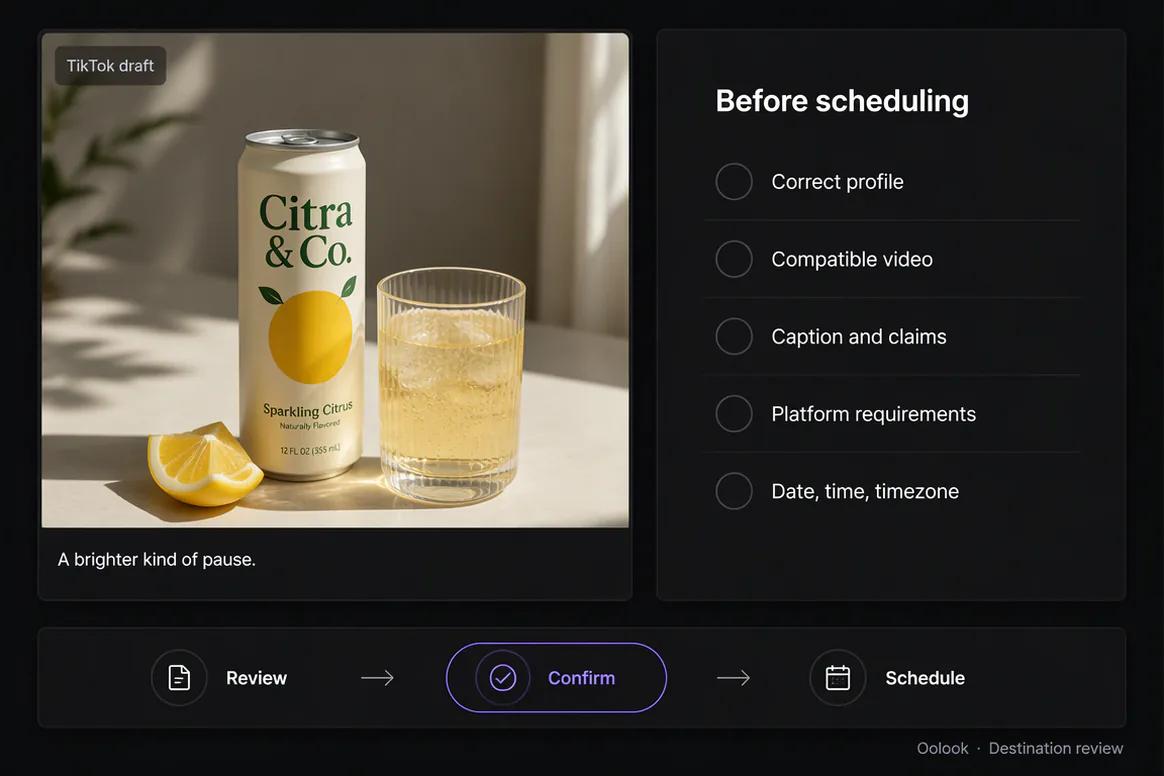
Review the complete destination-specific draft rather than assuming every video and setting is eligible for direct publication.

  • Confirm the selected TikTok profile
  • Review the caption and attached video
  • Check supported destination requirements
  • Review the date, time, timezone, and available settings
TikTok publishing details prepared for review in Oolook

Publish and monitor

Follow Supported TikTok Publication States

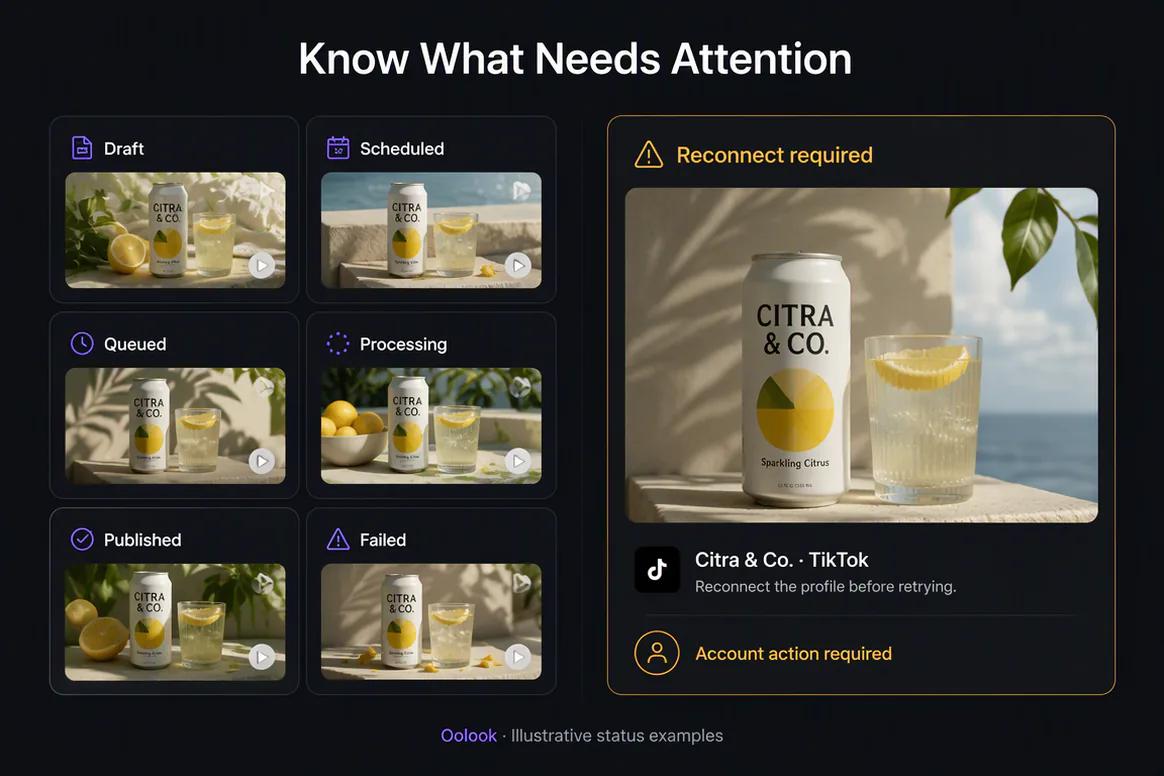
Confirm the action only after review, then monitor whether the content is queued, processing, completed, failed, or waiting for attention.

  • Schedule or publish eligible TikTok content
  • Monitor queue and publication states
  • Identify reconnect-required actions
  • Review available profile and post information
TikTok publishing status and available reporting in Oolook

TikTok campaign examples

Connect Approved Short-Form Video to a Reviewable Campaign

Keep the source video, campaign copy, destination details, publishing status, and available reporting connected.

Oolook displaying a coordinated TikTok beverage launch sequence

TikTok Launch Sequence

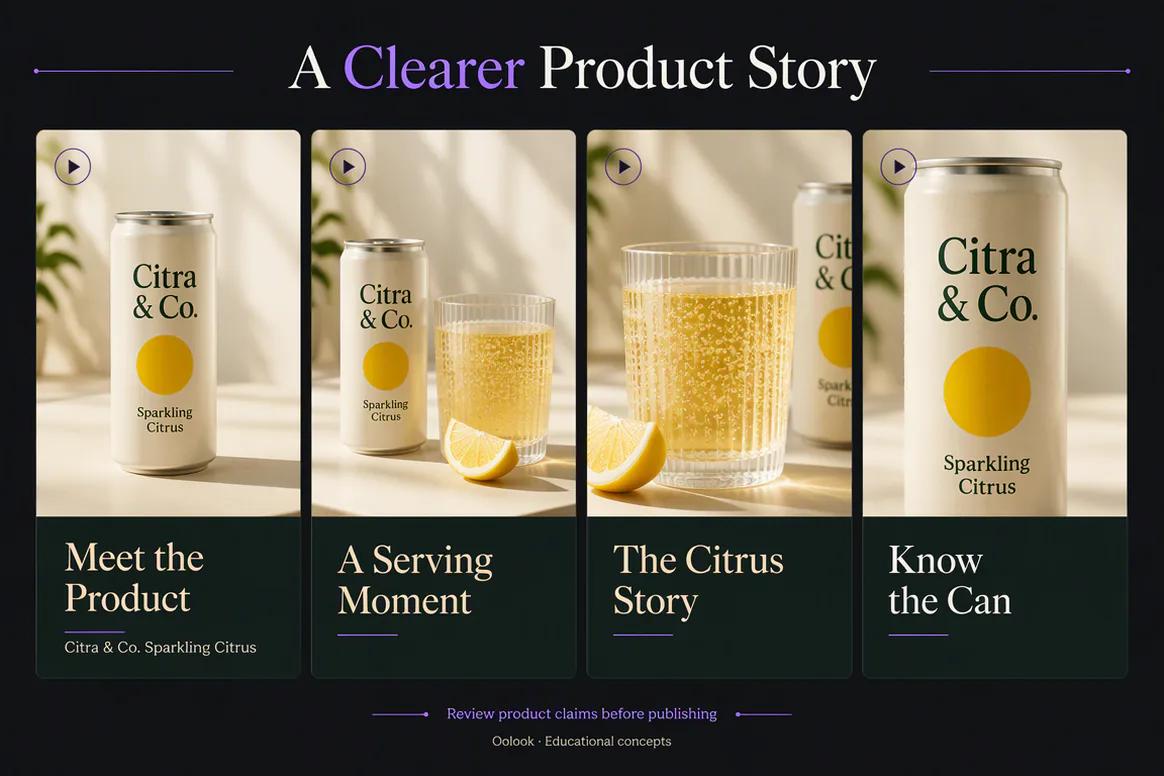
Combine product reveal, serving moment, flavor explanation, and reminder content.

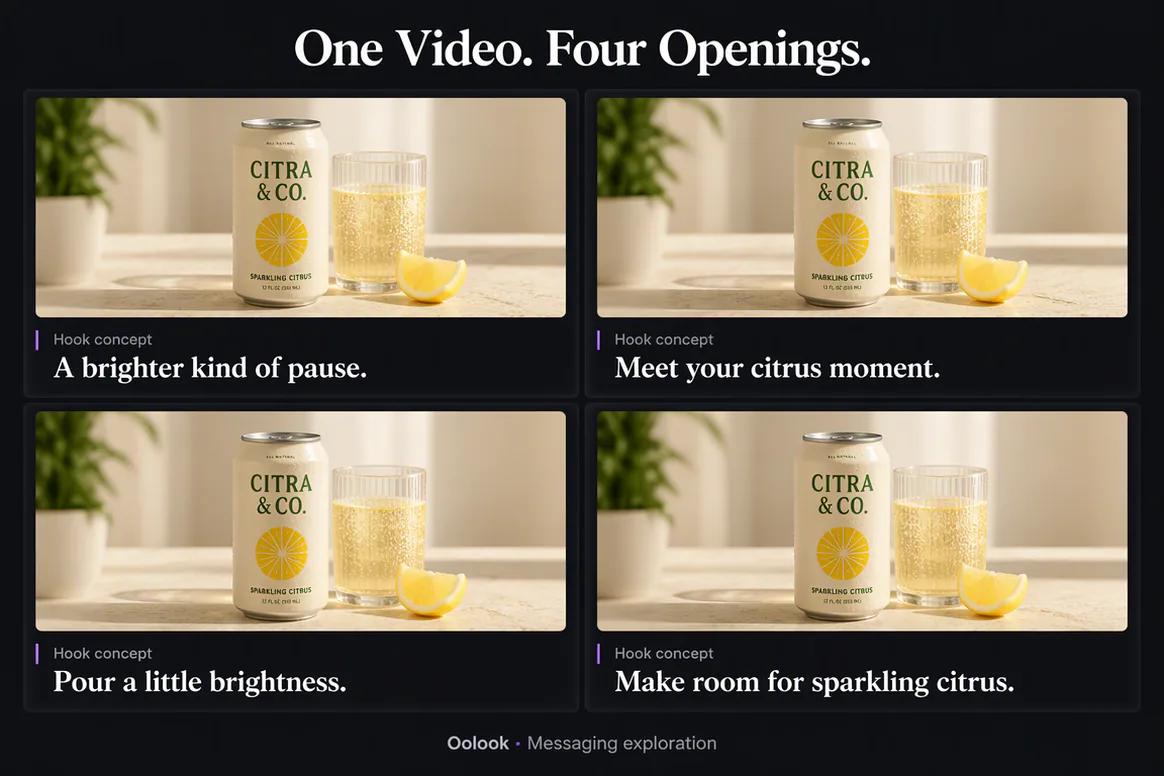
Oolook comparing several TikTok opening hook variations

Hook Variations

Review different opening directions without changing the approved product information.

Oolook displaying an educational TikTok content sequence

Educational Sequence

Prepare product, serving, flavor, and packaging video concepts from approved sources.

Oolook displaying a TikTok performance follow-up workflow

Performance Follow-Up

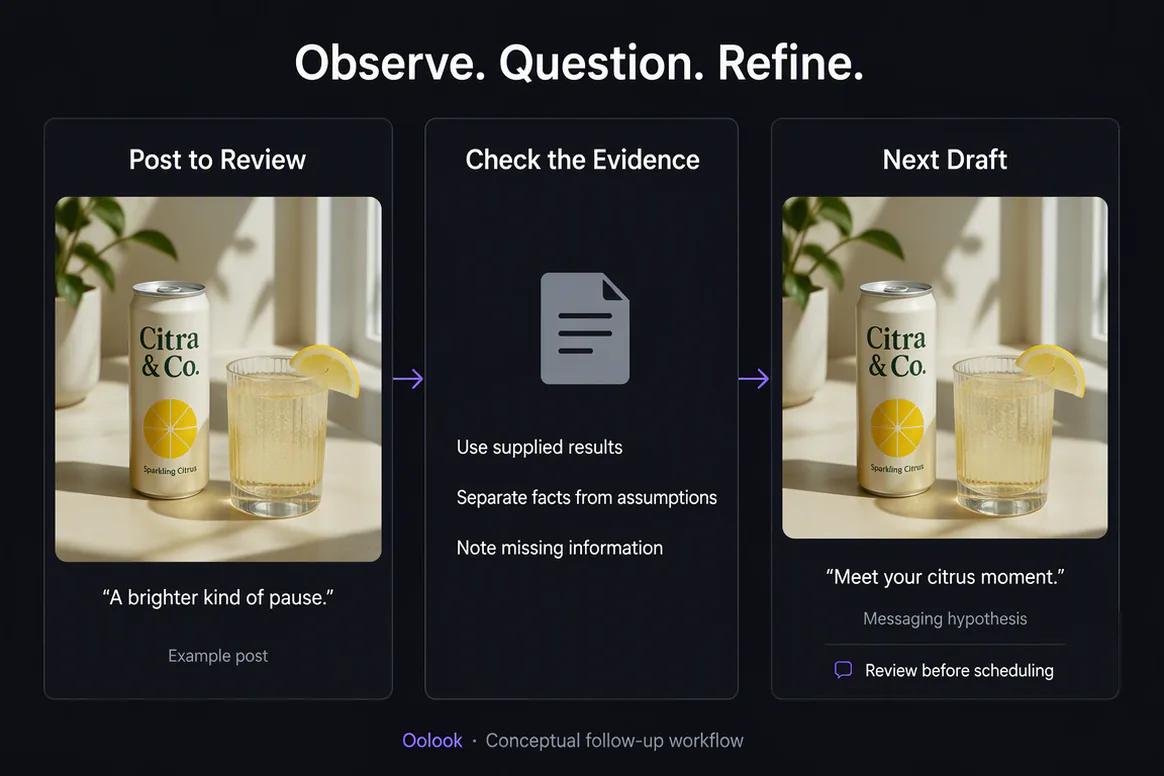
Review available post information and prepare another draft without promising virality.

Oolook Copilot in action

How Oolook Copilot Prepares TikTok Content

Keep the campaign brief, approved video, brand context, destination details, and confirmation step connected.

01

Provide the objective

State the audience, message, approved video, destination, publishing period, and required call to action.

02

Apply brand context

Use available writing preferences, positioning, visual direction, topics, and campaign information.

03

Prepare the draft

Create the supporting copy, select the video, and assemble the available TikTok publishing details.

04

Review and confirm

Inspect the video, caption, profile, settings, date, time, and timezone before execution.

Built for TikTok

Prepare TikTok Content Around Approved Video Assets

Exact TikTok formats, settings, publishing behavior, account eligibility, and reporting depend on current TikTok APIs and Oolook availability.

Product videos

Prepare accurate supporting copy and destination details for approved product-led short-form video.

Educational videos

Connect a useful short-form explanation to brand-aware copy and controlled publishing.

Campaign videos

Use approved launch, seasonal, event, or promotional videos in a connected campaign workflow.

Scheduled drafts

Prepare eligible TikTok content for immediate or scheduled publication where supported.

Practical marketing jobs

Use Oolook for Recurring TikTok Marketing Work

Keep every short-form post connected to an approved source video and a clear marketing objective.

Prepare a product-launch TikTok

Publish an educational short-form video

Promote a seasonal campaign

Reuse an approved video asset

Prepare event promotion content

Create follow-up content from available results

One connected workspace

Everything Connected to the TikTok Workflow

Keep the approved video, brand context, supporting copy, destination draft, publication record, and available reporting together.

Brand Kit

Use available audience, positioning, writing preferences, visual direction, topics, and calls to action.

Oolook Copilot

Inspect available workspace information and prepare supported actions that remain visible for review.

Creative applications

Generate captions, images, coordinated carousels, moodboards, and other supported marketing assets.

Media Library

Find, organize, process, and reuse approved uploaded and generated assets inside the selected brand.

Controlled publishing

Prepare drafts, validate supported requirements, schedule content, and monitor publication states.

Available reporting

Review accessible profile and post information from supported connected social networks.

Why Oolook

Replace Short-Form Content Handoffs With One TikTok Workflow

Oolook keeps brand context, source information, content production, reusable media, review, and execution connected.

Workflow
Disconnected tools
Oolook
Brand context
Re-entered in a separate writing tool
Reused from available Brand Kit information
Video assets
Downloaded and uploaded across several tools
Organized in the brand Media Library
Copy
Prepared away from the source video
Connected to the approved media and campaign
Publishing
Moved into a separate scheduler
Prepared, reviewed, submitted, and monitored
Control
Destination details are easy to overlook
The complete supported action is shown before confirmation

Step-by-step guide

How to Prepare TikTok Content

Follow a controlled process with clear source information, human review, and visible supported actions.

  1. 1

    Select the correct brand workspace

    Use the workspace containing the relevant Brand Kit, approved video, connected profile, drafts, and reports.

  2. 2

    Connect an eligible TikTok profile

    Complete the current provider authorization, permissions, profile selection, consent, and plan checks.

  3. 3

    Choose the approved source video

    Select a video from the Media Library or upload the reviewed source asset.

  4. 4

    Prepare the supporting copy

    Use the actual video content, audience, campaign objective, and Brand Kit to create accurate copy.

  5. 5

    Review destination requirements

    Check the selected profile, attached video, caption, available settings, date, time, and timezone.

  6. 6

    Confirm the action

    Approve publication only after the complete TikTok action has been reviewed.

  7. 7

    Monitor available status and results

    Follow the publishing state and review available profile or post information after publication.

Frequently asked questions

Your TikTok Questions, Answered

What is an AI TikTok marketing tool?+

It is software that helps prepare short-form campaign copy, video assets, destination drafts, publishing actions, and available performance review with AI assistance.

Can Oolook create TikTok captions?+

Oolook can prepare editable supporting copy using available brand, campaign, video, and destination context.

Can Oolook generate TikTok videos?+

Oolook includes credit-based video models in its creative studio, but this page focuses on preparing approved video assets for TikTok marketing and publishing.

Can Oolook process existing videos?+

Oolook supports eligible video background removal and video upscaling, subject to current application limits and credit costs.

Can Oolook schedule TikTok content?+

TikTok scheduling and publishing depend on current TikTok APIs, account eligibility, permissions, plan limits, and Oolook availability.

Can I reuse approved TikTok videos?+

Yes. Uploaded, generated, and processed videos can be organized and reused through the selected brand's Media Library.

Does Copilot publish without confirmation?+

No. Supported workspace changes are presented for confirmation before execution.

What TikTok analytics are available?+

Available information depends on current TikTok APIs, connected-account permissions, reporting history, plan access, and Oolook availability.

Start with Oolook

Connect Your Next TikTok Video to a Reviewable Workflow

Bring approved video assets, Brand Kit context, supporting copy, destination details, controlled publishing, and available reporting together.