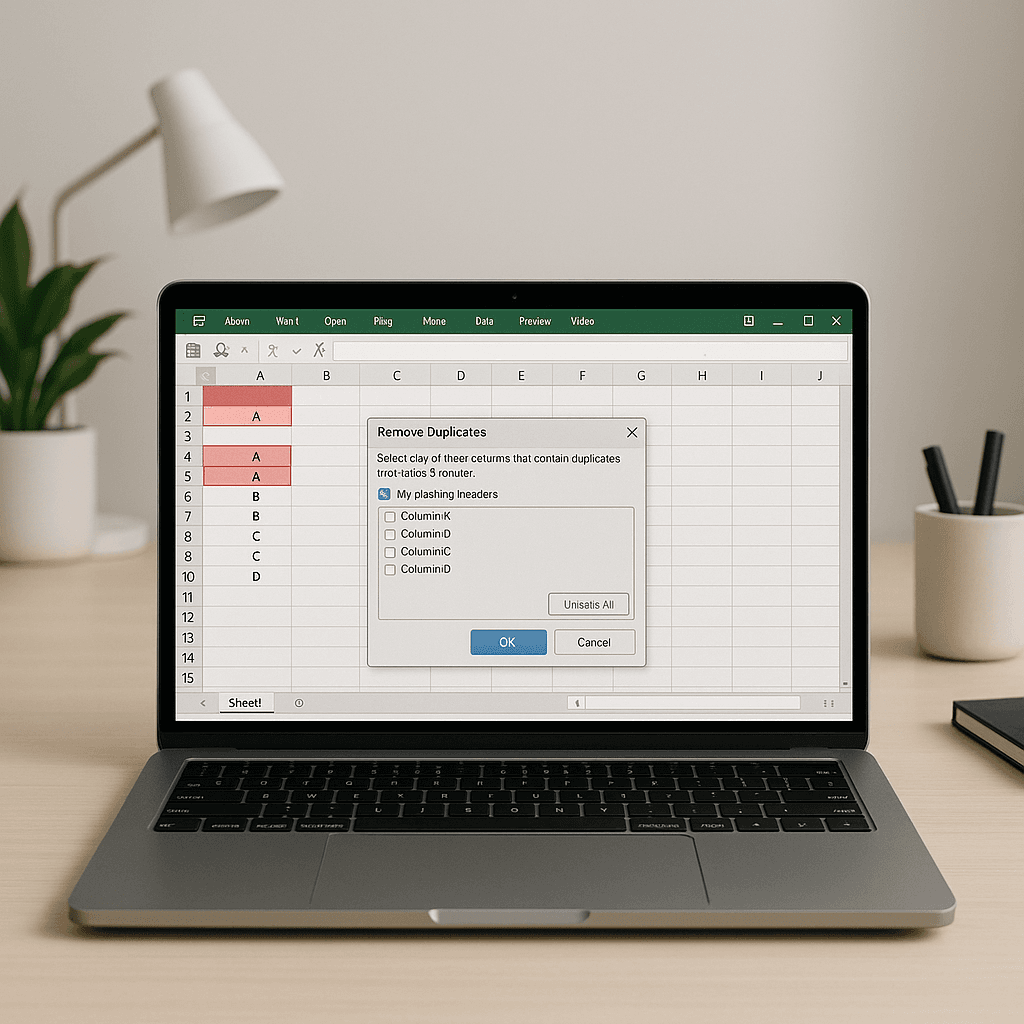
How to Remove Duplicates in Excel (5 Easy & Advanced Methods)
How to Remove Duplicates in Excel (5 Methods for Clean Data) Removing duplicates in Excel…
Oolook Best

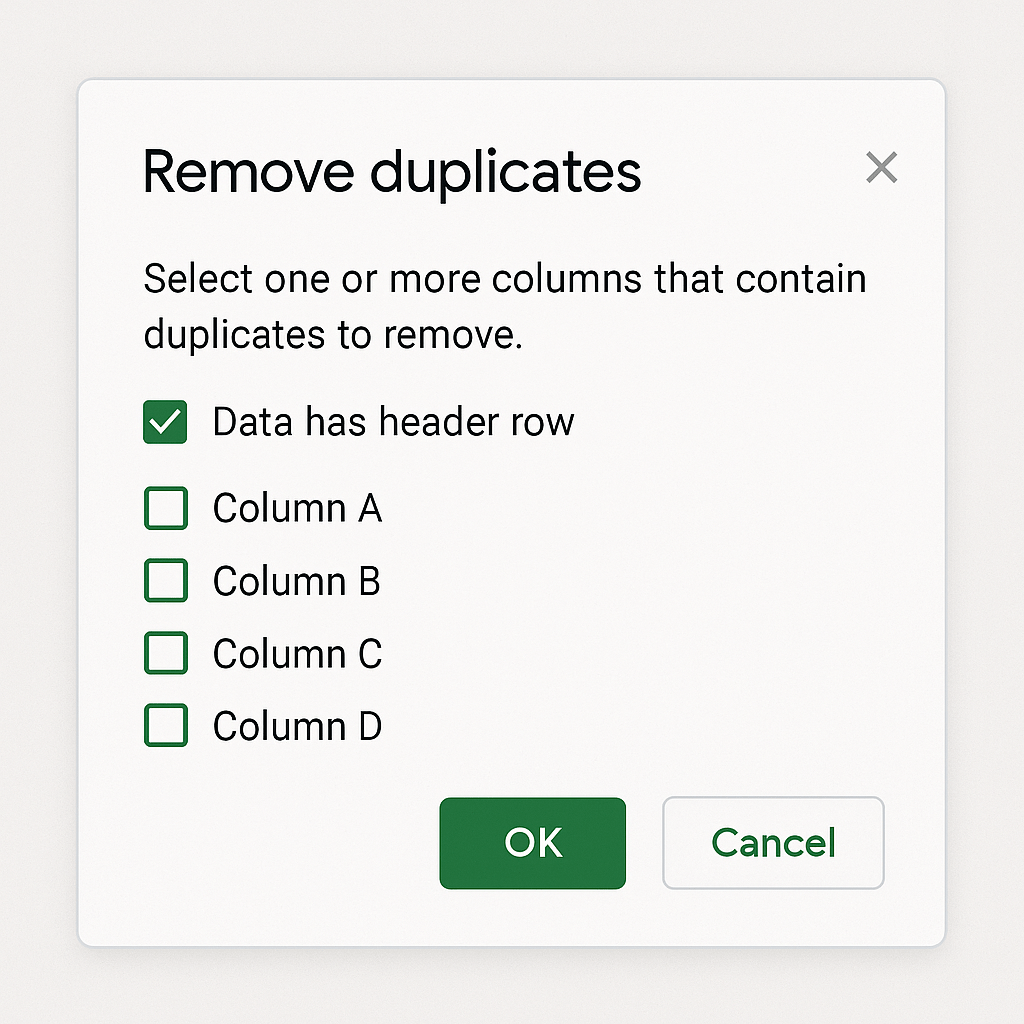
If you manage any spreadsheet for emails, form entries, sales leads, or reports, duplicates can mess up your counts and accuracy. Google Sheets gives you multiple ways to find and remove duplicates, from built-in tools to advanced formulas and even automation. This guide walks you through all five methods, so you can choose what fits your workflow best—no matter your skill level.
A duplicate means two or more identical rows or values in a range. These can exist:
Data > Data cleanup > Remove duplicatesBest For: Quick cleanup across large ranges
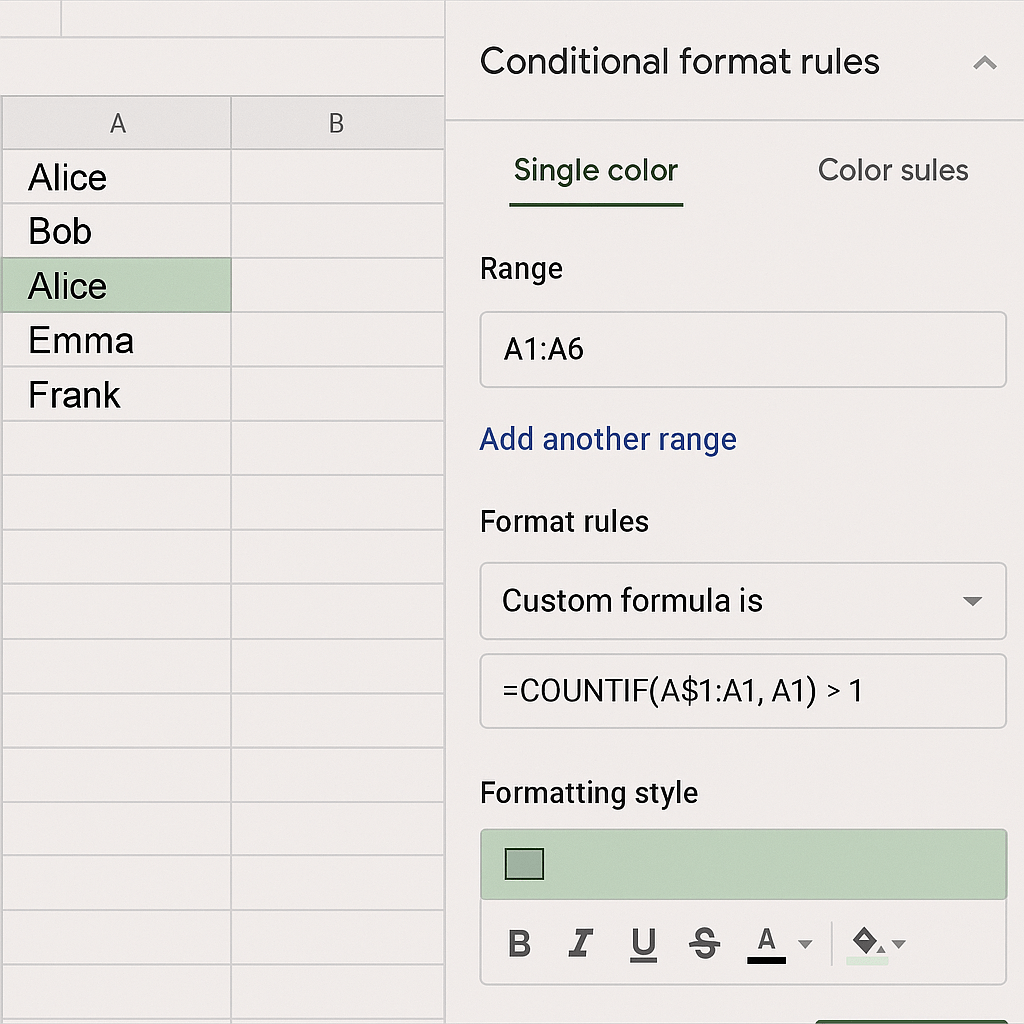
Use a formula like:
=COUNTIF(A:A, A1)>1
Steps:
Format > Conditional FormattingBest For: Visual review before deleting
Example:
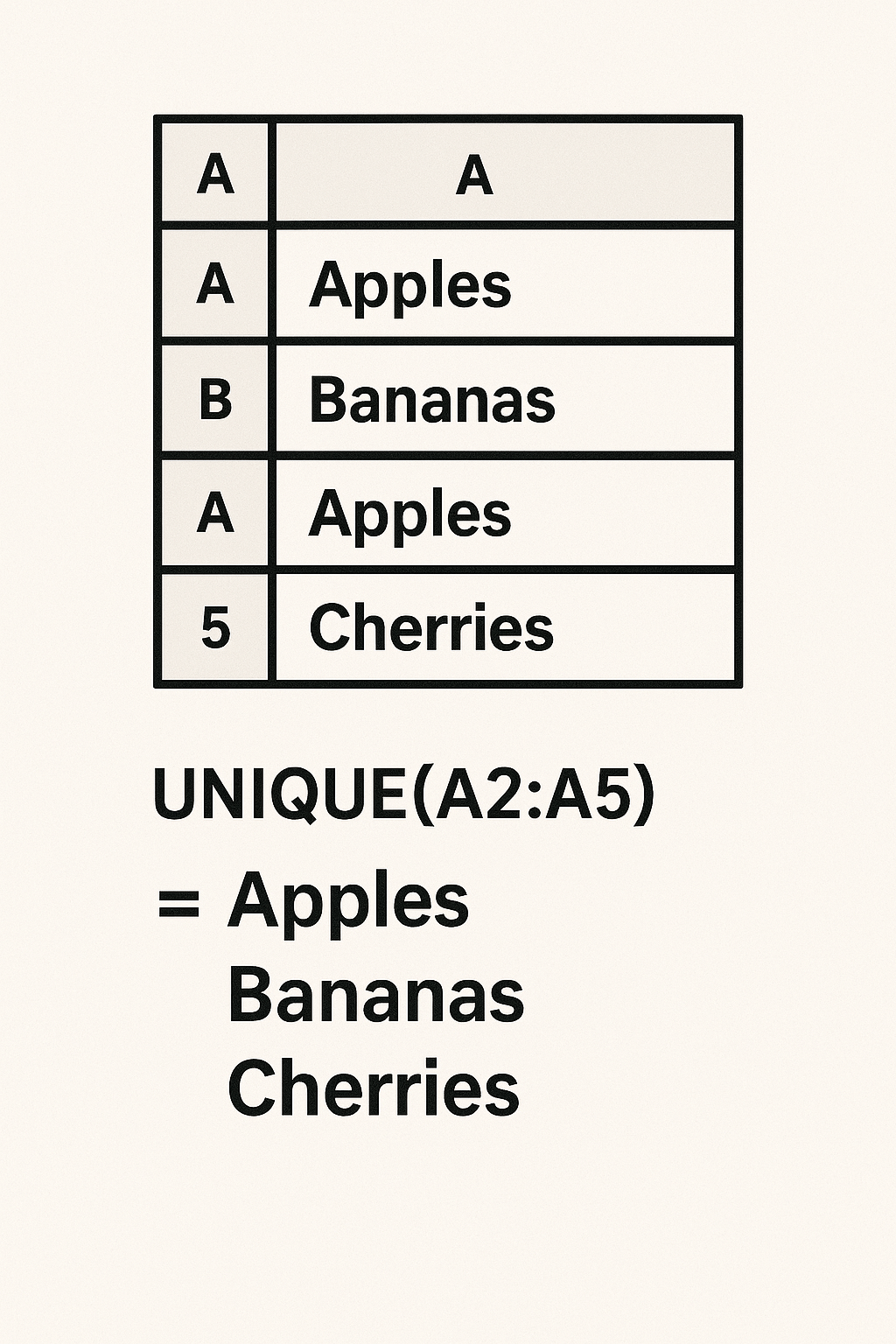
=UNIQUE(A2:A100)
Creates a new list that excludes all duplicates.
Best For: Creating deduplicated outputs without touching the source
Steps:
Insert > Pivot TableBest For: Dynamic deduplication and analysis
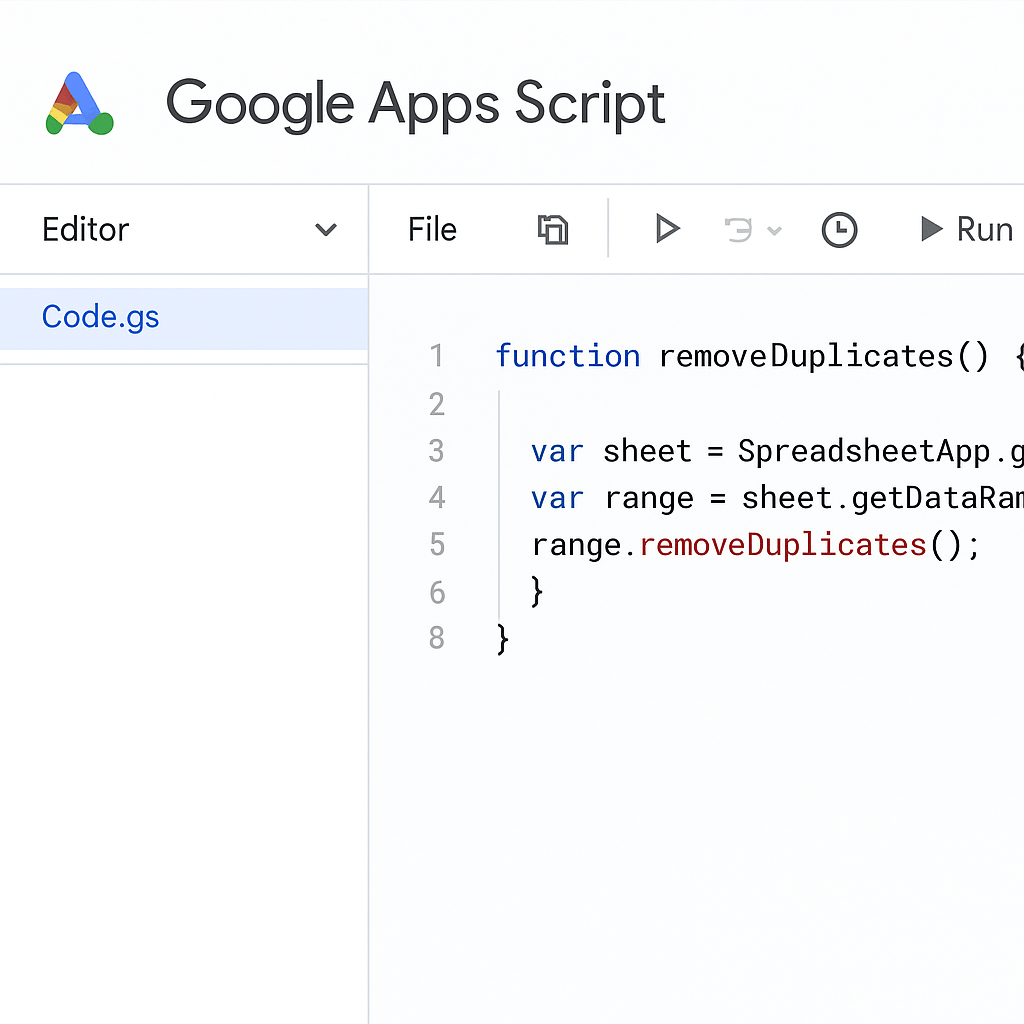
Paste this in Extensions > Apps Script:
function removeDuplicates() {
  var sheet = SpreadsheetApp.getActiveSpreadsheet().getActiveSheet();
  var data = sheet.getDataRange().getValues();
  var unique = [];
  var seen = {};
  for (var i = 0; i < data.length; i++) {
    var row = data[i].join();
    if (!seen[row]) {
      seen[row] = true;
      unique.push(data[i]);
    }
  }
  sheet.clearContents();
  sheet.getRange(1, 1, unique.length, unique[0].length).setValues(unique);
}
Best For: Auto-removing duplicates from dynamic imports
=COUNTIF(A$2:A2, A2)=1
Use under Data > Data validation > Custom formula is
Best For: Proactively blocking repeats
How do I find duplicate rows in Google Sheets?
Use conditional formatting with =COUNTIF(range, cell)>1 to highlight.
How do I remove duplicates without deleting data?
Use UNIQUE() or pivot tables to extract only unique records.
Can I automate this process?
Yes, with Google Apps Script or Google Workspace add-ons.
Explore more insights on AI, social media, and building a brand that lasts.
How to Remove Duplicates in Excel (5 Methods for Clean Data) Removing duplicates in Excel…

How AI is Revolutionizing Social Media Content Creation for SMBs In today’s fast-paced digital landscape,…

📌 Quick Summary To create and share a Zoom meeting link: Sign in to Zoom…

As we dive into the world of User-Generated Content (UGC) creators, it’s essential to understand…