| Best suited to | Teams that want brand-aware AI creation, media processing, social publishing, reporting, and SEO workflows in one workspace. | Mid-market and enterprise teams that need governed digital asset storage, search, portals, rights, analytics, and controlled distribution. |
|---|
| Operating model | Uses separate brand workspaces containing Brand Kit context, media, profiles, posts, reports, and search projects. | Uses Organizations, Brandfolders, Collections, Sections, Labels, Brandguides, and Portals to organize and distribute assets. |
|---|
| Multi-brand organization | Each brand workspace keeps its context, assets, profiles, schedules, content, and reports separate. | Supports multiple Brandfolders, Collections, Portals, and permission structures for brands, regions, departments, and partners. |
|---|
| Brand guidelines | Structured Brand Kit information guides supported Copilot, social, creative, media, and SEO workflows. | Brandguides connect live assets with brand standards, while Content Automation applies locked elements to controlled templates. |
|---|
| AI approach | Copilot can inspect workspace information, generate content, and prepare supported actions for confirmation. | Brand Intelligence focuses on auto-tagging, recognition, descriptions, duplicate detection, video analysis, and asset-performance insights. |
|---|
| Generative content | Generates captions, variants, images, coordinated carousels, and visual direction. | Content Automation creates collateral from governed templates, but native prompt-based image, video, caption, carousel, and moodboard generation were not verified. |
|---|
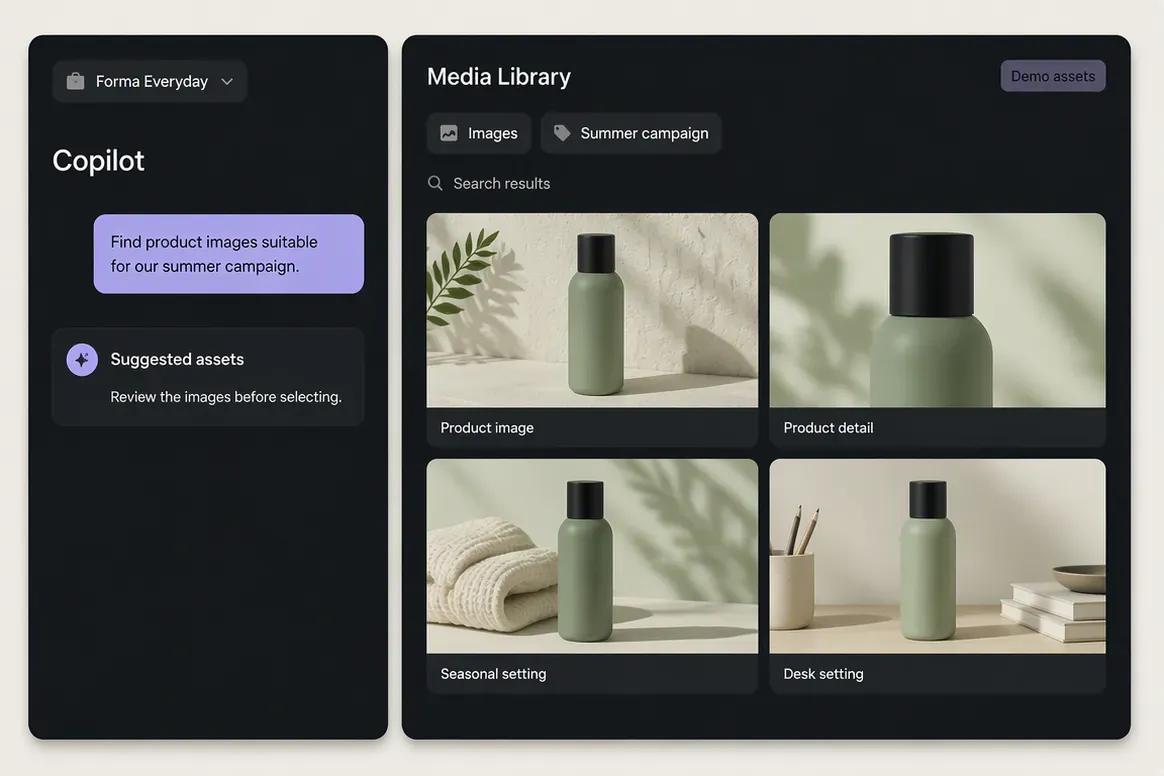
| Media Library | Provides brand-specific uploads, generated assets, search, processing, organization, and reuse. | Provides enterprise DAM storage with broad file support, metadata, custom fields, relationships, attachments, labels, versions, and lifecycle controls. |
|---|
| Search and metadata | Supports structured and semantic asset search inside each brand workspace. | Provides full-text, metadata, OCR, filters, automatic tagging, object recognition, facial tagging, video transcription, and similarity detection. |
|---|
| Rights management | Asset organization and workspace permissions are available within Oolook's established scope. | Supports licensing fields, talent rights, copyright, consent, expiration, embargoes, watermarks, download controls, and audit history. |
|---|
| Version control | Supports asset history within established Media Library workflows. | Provides version history, restoration, replacement, attachments, asset stacking, and governed lifecycle states. |
|---|
| Portals | External enterprise asset portals are not positioned as an established advantage. | Provides public and private Brand Portals for partners, retailers, departments, agencies, and other audiences. |
|---|
| CDN and embedding | Oolook focuses on marketing asset creation, reuse, and supported publishing. | Provides embed links, CDN delivery, controlled sharing, download presets, and asset transformations. |
|---|
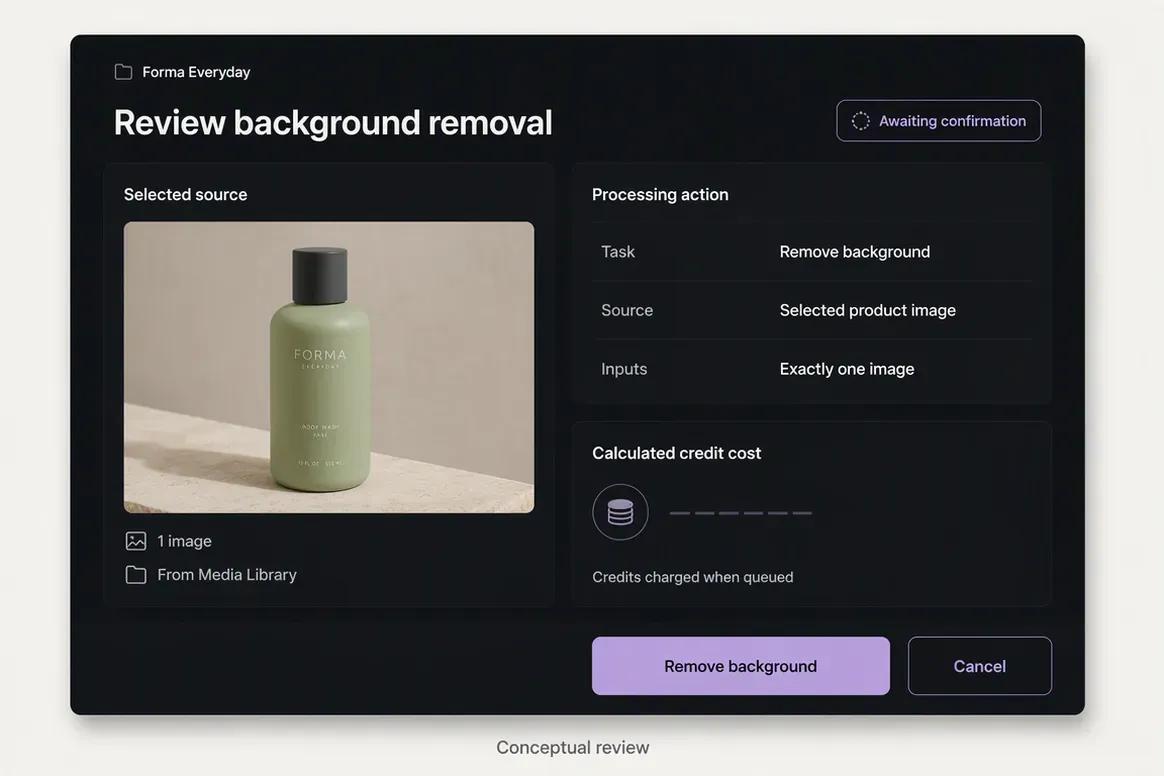
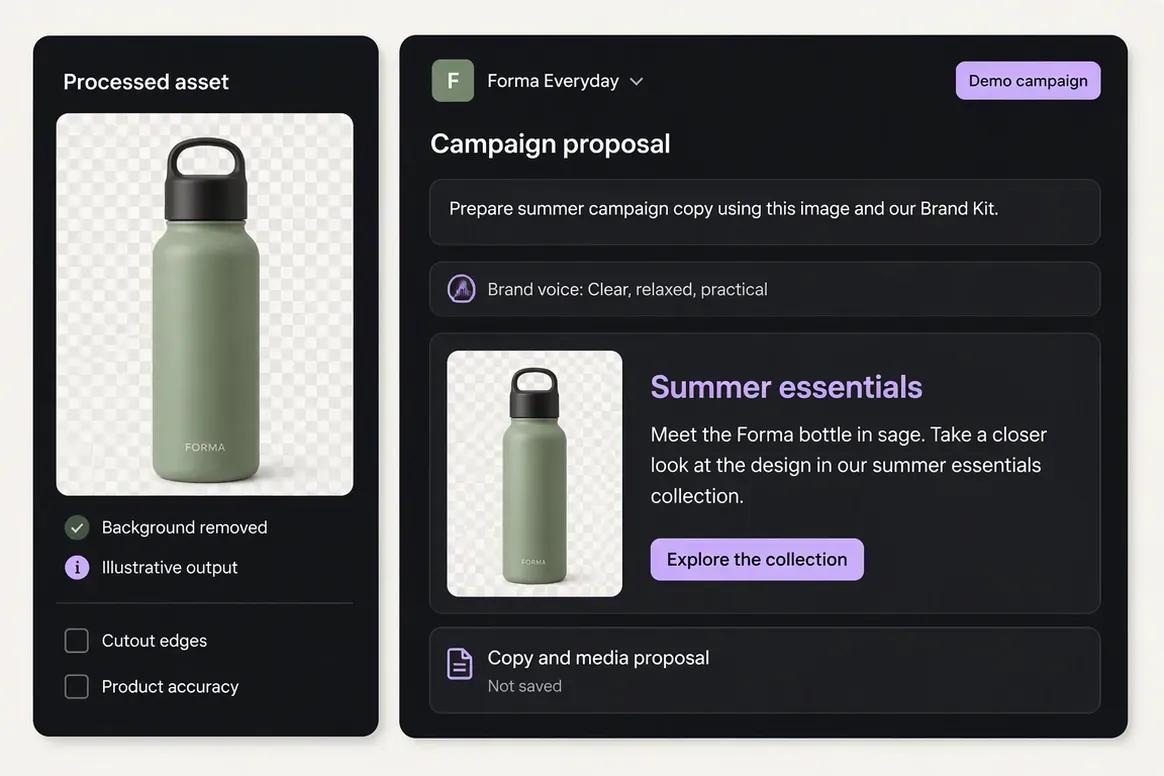
| Media processing | Includes background removal, resizing, reframing, upscaling, palette extraction, and color grading. | Provides resizing, cropping, format conversion, renditions, watermarking, bulk transformations, and video editing. Comparable AI enhancement tools were not fully verified. |
|---|
| Template automation | Provides AI generation and focused creative applications inside the brand workspace. | Content Automation provides controlled templates, editable fields, bulk generation, personalization, localization, and collateral variants. |
|---|
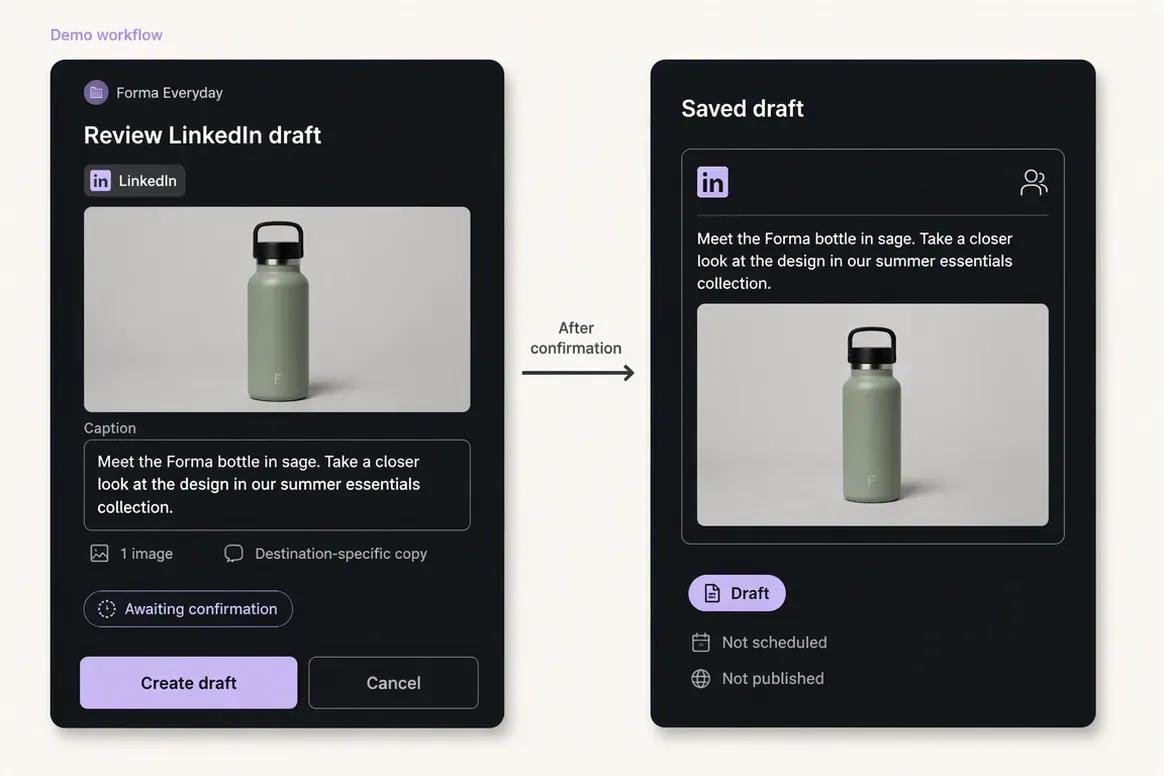
| Social publishing | Supports drafts, scheduling, destination-specific content, validation, queue states, retries, and publishing-status monitoring. | Native direct social publishing was not verified. A Hootsuite integration can move Brandfolder assets into external publishing workflows. |
|---|
| Social reporting | Provides available profile and post metrics from supported connected networks. | Analytics focus on asset views, downloads, shares, search behavior, users, embeds, Collections, and asset performance. |
|---|
| SEO content workflow | Supports researched article generation, evaluation, editing, reevaluation, and optimization. | A native SEO article research, scoring, audit, generation, and optimization workflow was not verified. |
|---|
| Collaboration | Supports shared-content feedback and reviewable Copilot actions, with plan-dependent permissions. | Provides comments, annotations, proofing, approvals, notifications, external reviewers, and deeper workflows through Smartsheet. |
|---|
| Enterprise governance | Enterprise options depend on current Oolook commercial terms. | Provides granular permissions, SAML SSO, security controls, compliance documentation, auditability, data residency, and enterprise administration. |
|---|
| Integrations | Connects its own creative, media, publishing, reporting, and SEO workflows. | Provides extensive integrations across Smartsheet, Adobe, Canva, Figma, CRM, CMS, PIM, storage, collaboration, automation, and social tools. |
|---|
| API | Public API access is not positioned as an established advantage. | Provides a REST API for Organizations, Brandfolders, Collections, assets, metadata, permissions, sharing, uploads, search, and webhooks. |
|---|
| Free access | Offers an available Free plan with current limits loaded from the pricing API. | No permanent Free production plan or self-serve monthly package was identified. |
|---|
| Pricing basis | Plans scale through workspaces, profiles, posts, storage, AI credits, reports, and support. | Premium and Enterprise are sales-led custom packages. Storage, users, Brandfolders, portals, integrations, implementation, and advanced usage can affect cost. |
|---|