| Best suited to | Teams that want structured brand context, native creative production, reusable media, controlled publishing, reporting, and SEO article workflows in one workspace. | Creators and teams that primarily want simple, reliable multi-channel scheduling, text assistance, comment management, analytics, and broad integrations. |
|---|
| Account organization | Brand-specific workspaces separate Brand Kit information, media, profiles, posts, reports, and search projects. | Organizes individual social accounts as channels, with channel groups and access controls available on eligible paid plans. |
|---|
| Multi-brand management | Each brand can operate in a separate workspace with its own context, media, profiles, content, and reports. | Multiple brands can be represented through channels and groups, but a structured native client-workspace system was not documented. |
|---|
| Reusable brand context | A structured Brand Kit can guide supported Copilot, social, visual, media, and SEO workflows. | AI Assistant can follow instructions supplied in the current prompt, but a persistent structured Brand Kit was not documented. |
|---|
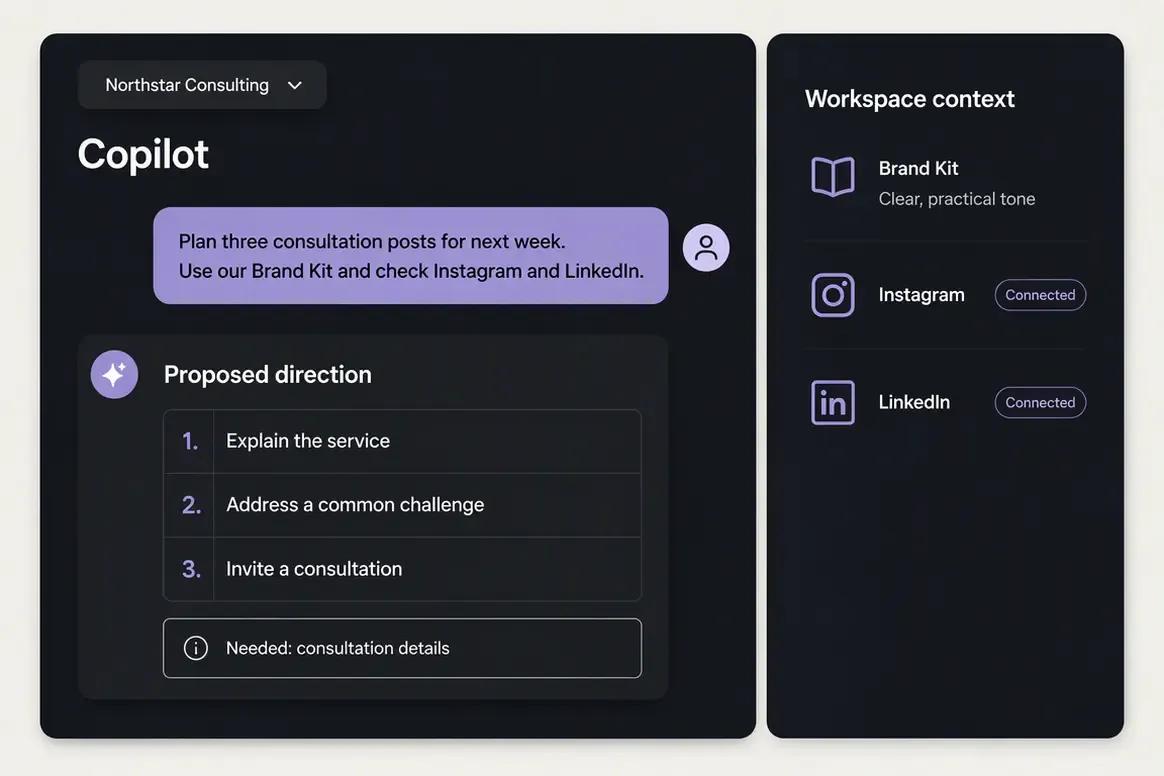
| AI assistant | Oolook Copilot can inspect available workspace information and prepare supported actions for confirmation. | Buffer AI Assistant generates ideas and captions and can rewrite, shorten, expand, summarize, change tone, and adapt text by platform. |
|---|
| External AI agents | This comparison does not position public MCP or API access as an Oolook advantage. | Provides MCP and API access for supported external-agent and integrated publishing workflows. |
|---|
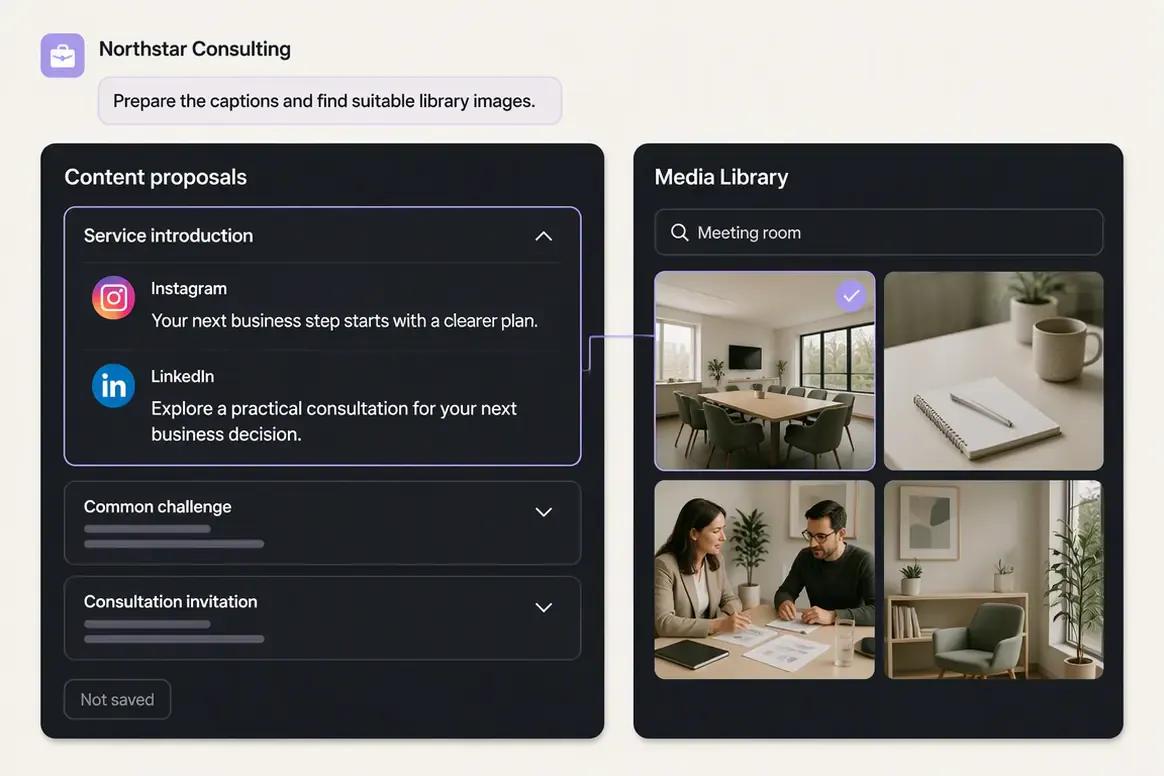
| Caption generation | Generates captions and variants with supported brand and destination context. | Provides unlimited text use of AI Assistant on the reviewed plans for ideas, captions, rewrites, tones, and repurposing. |
|---|
| AI images and carousels | Supports native AI image generation with references and output controls, plus coordinated multi-card carousel generation. | Supports uploading and publishing images and carousels, but native AI image and carousel generation was not documented. Canva is available through an integration. |
|---|
| Moodboards | Can produce a visual-direction moodboard from image references and optional brand context. | A native moodboard-generation workflow was not documented. |
|---|
| Existing-media processing | Includes background removal, resizing, reframing, color grading, palette extraction, and image or video upscaling. | Provides basic image editing, cropping, rotation, flipping, appearance controls, alt text, and a separate Magic Resizer tool. |
|---|
| Media organization | A brand-specific Media Library supports uploads, generated outputs, search, processing, organization, and reuse. | Supports media uploads and asset integrations such as Canva, Dropbox, Google Drive, OneDrive, Google Photos, and Unsplash. |
|---|
| Ideas and planning | Supports brand-connected content preparation, drafts, scheduling, campaigns, media, and Copilot-assisted planning. | Provides an Ideas area, drafts, tags, notes on eligible plans, templates, a visual calendar, and publishing queues. |
|---|
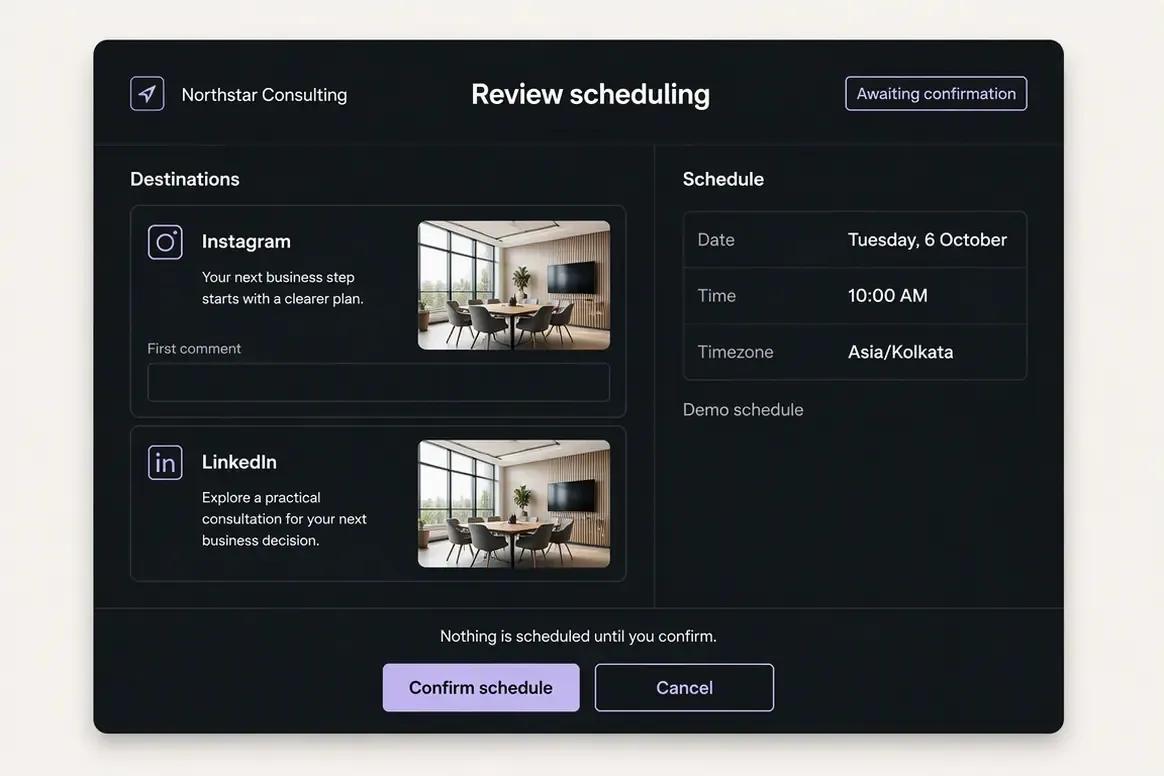
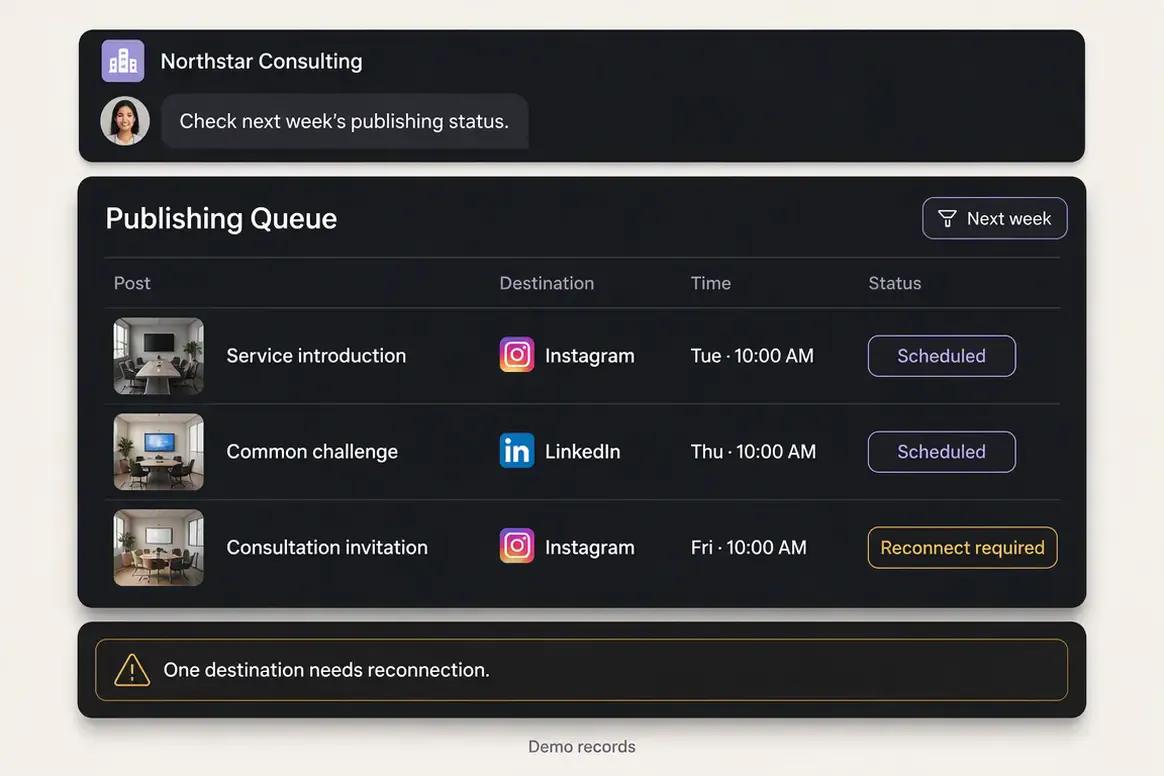
| Social scheduling | Supports drafts, immediate publishing, scheduling, queue states, retries, destination controls, and publication-status monitoring. | Provides established queues, custom schedules, calendars, immediate publishing, bulk workflows, duplication, and per-channel customization. |
|---|
| Platform validation | Checks supported destination requirements before publication and exposes relevant settings by platform. | Applies network-driven format and character requirements and uses reminder publishing for formats that cannot be posted directly. |
|---|
| First comments and hashtags | Supports destination-specific publishing controls within its established social workflow. | Provides first-comment scheduling and saved hashtag groups on eligible paid plans. |
|---|
| Analytics | Provides available profile and post metrics from supported connected social networks. | Provides channel and post analytics, audience growth, engagement, reach or impressions where available, best-time guidance, takeaways, and paid report exports. |
|---|
| Engagement | A comprehensive unified inbox is not used as an Oolook advantage on this page. | Buffer Community focuses on comments across supported networks, with replies, filters, saved replies, AI reply suggestions, and comment-to-post workflows. |
|---|
| Team collaboration | Supports reviewable Copilot actions and shared-content feedback. Current seats and permissions depend on the selected plan. | Team includes unlimited users, channel access controls, approvals, collaboration workflows, and branded reports. |
|---|
| Publishing destinations | Supports established workflows for Facebook, Instagram, Pinterest, LinkedIn, YouTube, and TikTok, subject to platform APIs. | Supports a broad modern list including Facebook, Instagram, LinkedIn, X, Threads, TikTok, Pinterest, YouTube Shorts, Google Business Profile, Mastodon, Bluesky, and Substack Notes. |
|---|
| Start Page | A dedicated link-in-bio page builder is not positioned as an Oolook advantage here. | Includes Start Page for link-in-bio publishing and analytics. A Start Page counts as a channel. |
|---|
| SEO content workflow | Supports researched article workflows, generation, evaluation, editing, reevaluation, and optimization. | A native keyword-research, article-scoring, page-audit, and SEO article workflow was not documented. |
|---|
| Free access | Offers an available Free plan, with current limits loaded from Oolook’s pricing API. | Offers a permanent Free plan with up to three channels, ten scheduled posts per channel, Ideas, text AI, Community, basic Insights, and API access. |
|---|
| Pricing basis | Standard plans scale through brand workspaces, profiles per brand, posts, storage, AI credits, reports, and support. | Essentials and Team are priced primarily by connected channel, with volume discounts. Team includes unlimited users. |
|---|
| AI usage model | AI-powered work consumes plan credits. Standard scheduling, publishing, reporting, brand management, and Media Library storage do not consume AI credits. | Reviewed plans include unlimited AI Assistant text use. Community AI replies have separate Free-plan limits. |
|---|