| Best suited to | Teams that want structured brand context, creative production, reusable media, controlled social publishing, reporting, and SEO article workflows in one marketing workspace. | Individuals and teams that want an accessible visual-design suite for social graphics, video, presentations, documents, websites, collaborative work, and print. |
|---|
| Primary operating model | Organizes marketing work around separate brand workspaces containing Brand Kit context, media, profiles, posts, reports, and search projects. | Organizes visual work through Projects, folders, Brand Kits, templates, designs, teams, and the broader Visual Suite. |
|---|
| Multi-brand management | Each brand can operate in a separate workspace with its own Brand Kit, Media Library, profiles, content, schedules, and reports. | Supports multiple Brand Kits, with reviewed allowances ranging from one on Free to higher limits on Pro, Business, and Enterprise. |
|---|
| Structured brand context | Brand Kit information can guide supported Copilot, social, visual, media, and SEO workflows. | Brand Kits can store logos, colors, fonts, imagery, templates, and other brand elements that Canva AI and design tools can apply. |
|---|
| AI assistant | Oolook Copilot can inspect available workspace information and prepare supported actions for confirmation. | Canva AI and Magic Studio support writing, design generation, image creation, editing, resizing, translation, animation, charts, and other visual tasks. |
|---|
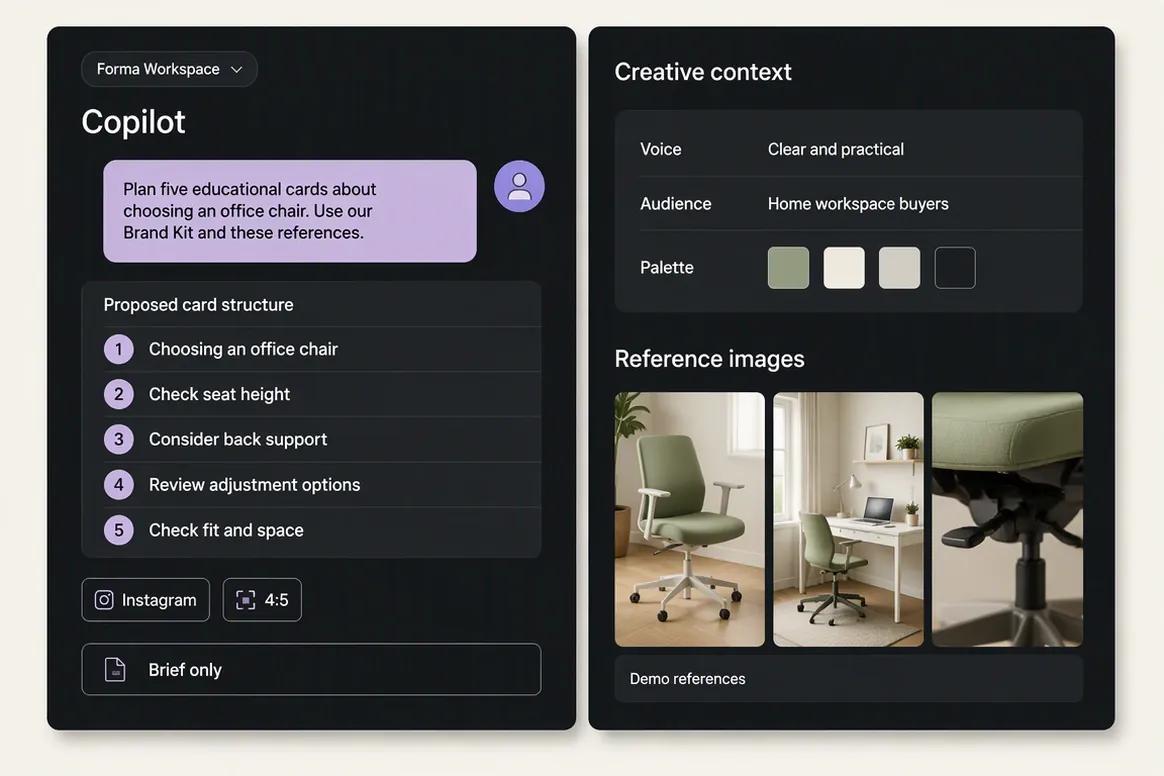
| Action control | Supported Copilot changes are presented for confirmation before execution. | AI tools generate or modify designs inside the editor. A comparable marketing-workspace action confirmation system was not verified. |
|---|
| Caption generation | Generates captions and variants using supported brand and destination context. | Magic Write and Canva AI can draft and rewrite social copy, but a dedicated destination-aware caption workflow is not Canva's primary product focus. |
|---|
| AI image generation | Supports image generation with prompts, references, aspect ratios, resolution controls, models, and multiple outputs. | Dream Lab, Magic Media, Magic Design, and Canva AI support image and design generation inside the visual editor. |
|---|
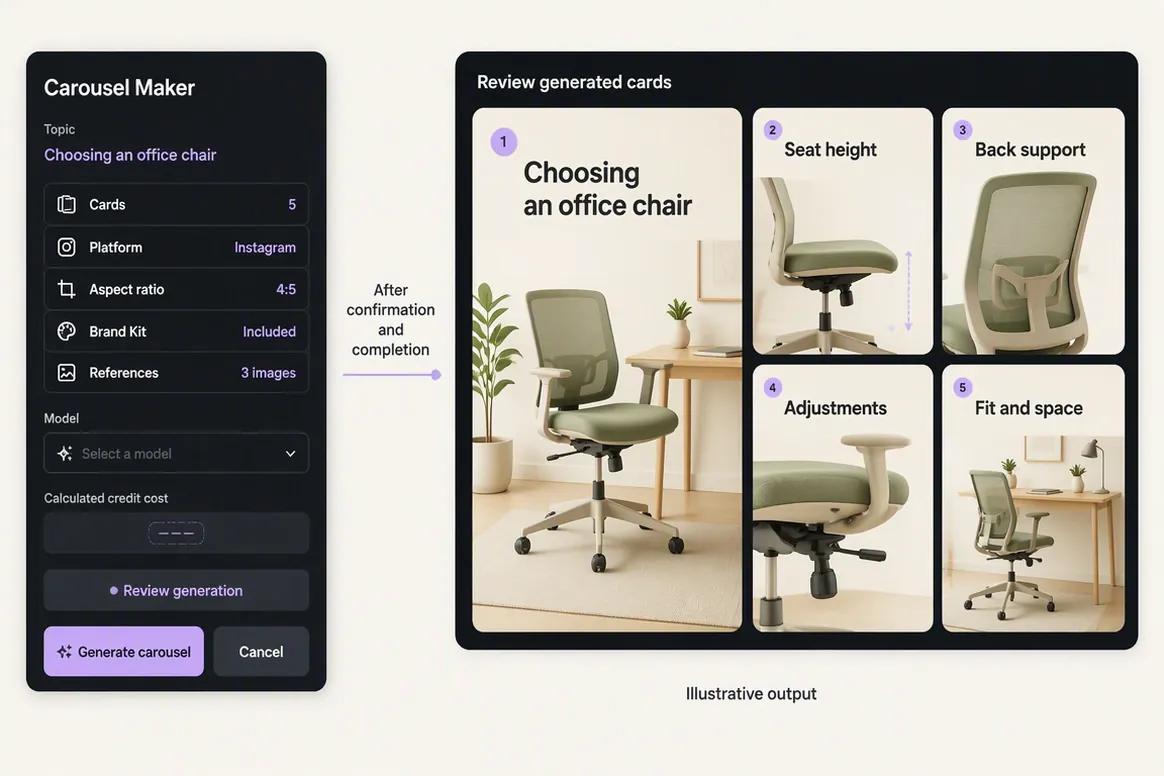
| Carousel creation | Provides coordinated multi-card carousel generation using a topic, references, website context, platform selection, and Brand Kit information. | Supports multi-page carousel design through templates, AI design tools, duplication, resizing, and manual visual editing. |
|---|
| Video creation | Supports established video-processing workflows, while unrestricted native video generation is not used as an Oolook advantage here. | Provides video templates, editing, animation, captions, audio, trimming, and limited AI-assisted video-generation capabilities. |
|---|
| Moodboards | Can turn image references and optional brand context into reusable visual direction. | Moodboards can be assembled through templates and the editor, but an equivalent reference-analysis workflow was not established. |
|---|
| Background removal | Supports image and video background-removal workflows. | Provides Background Remover on eligible paid plans, with availability and fair-use terms determined by the selected plan. |
|---|
| Existing-media processing | Includes resizing, reframing, palette extraction, color grading, and image or video upscaling. | Provides cropping, Magic Resize, object removal, generative editing, expansion, filters, color adjustment, effects, animation, and image upscaling. |
|---|
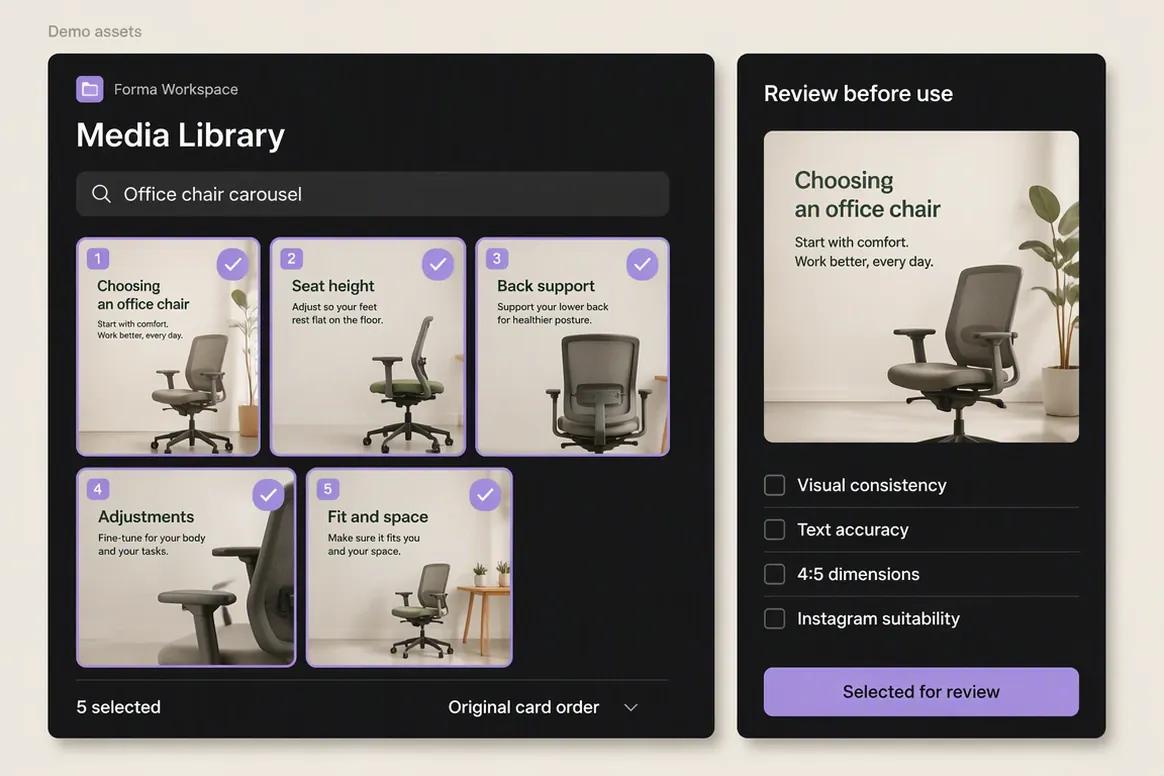
| Media and asset organization | A brand-specific Media Library supports uploads, generated outputs, search, processing, organization, and reuse. | Projects, folders, Brand Folders, uploads, generated assets, templates, search, version history, shared folders, and team controls support broad visual-asset management. |
|---|
| Templates and stock content | Oolook focuses on brand-aware generation, media processing, organization, and marketing execution rather than a massive stock marketplace. | Offers an extensive ecosystem of free and premium templates, photos, videos, graphics, audio, fonts, icons, and creator content. |
|---|
| Visual collaboration | Supports connected brand workflows and shared-content feedback within its established marketing scope. | Provides real-time design collaboration, comments, mentions, shared folders, review links, templates, version history, and higher-tier approvals. |
|---|
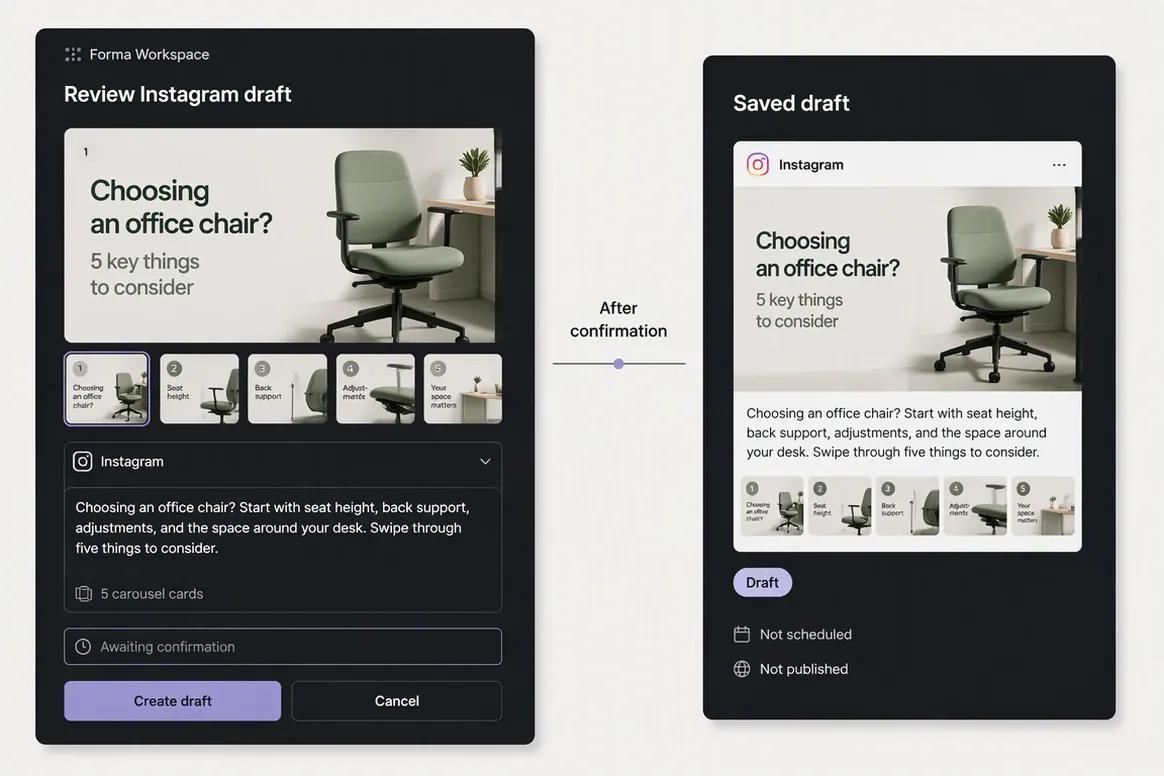
| Social scheduling | Supports drafts, immediate publishing, scheduling, destination controls, platform validation, queue states, retries, and publication-status monitoring. | Content Planner schedules designs to a defined set of supported destinations, with restrictions based on account type, platform, and content format. |
|---|
| Destination-specific control | Captions, media, and supported settings can be edited independently for selected destinations. | Scheduling is primarily design-led. Equivalent destination-specific caption, media, and publishing controls were not verified at the same depth. |
|---|
| Platform validation | Checks relevant destination requirements and exposes supported settings before submission. | Applies connection and format requirements for supported Content Planner destinations, but it is not positioned as a full social validation system. |
|---|
| Publishing status | Distinguishes scheduled, queued, processing, publishing, failed, retrying, reconnect-required, cancelled, and completed states where supported. | Provides scheduled-post management and failure notifications, while comparable queue-state and retry depth was not verified. |
|---|
| Social analytics | Provides available profile and post metrics from supported connected social networks. | Content Planner provides limited post insights such as impressions, clicks, likes, and comments. Canva is not positioned as a full social-analytics suite. |
|---|
| Social engagement | A mature enterprise engagement inbox is not positioned as an Oolook advantage on this page. | A unified social inbox for direct messages, comments, mentions, assignments, saved replies, and service workflows was not verified. |
|---|
| Website creation | Website creation is outside the established Oolook comparison scope. | Supports website and landing-page design, hosting, free domains, eligible custom domains, and basic website SEO settings. |
|---|
| Workplace products | Oolook focuses on marketing execution rather than general visual workplace productivity. | The Visual Suite includes Docs, Sheets, Whiteboards, Presentations, Websites, Email designs, Canva Code, and data-driven design workflows. |
|---|
| Print products | Print fulfillment is outside the established Oolook scope. | Canva Print supports eligible physical products, ordering, fulfillment, and shipping in available regions. |
|---|
| SEO content workflow | Supports researched article workflows, generation, evaluation, editing, reevaluation, and optimization. | Magic Write can assist with copy and Canva Websites provide basic SEO controls, but a comparable researched and evaluated SEO article workflow was not verified. |
|---|
| Free access | Offers an available Free plan, with current limits loaded from Oolook's pricing API. | Offers a permanent Free plan with one Brand Kit, 5 GB storage, free templates and assets, and limited AI usage. |
|---|
| AI usage | AI-powered work consumes plan credits. Standard scheduling, publishing, reporting, brand management, and Media Library storage do not consume AI credits. | AI access uses plan-based monthly allowances and tool tiers. Usage can vary by feature, and unused allowance does not appear to roll over. |
|---|
| Pricing basis | Plans scale through brand workspaces, profiles per brand, posts, storage, AI credits, reports, and support. | Pro is designed for one person, Business uses per-person pricing, and Enterprise uses sales-led commercial terms. |
|---|