| Best suited to | Creators, businesses, teams, and agencies that want brand-aware creative production, social execution, reporting, and SEO workflows. | Midsize and enterprise organizations that need living guidelines, enterprise DAM, templates, portals, rights management, and multi-market governance. |
|---|
| Operating model | Uses separate brand workspaces containing structured Brand Kit context, media, profiles, posts, reports, and search projects. | Uses brand environments, guidelines, libraries, portals, templates, projects, groups, and permissions to govern brand operations. |
|---|
| Structured brand context | Brand Kit fields cover identity, audience, positioning, tone, writing preferences, visual direction, calls to action, topics, logos, colors, and fonts. | Living guidelines use customizable content blocks for identity, messaging, tone, assets, usage rules, components, tokens, and other brand knowledge. |
|---|
| Brand guidelines | Brand information guides supported Copilot, social, creative, media, and SEO workflows. | Provides interactive digital guidelines with more than 40 reviewed content blocks, publishing workflows, localization, permissions, and public or private sharing. |
|---|
| Multi-brand management | Each workspace keeps brand context, media, profiles, schedules, content, and reports separate. | Supports multi-brand, sub-brand, regional, departmental, partner, and audience-specific environments through libraries, portals, groups, and permissions. |
|---|
| AI assistant | Copilot can inspect available workspace information and prepare supported actions for confirmation. | Brand Assistant answers guideline questions, suggests on-brand copy, recommends assets, supports briefs, and links responses back to source material. |
|---|
| External AI access | Public MCP access is not positioned as an established advantage. | Provides MCP and integrations for supported external AI tools to query brand guidelines, assets, and templates. |
|---|
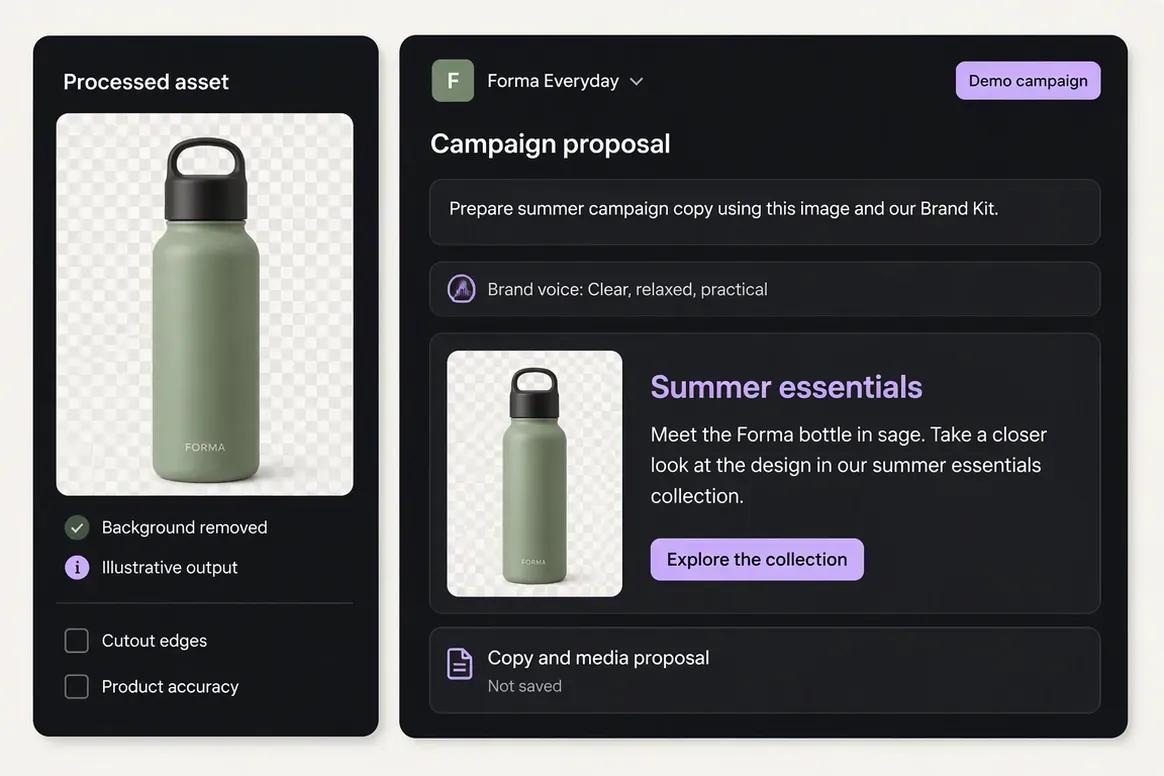
| AI visual generation | Provides native image generation with references and coordinated carousel generation. | Native prompt-based image, video, carousel, and moodboard generation were not verified as core capabilities. Frontify emphasizes templates, copy, search, and recommendations. |
|---|
| Templates | Provides focused creative generators and reusable brand context. | Provides locked digital, print, motion, presentation, social, and data-driven templates for self-service content production. |
|---|
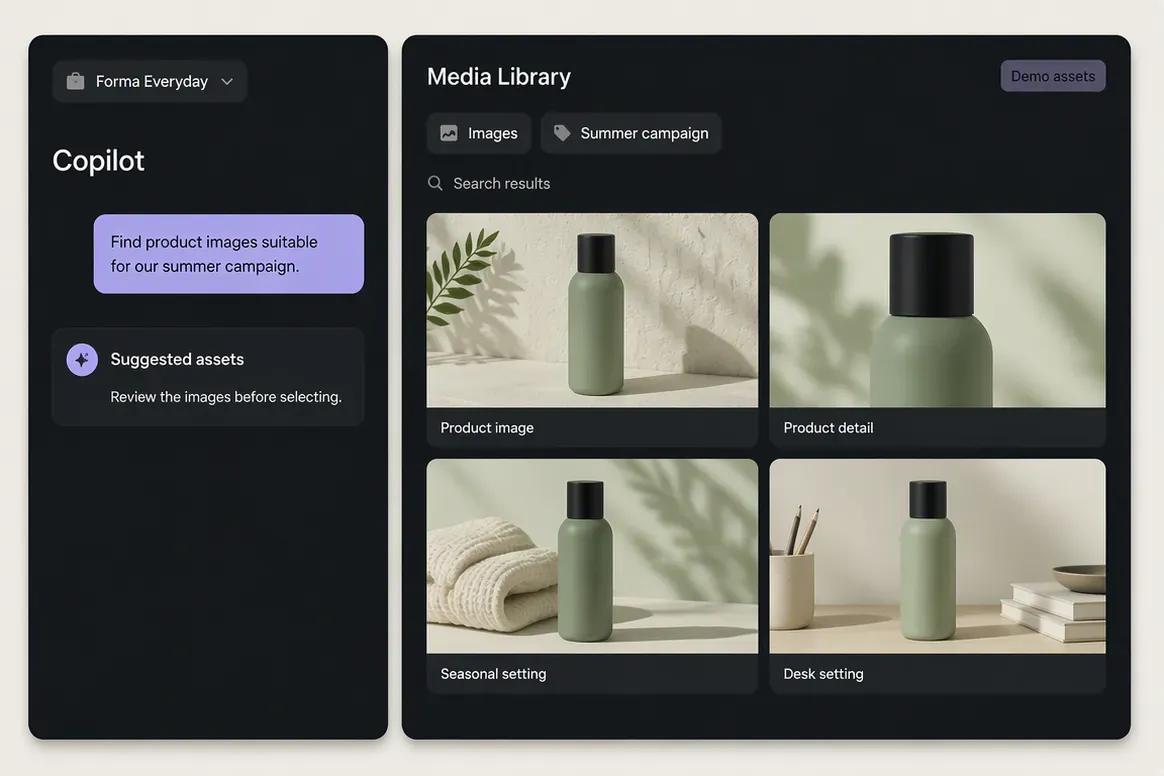
| Digital Asset Management | Media Library supports uploads, generated assets, search, processing, organization, and reuse by brand. | Provides enterprise DAM with collections, metadata, versions, relationships, search, filters, expiration, permissions, renditions, and controlled distribution. |
|---|
| Asset search | Supports structured and semantic asset discovery inside the selected brand workspace. | Provides keyword, faceted, semantic, natural-language, similar-image, document-text, and AI-assisted search. |
|---|
| Rights management | Enterprise-grade rights, licenses, embargoes, and consent governance are not positioned as established strengths. | Provides reviewed rights, license, copyright, expiration, consent, embargo, download, and approval controls. |
|---|
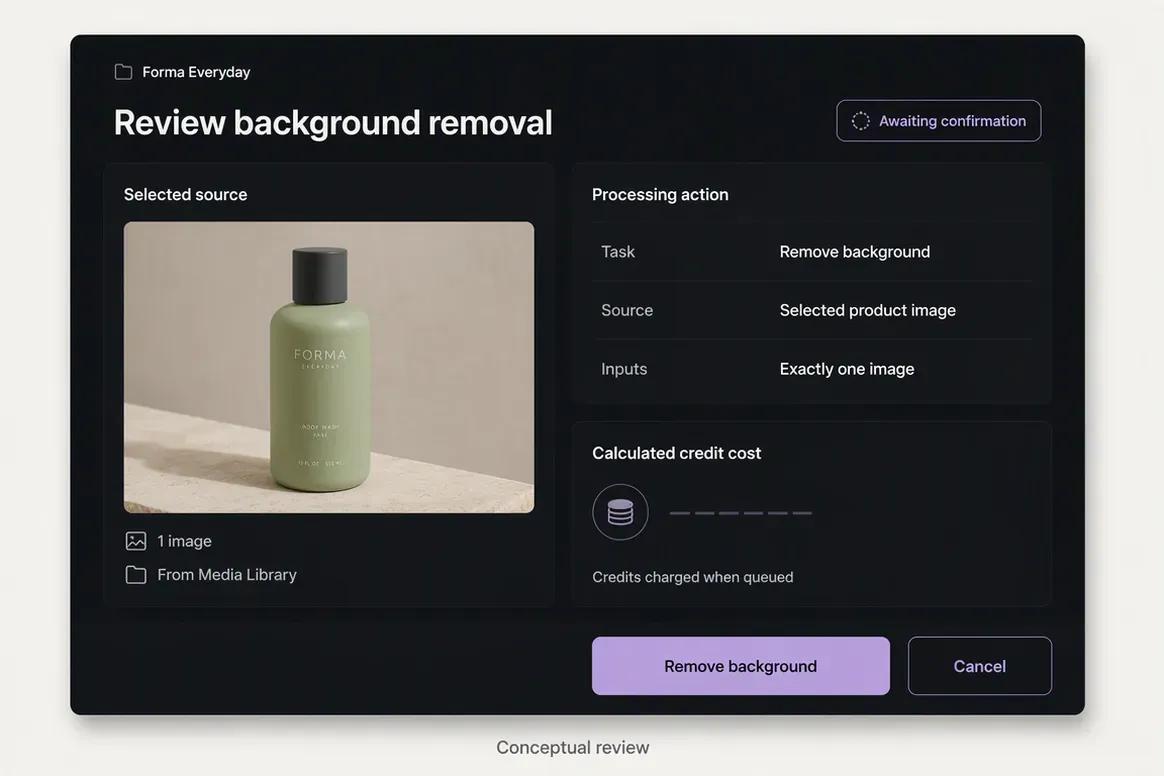
| Media processing | Includes image and video background removal, resizing, reframing, palette extraction, color grading, and upscaling. | Provides cropping, resizing, focal points, smart crops, format conversion, compression, watermarks, renditions, and download transformations. |
|---|
| Creative collaboration | Supports shared-content feedback and confirmation-based Copilot actions. | Provides projects, briefs, tasks, comments, annotations, version comparisons, proofing, deadlines, and multi-stage approvals. |
|---|
| Asset distribution | Assets remain connected to supported creative, publishing, and reporting workflows. | Provides brand portals, sharing links, partner portals, sales-enablement distribution, website embedding, and CDN delivery. |
|---|
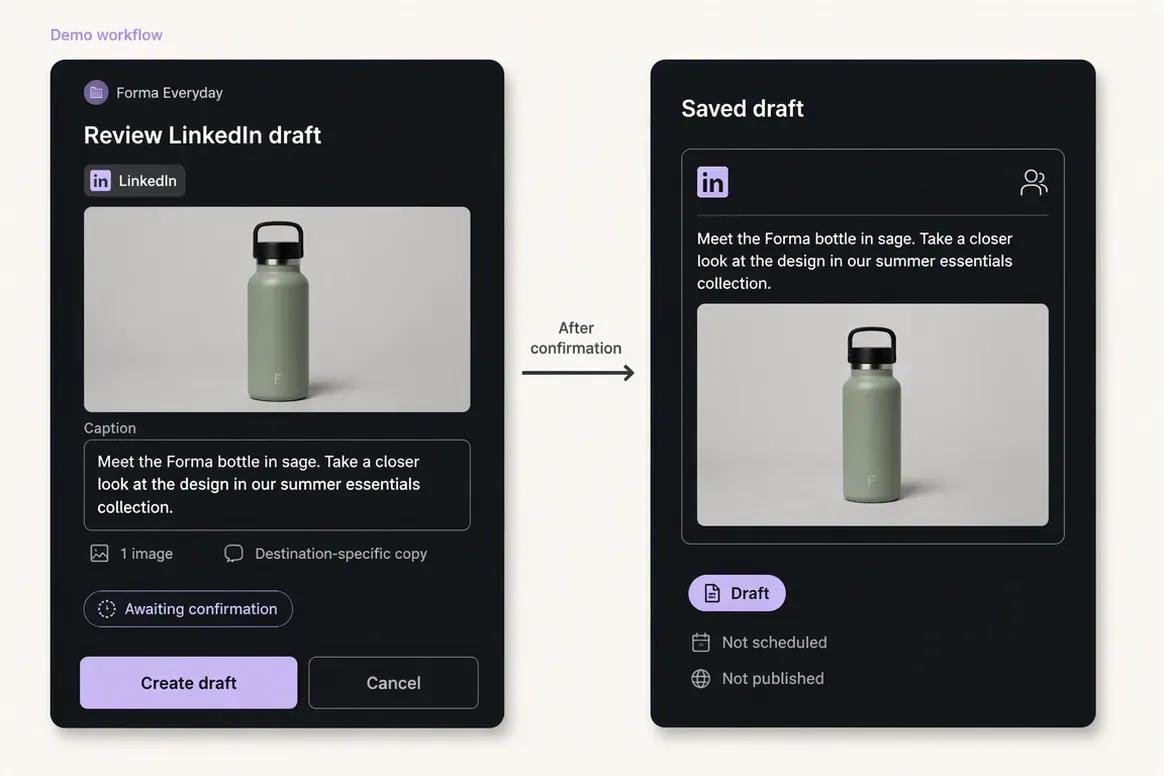
| Social publishing | Supports drafts, scheduling, immediate publishing, platform validation, queue states, retries, and status monitoring. | Native social scheduling, publishing queues, platform validation, and post-status management were not verified. Social tools are available through integrations. |
|---|
| Social analytics | Provides available profile and post metrics from connected supported social networks. | Provides guideline, portal, asset, search, template, user, and adoption analytics rather than native social-post analytics. |
|---|
| SEO content workflow | Supports researched article generation, evaluation, editing, reevaluation, and optimization. | A native keyword, SERP, article-scoring, audit, and SEO optimization workflow was not verified. |
|---|
| Integrations | Connects supported social, media, and marketing workflows inside Oolook. | Provides an extensive ecosystem covering Adobe, Figma, Canva, Microsoft, Google, storage, CMS, PIM, CRM, social, API, and developer tools. |
|---|
| Enterprise governance | Enterprise plan details depend on current Oolook commercial terms. | Provides granular permissions, SSO, custom domains, audit capabilities, certifications, data controls, implementation, and customer-success services. |
|---|
| Free access | Offers an available Free plan, with current limits loaded from the pricing API. | Does not offer a permanent Free plan for new customers. A reviewed 30-day trial is available. |
|---|
| Pricing basis | Uses published standard plans that scale through workspaces, profiles, posts, storage, AI credits, reports, and support. | Uses custom sales-led pricing based primarily on monthly active users, modules, organization structure, storage, and implementation requirements. |
|---|