| Best suited to | Marketing teams that need structured brand context, multi-format creative production, media processing, publishing, reporting, and SEO workflows. | Creators, podcasters, marketers, agencies, and media teams that need automated long-video-to-short-video repurposing. |
|---|
| Primary workflow | Starts with a brand workspace and connects creative production to marketing execution. | Starts with a source video, audio file, URL, or prompt and produces edited clips or generated videos. |
|---|
| Long-video clipping | Specialized automatic long-video clipping is not positioned as an established Oolook advantage. | Uses transcript and multimodal analysis to identify and extract short-form moments from long videos. |
|---|
| Prompt-based clipping | Copilot supports marketing requests within the available workspace and supported actions. | ClipAnything lets users describe the visual, audio, topic, or sentiment cues they want to locate. |
|---|
| Virality Score | Oolook does not use a predictive Virality Score as an established feature. | Provides predictive clip scores and explanations intended to help prioritize short-form outputs. |
|---|
| Automatic reframing | Supports established media resizing and reframing workflows. | Automatically reframes subjects and speakers for vertical, square, and landscape video layouts. |
|---|
| Speaker and subject tracking | Speaker-focused clipping and tracking are not positioned as core Oolook functions. | Provides active-speaker, face, and subject tracking for supported clipping workflows. |
|---|
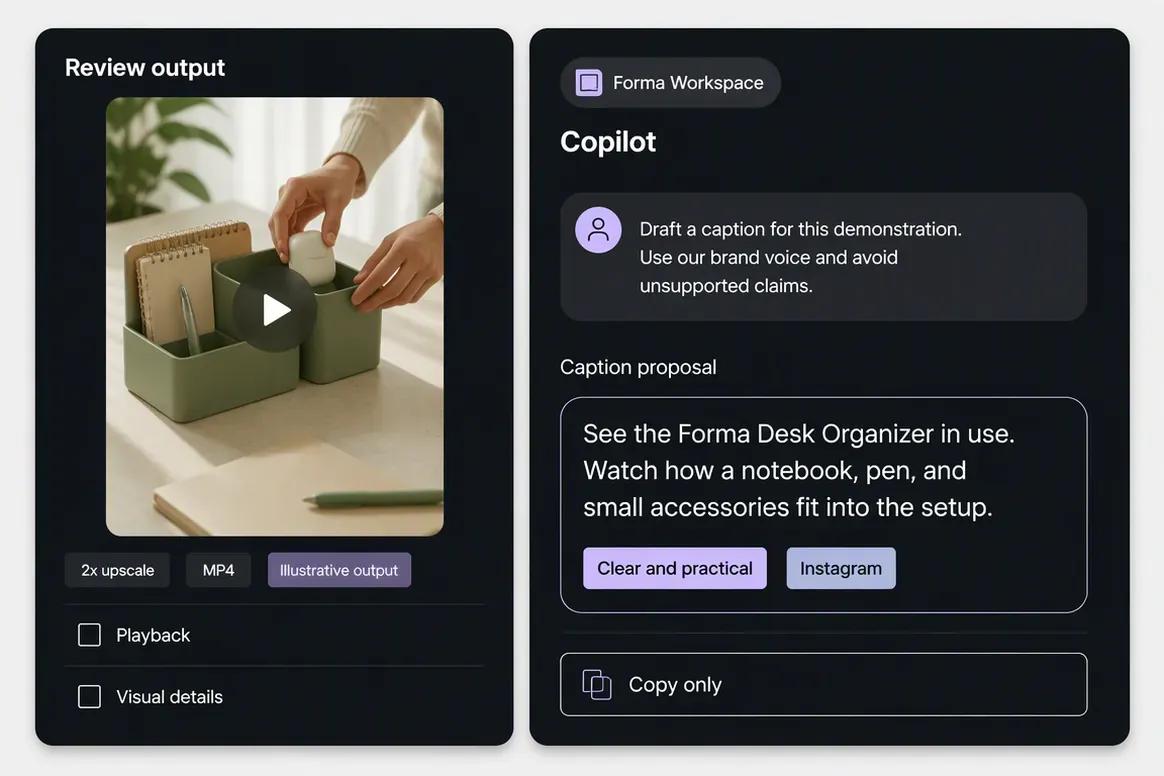
| Captions | Generates social captions and caption variants using supported brand and destination context. | Generates animated on-video captions, keyword highlights, emojis, and platform-oriented social copy. |
|---|
| AI B-roll | Oolook focuses on image generation and existing-media processing within its established scope. | Can insert contextual stock or AI-assisted B-roll into supported video workflows. |
|---|
| Video generation | Unrestricted native video generation is not positioned as an established Oolook advantage. | Agent Opus provides text-to-video, audio-to-video, and image-to-video generation workflows. |
|---|
| Image and carousel creation | Provides native image generation, coordinated carousel generation, and moodboards. | Focuses on video and B-roll rather than dedicated static-image and coordinated social-carousel workflows. |
|---|
| Brand context | A structured Brand Kit can guide supported Copilot, social, visual, media, and SEO workflows. | Brand Templates can store fonts, colors, logos, caption styles, music preferences, and selected video presets. |
|---|
| Multi-brand organization | Brand workspaces separate context, Media Libraries, profiles, posts, reports, and search projects. | Paid and Business workflows support projects, workspaces, teams, and multiple Brand Templates. |
|---|
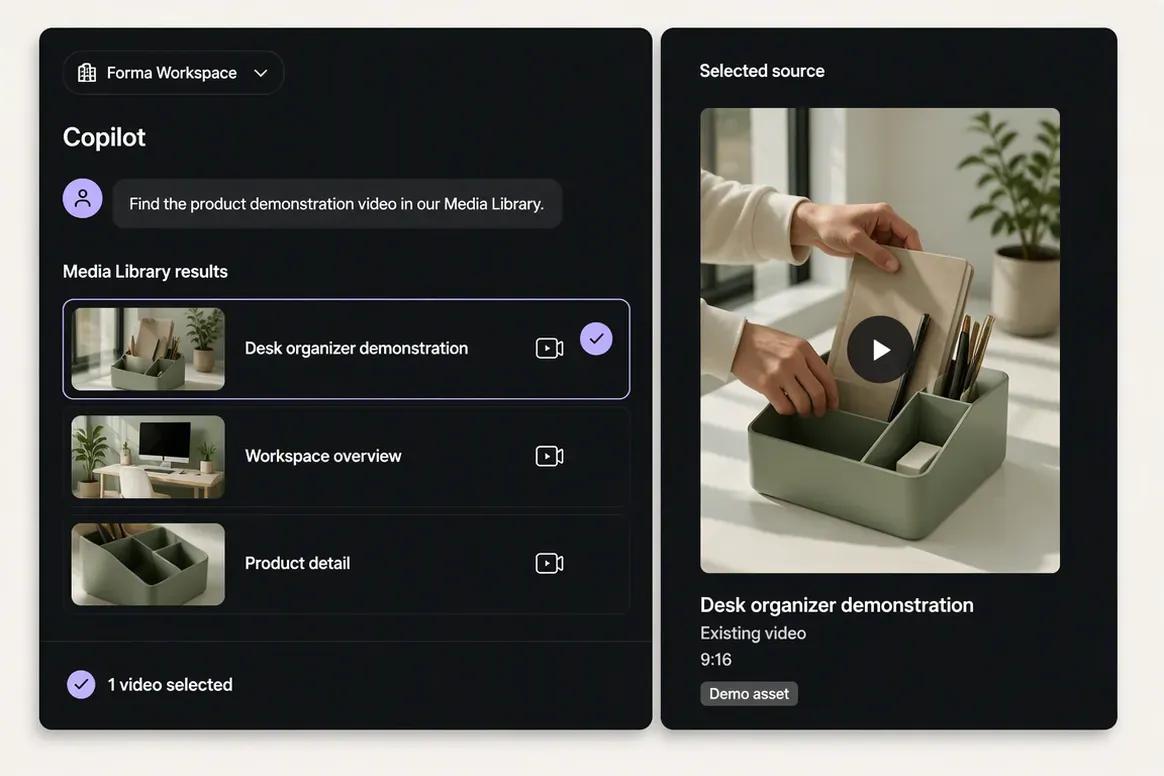
| Media Library | Supports images, videos, documents, generated outputs, search, processing, organization, and reuse by brand. | Organizes source videos and generated clips through video-focused projects, collections, storage, and reusable templates. |
|---|
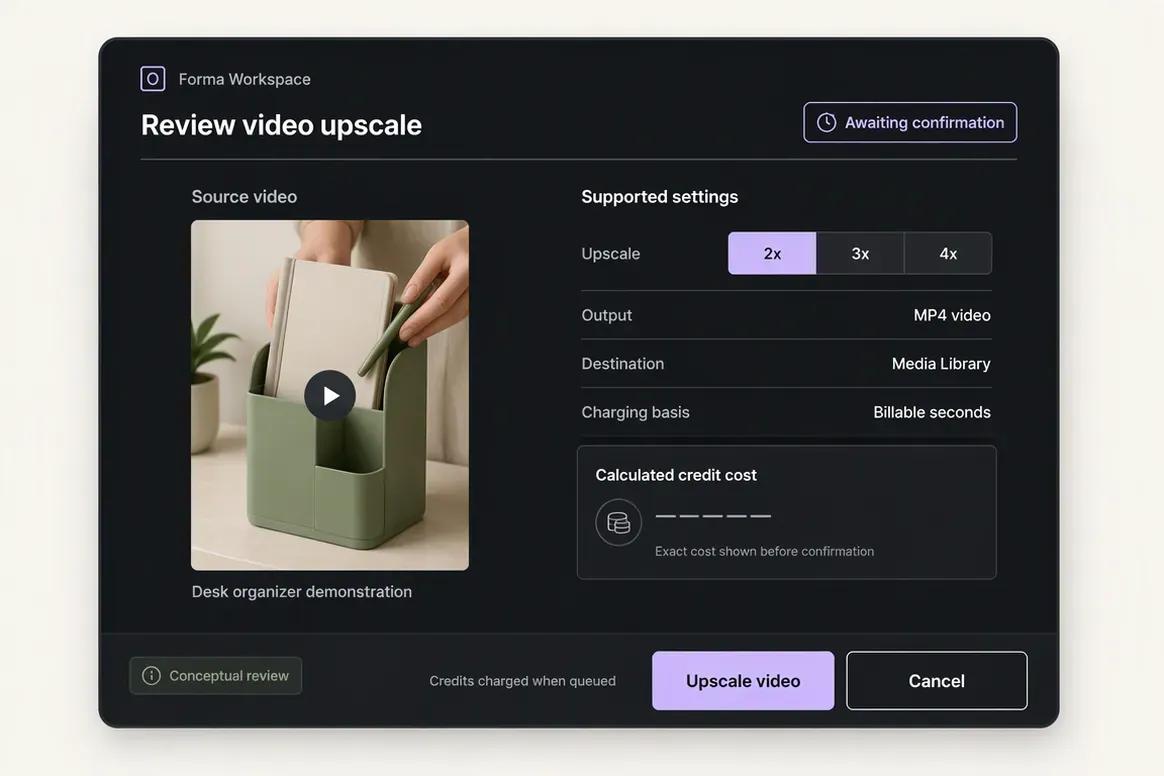
| Media processing | Includes image and video background removal, resizing, reframing, palette extraction, color grading, and upscaling. | Provides video clipping, trimming, reframing, captions, layouts, audio enhancement, B-roll, and selected editing tools. |
|---|
| Professional editing handoff | Professional NLE timeline export is outside the established scope. | Supports XML timeline export for finishing work in Premiere Pro and DaVinci Resolve. |
|---|
| Source ingestion | Media can be uploaded and reused within the selected brand workspace. | Supports local files and reviewed sources such as YouTube, Google Drive, Dropbox, Zoom, Vimeo, Twitch, Riverside, and other video platforms. |
|---|
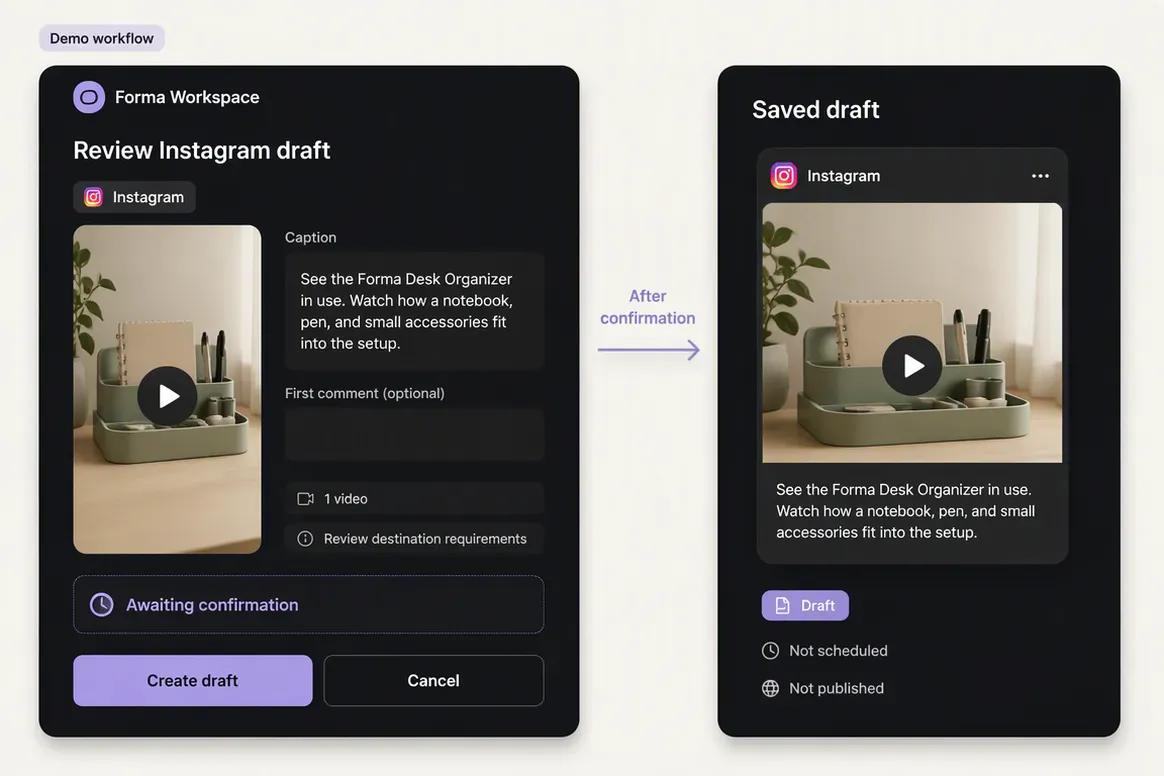
| Social scheduling | Supports destination-specific captions, media, validation, scheduling, retries, queue states, and publication monitoring. | Provides social scheduling on eligible plans for selected video destinations, with platform-specific captions and settings. |
|---|
| Publishing destinations | Supports established Facebook, Instagram, Pinterest, LinkedIn, YouTube, and TikTok workflows. | Reviewed direct publishing focused on YouTube, TikTok, Instagram Reels, LinkedIn, and X. Other destinations require verification. |
|---|
| Analytics | Provides available profile and post metrics from supported connected networks. | Combines predictive Virality Scores with selected post-publish clip and social performance data. |
|---|
| API | Public API access is not positioned as an established Oolook advantage. | Provides clipping, upload, export, and webhook capabilities through eligible API plans, with documented rate and credit limits. |
|---|
| SEO content workflow | Supports researched article generation, evaluation, editing, reevaluation, and optimization. | Provides lightweight title, description, and hashtag tools, but not a comparable SEO article workflow. |
|---|
| Free access | Offers an available Free plan, with current limits loaded from the pricing API. | Offers a Free plan with 60 monthly processing minutes, a watermark, 1080p exports, and reviewed three-day clip retention. |
|---|
| Pricing basis | Plans scale through brand workspaces, profiles, posts, storage, AI credits, reports, and support. | Plans primarily scale through source-video processing credits, output quality, storage, Brand Templates, team features, and API usage. |
|---|