Oolook for Furniture Marketing

Create Furniture Marketing Content Around Every Collection

Turn approved product details, room photography, material information, and campaign objectives into collection launches, product education, social content, and SEO articles.

Oolook Copilot

Brand-aware content preparation

Working in: Alder & Form
Ask anything
Brand details shown here are fictional. Actual output uses available information from the selected Brand Kit.
Launch a furniture collectionCreate a room inspiration carouselExplain materials and care

Supported actions are prepared for review and confirmation. Publishing capabilities and formats depend on current Oolook availability and the destination network.

AI marketing for furniture brands

Turn Product Details and Interior Inspiration Into Connected Campaigns

Keep collection positioning, product accuracy, visual direction, approved photography, social drafts, publishing, and supporting search content connected to the same furniture brand.

Collection launches

Build a Campaign Around the Complete Collection

Organize the collection story, launch timing, hero products, materials, audience, and approved claims before producing campaign content.

  • Define the collection theme and audience
  • Highlight verified materials and finishes
  • Prepare launch, reminder, and follow-up content
  • Keep every product claim reviewable
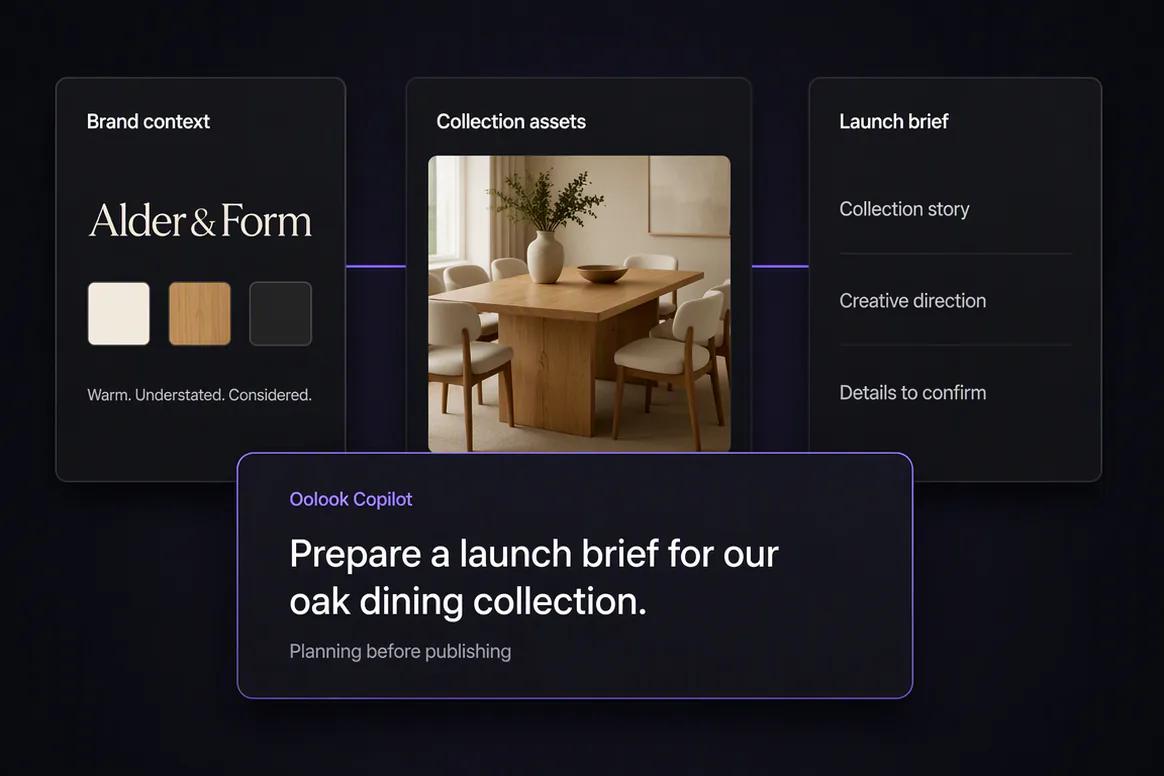
Furniture collection launch campaign prepared inside Oolook

Room inspiration

Turn Approved Room Photography Into Useful Visual Content

Reuse room settings and product photography to create inspiration-led posts, coordinated carousels, and campaign variations.

  • Find approved room and product images
  • Create room inspiration carousels
  • Adapt visual assets for supported destinations
  • Keep the original photography available for reuse
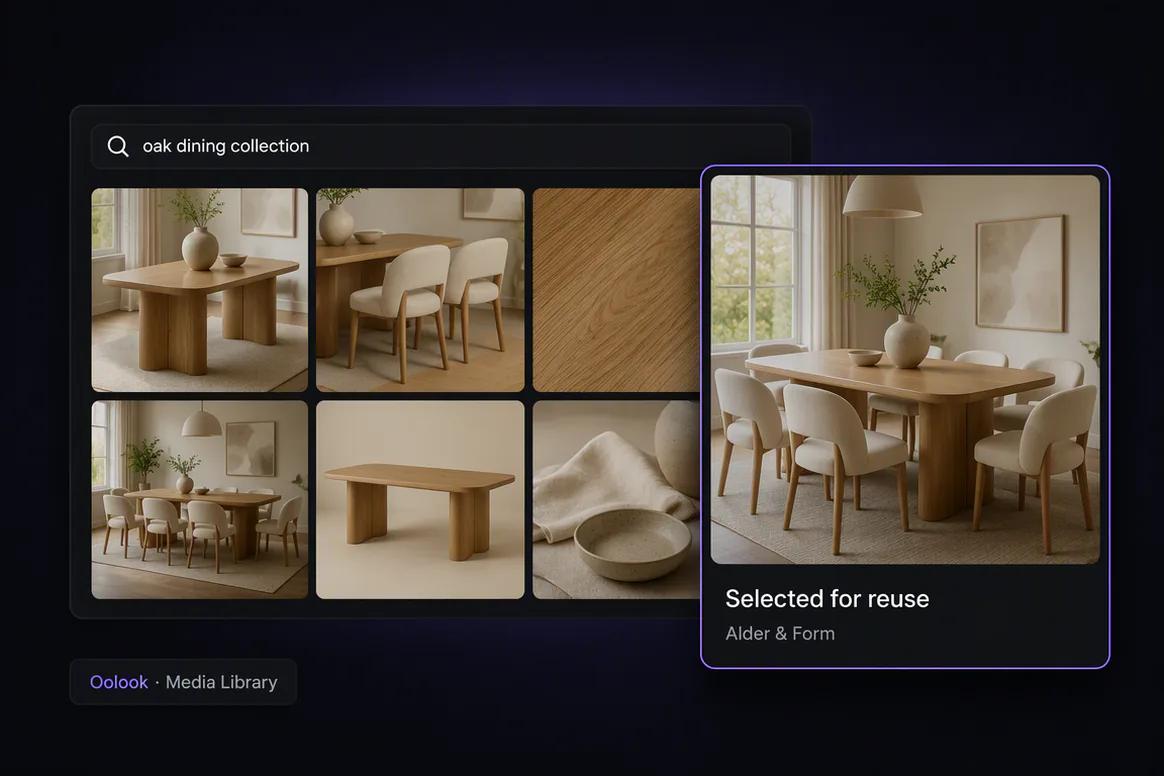
Furniture room photography organized for social marketing

Product education

Explain Materials, Dimensions, Care, and Everyday Use

Turn verified product information into educational content that helps customers understand fit, materials, care, and intended use.

  • Explain verified construction details
  • Create material and care content
  • Answer common product questions
  • Avoid inventing dimensions or specifications
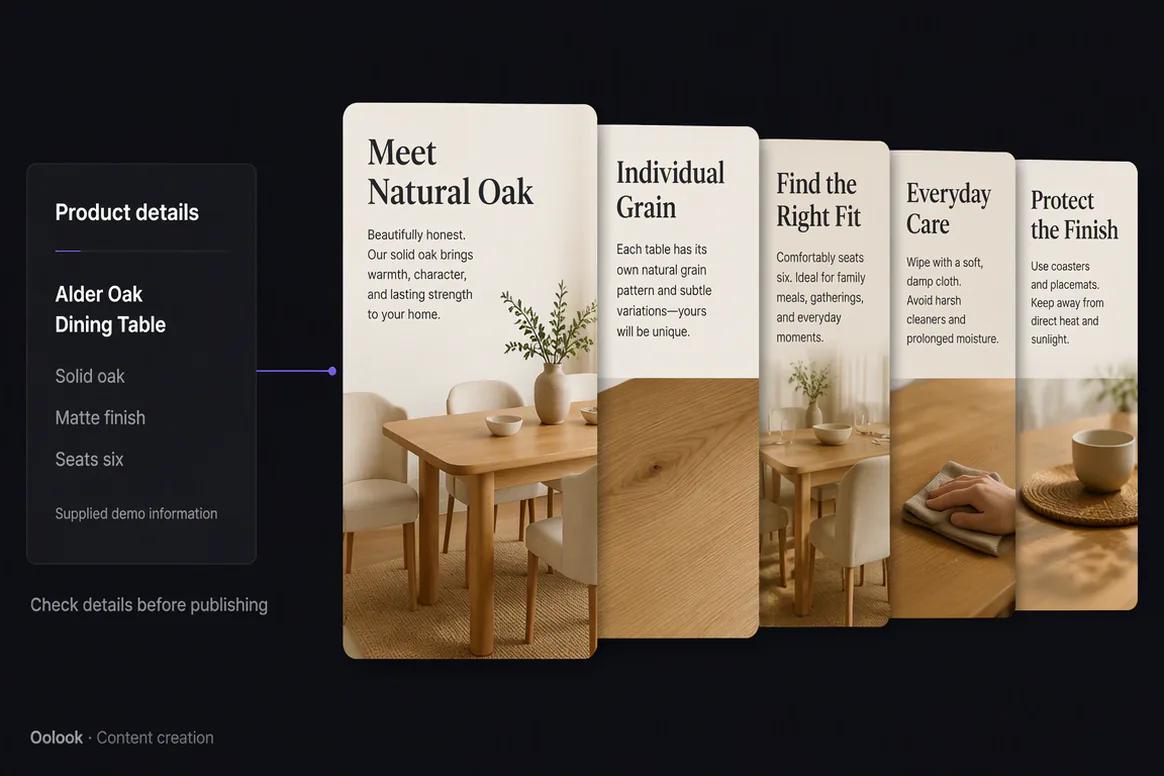
Furniture product education content created with verified details

Publishing and follow-up

Schedule the Campaign and Review Available Results

Prepare destination-specific drafts, confirm eligible publishing actions, monitor statuses, and use available metrics to plan follow-up content.

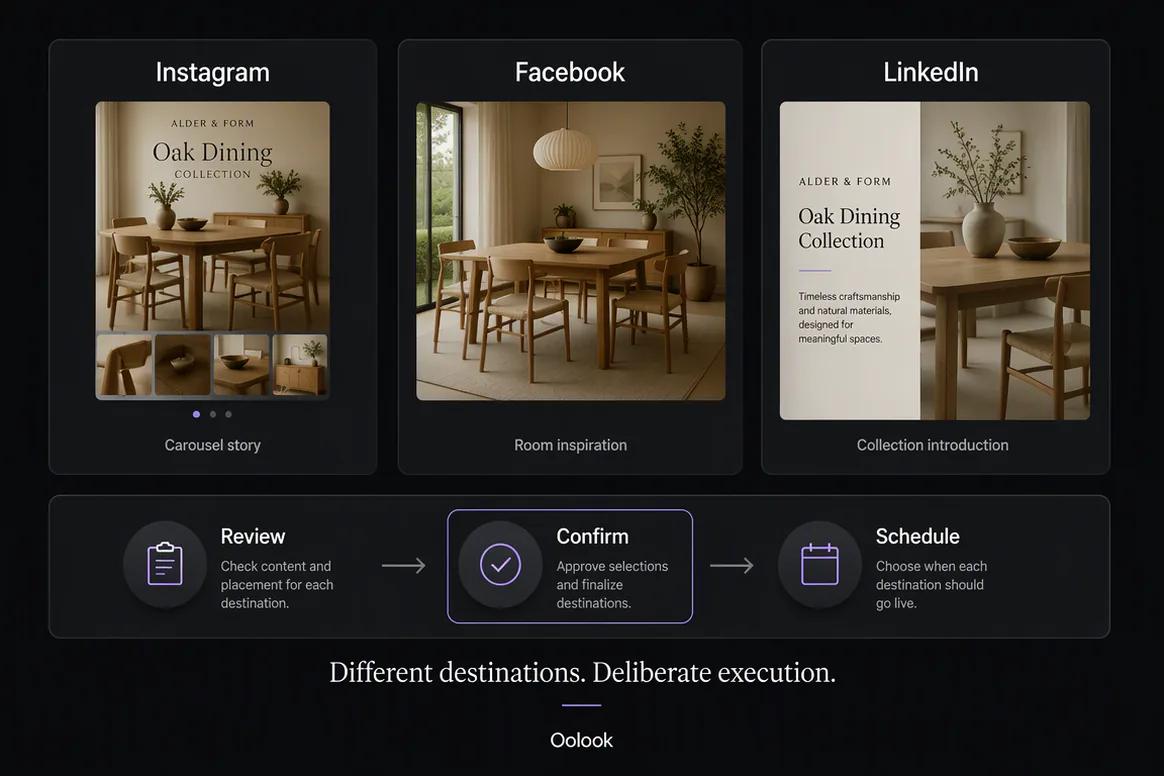
  • Review each social destination separately
  • Schedule eligible campaign content
  • Monitor publication and attention-required states
  • Use available results for the next campaign
Furniture campaign scheduled and monitored in Oolook

Furniture campaign examples

See How One Furniture Collection Becomes a Complete Campaign

Move from a collection brief into room inspiration, product education, and seasonal campaign content using approved product information and visual assets.

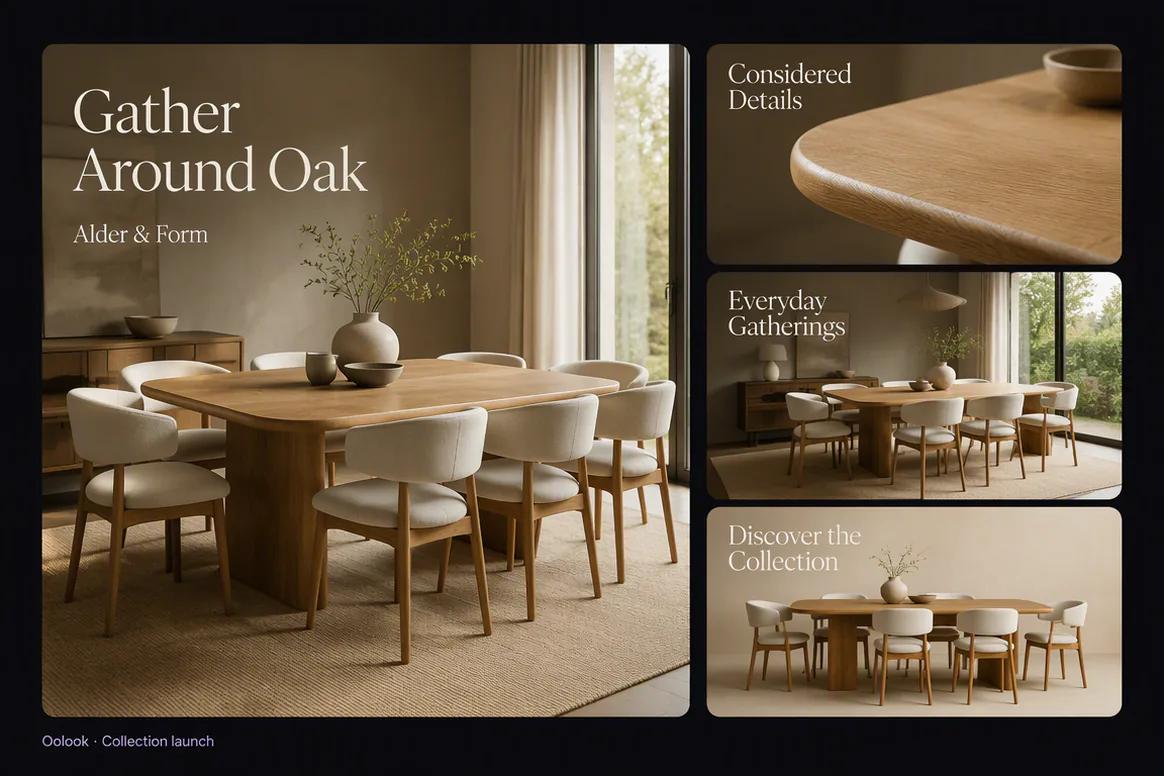
Oolook displaying a coordinated furniture collection launch campaign

Collection Launch

Introduce the collection story, visual direction, hero products, and launch message through one coordinated campaign.

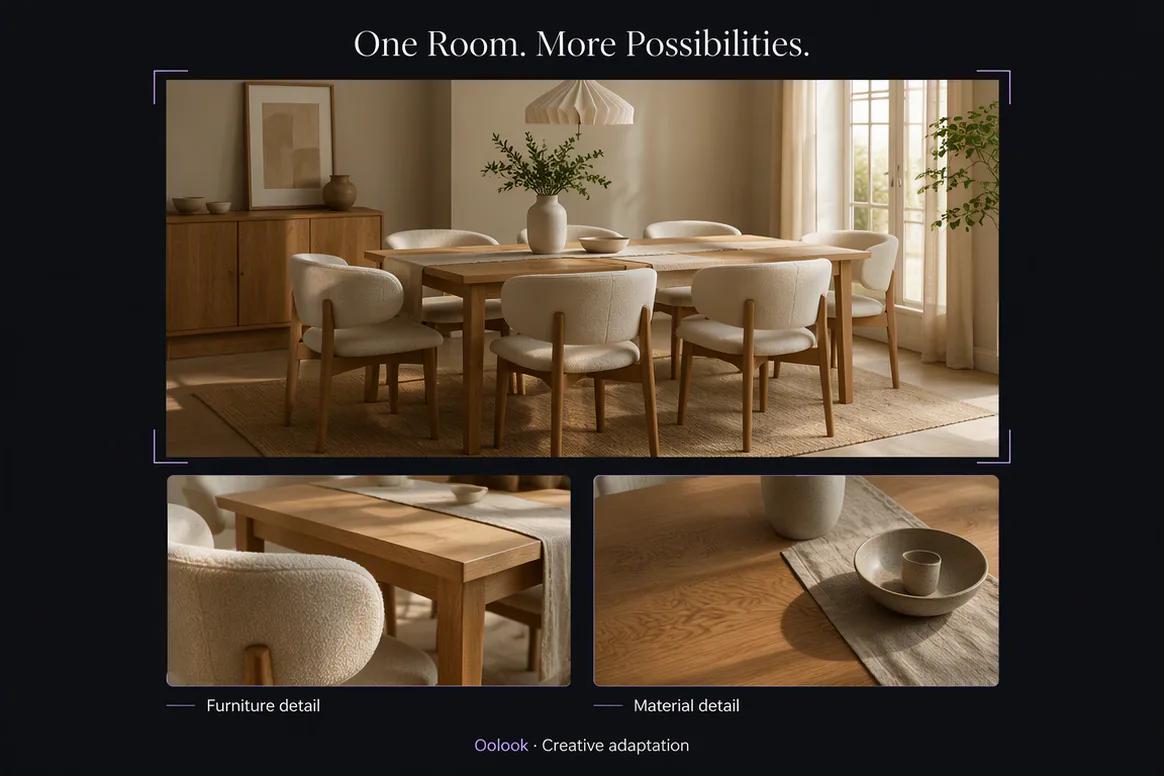
Oolook displaying room inspiration created from approved furniture assets

Room Inspiration

Show how approved furniture products work together in a complete room setting for discovery and consideration.

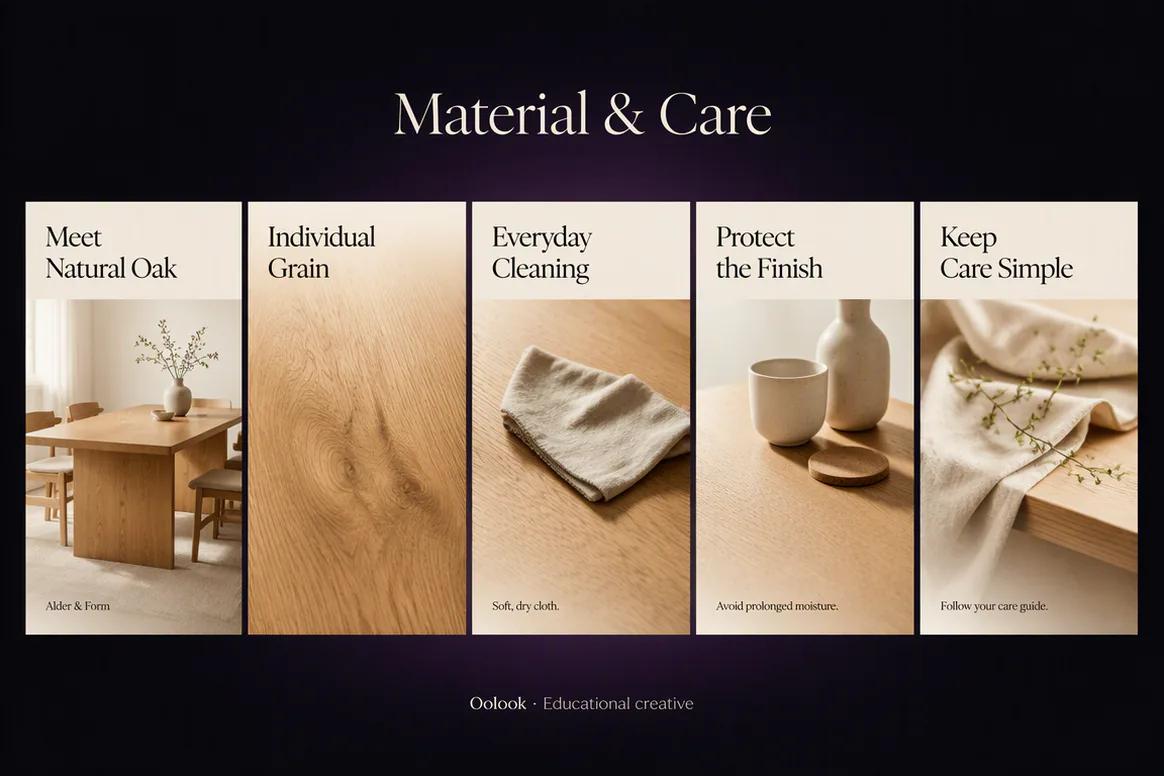
Oolook displaying a furniture material and care carousel

Material and Care Education

Turn verified construction, finish, material, and care information into clear visual education.

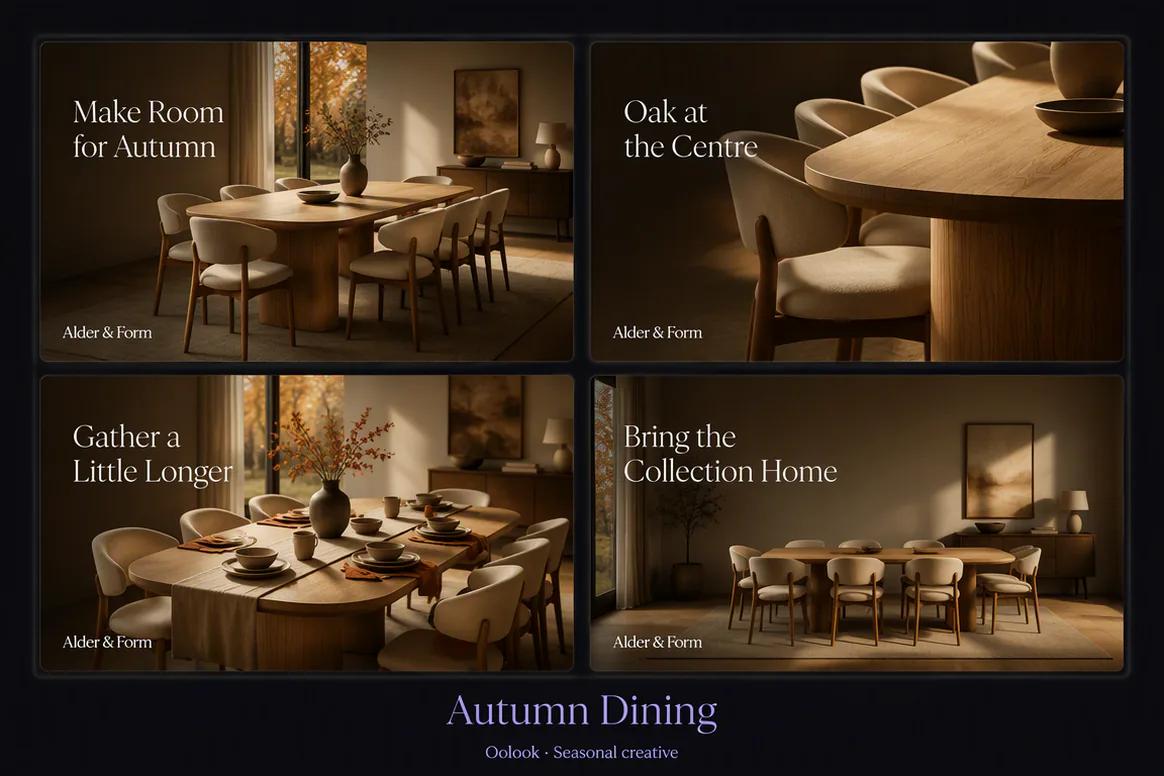
Oolook displaying a coordinated seasonal furniture campaign

Seasonal Campaign

Adapt approved products and room photography for a seasonal buying moment.

Oolook Copilot in action

How Oolook Copilot Supports Furniture Marketing

Keep product accuracy, approved photography, campaign sequencing, and publishing control visible throughout the workflow.

01

Provide the collection brief

Add the collection story, products, materials, audience, launch timing, destinations, and approved calls to action.

02

Find approved furniture assets

Locate relevant product and room photography in the selected brand's Media Library.

03

Prepare the campaign

Create launch captions, room inspiration content, product education, carousels, and destination drafts.

04

Review and confirm

Check product accuracy, visual fidelity, publishing details, and supported actions before execution.

Built for Furniture Marketing

Create Content for the Furniture Buying Journey

Use different content formats to move from collection discovery into product understanding and consideration.

Collection launches

Introduce the collection story, design direction, hero products, and launch timing.

Room inspiration

Show how approved products work together in complete room settings.

Product education

Explain verified materials, dimensions, care requirements, and intended uses.

Furniture articles

Create researched guides around room planning, materials, care, and product selection.

Practical marketing jobs

Use Oolook for Recurring Furniture Marketing Work

Prepare useful campaigns around collections, individual products, rooms, materials, and seasonal buying moments.

Launch a new furniture collection

Create a room inspiration carousel

Explain a product's verified materials

Prepare furniture care content

Repurpose room photography for social media

Create a seasonal furniture campaign

One connected workspace

Everything Connected to furniture Marketing Execution

Keep the brief, brand guidance, creative assets, destination drafts, publishing records, available reports, and SEO content inside one brand workspace.

Brand Kit

Keep the audience, positioning, writing preferences, visual direction, and approved calls to action for furniture content available in one workspace.

Oolook Copilot

Inspect available workspace information, prepare marketing content, and present supported actions for review and confirmation.

Creative applications

Generate captions, marketing images, coordinated carousels, moodboards, and other supported campaign assets.

Media Library

Find, organize, process, and reuse approved product, campaign, and brand assets inside the selected workspace.

Controlled publishing

Prepare destination-specific drafts, review supported settings, schedule eligible content, and monitor publication states.

Available reporting

Review accessible profile and post information from supported connected networks before preparing follow-up content.

Why Oolook

Replace a Fragmented furniture Content Workflow

Oolook connects brand context, creative production, reusable media, destination preparation, controlled publishing, and available reporting.

Workflow
Disconnected tools
Oolook
Campaign brief
Copied between documents, writing tools, design tools, and schedulers
Kept connected to the selected brand workspace and campaign objective
Brand guidance
Repeated manually whenever a caption or visual is created
Reused from available Brand Kit information across supported workflows
Creative assets
Product photography, room settings, material details, and campaign outputs are downloaded, renamed, and moved between tools
Approved assets remain searchable and reusable through the Media Library
Social destinations
The same caption and creative are copied to every platform
Each destination draft can be adapted and reviewed independently
Execution
Approved content is transferred into a separate publishing system
Eligible drafts continue into scheduling, publishing, and status monitoring

Step-by-step guide

How to Create a Furniture Marketing Campaign With AI

Follow a controlled workflow from approved business information to reviewable marketing content.

  1. 1

    Select the correct brand workspace

    Open the workspace containing the relevant Brand Kit, approved media, connected profiles, drafts, reports, and SEO content.

  2. 2

    Choose the campaign objective

    Choose a collection launch, product spotlight, room inspiration series, care campaign, seasonal promotion, or supporting article.

  3. 3

    Collect approved source material

    Collect approved product names, dimensions, materials, finishes, prices, availability, photography, care details, and claims.

  4. 4

    Prepare the campaign sequence

    Plan the announcement, collection story, product education, room inspiration, reminder, and follow-up content.

  5. 5

    Create or reuse visual assets

    Find approved room and product photography before generating or processing additional visual assets.

  6. 6

    Review every destination

    Check the profile, caption, media, claims, date, time, timezone, and supported platform settings before execution.

  7. 7

    Confirm and monitor

    Approve supported actions, monitor publication states, and use available performance information to inform the next content decision.

Frequently asked questions

Your Furniture Marketing Questions, Answered

What is an AI furniture marketing tool?+

It is software that helps furniture brands prepare marketing content using approved product information, brand guidance, visual assets, and campaign objectives.

Can Oolook create furniture collection launch content?+

Yes. Oolook can help prepare launch captions, images, carousels, destination drafts, reminders, and supporting article content from approved collection information.

Can Oolook use existing room photography?+

Yes. Approved room and product photography can be stored, found, processed, and reused through the selected brand's Media Library.

Will Oolook invent furniture specifications?+

It should not. Dimensions, materials, finishes, prices, availability, warranties, and care claims must come from approved business information and should be reviewed before publication.

Can Oolook keep furniture content consistent with our brand?+

Yes. Available Brand Kit information can guide supported caption, image, carousel, media, social, and SEO workflows. Every output should still be reviewed for accuracy and brand alignment.

Can I reuse existing furniture photography and campaign assets?+

Yes. Approved uploaded, generated, and processed assets can be organized, searched, processed, and reused through the selected brand's Media Library.

Can the content be adapted for several social platforms?+

Yes. Oolook supports independently editable destination content and supported platform settings. Exact publishing capabilities depend on current social-network APIs and Oolook availability.

Does Oolook publish Copilot actions automatically?+

No. Supported workspace actions are presented for review and confirmation before execution.

Start with Oolook

Turn Every Furniture Collection Into a Connected Campaign

Bring product information, room photography, Brand Kit context, creative production, publishing, reporting, and SEO content into one workspace.