Oolook for Interior Design Marketing

Turn Interior Design Projects Into Credible Marketing Content

Transform approved project photography, moodboards, material information, design decisions, and service details into coordinated social campaigns and SEO content.

Oolook Copilot

Brand-aware content preparation

Working in: Alder & Form
Ask anything
Brand details shown here are fictional. Actual output uses available information from the selected Brand Kit.
Create a project storyTurn a moodboard into contentExplain design decisions

Supported actions are prepared for review and confirmation. Publishing capabilities and formats depend on current Oolook availability and the destination network.

AI marketing for interior designers

Connect Project Proof, Visual Direction, Design Expertise, and Publishing

Prepare project stories, moodboard content, material education, service explanations, social drafts, and supporting articles from approved design information.

Project storytelling

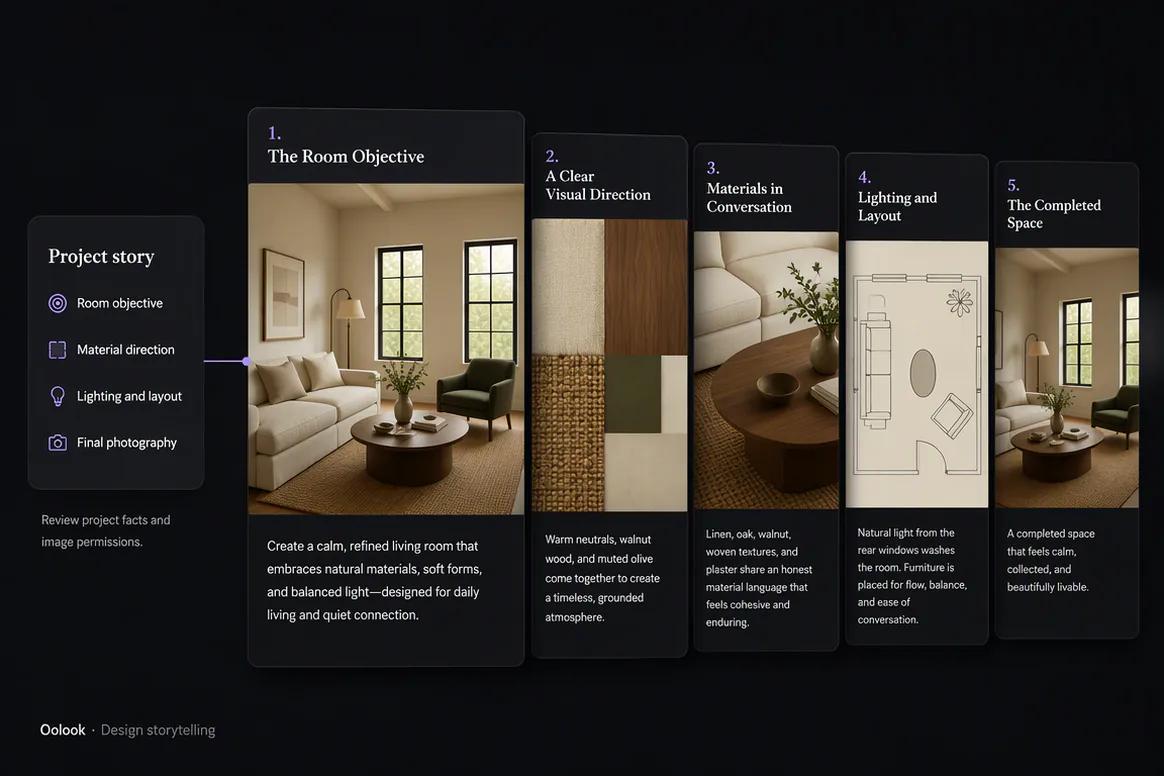
Turn a Completed Space Into a Structured Project Story

Organize the client objective, design challenge, approved solution, room details, materials, project scope, and final photography.

  • Start with approved project facts
  • Explain the design problem and response
  • Prepare reveal and detail content
  • Protect client privacy and permissions
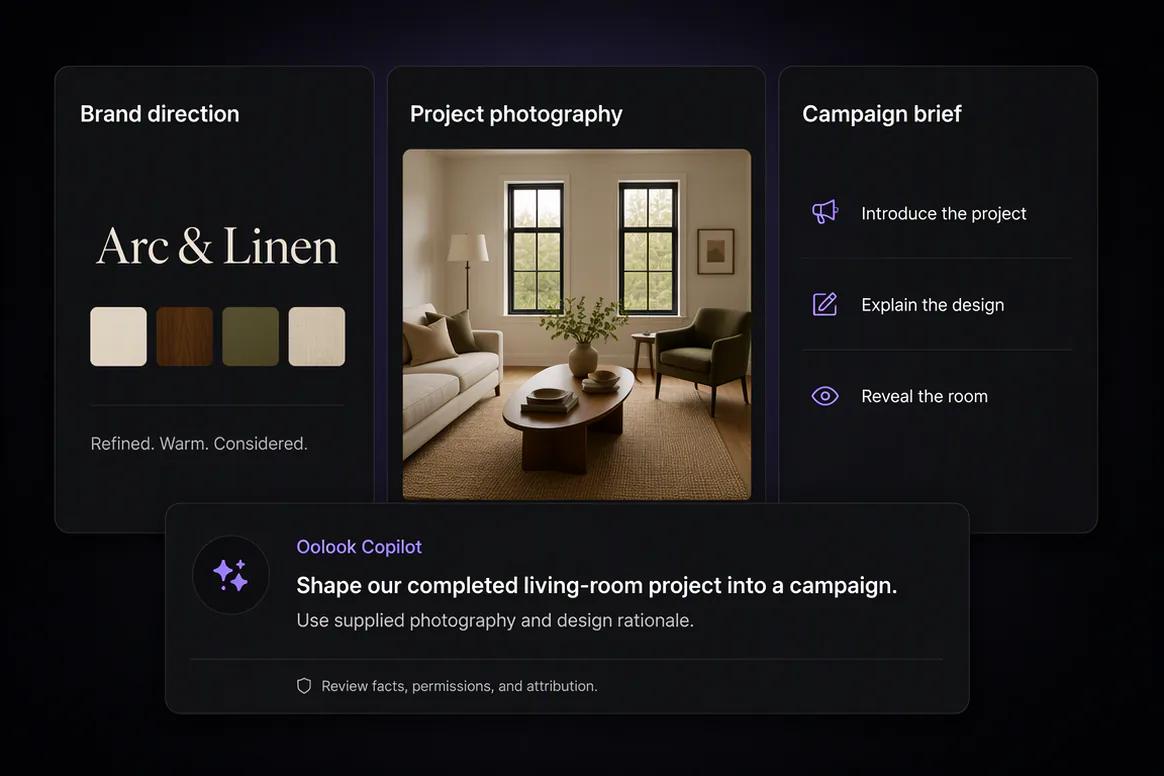
Interior design project story prepared from approved project details

Moodboards and visual direction

Translate Visual References Into Useful Campaign Content

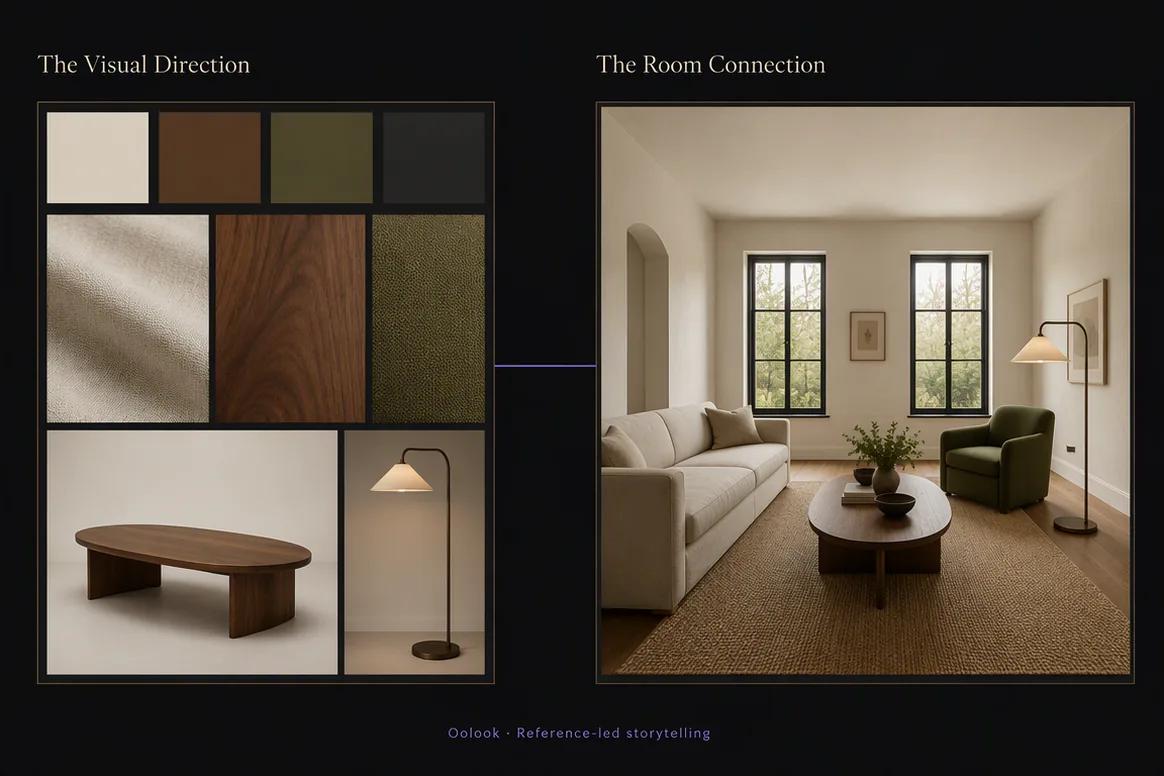
Use approved moodboards, palettes, materials, furniture references, and visual direction to explain the design concept.

  • Use approved visual references
  • Create moodboard-led carousels
  • Explain palette and material choices
  • Keep references organized by project
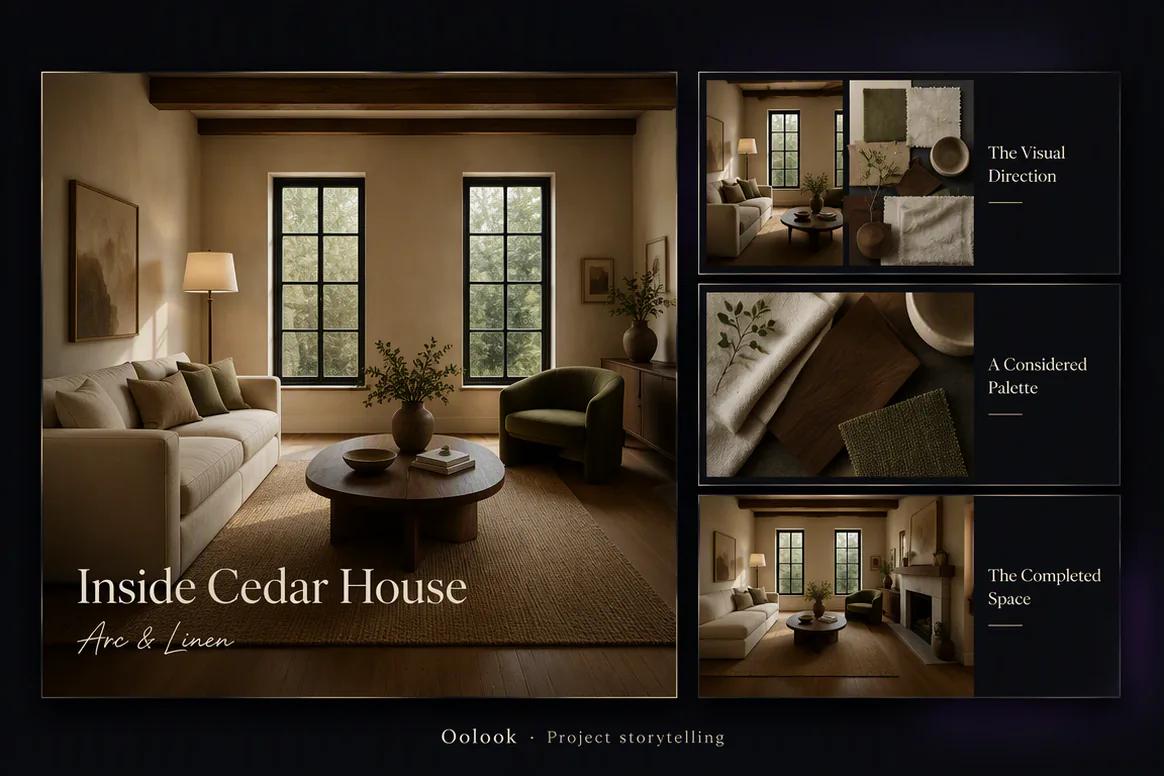
Interior design moodboard transformed into campaign content

Design education

Explain Materials and Decisions Without Inventing Details

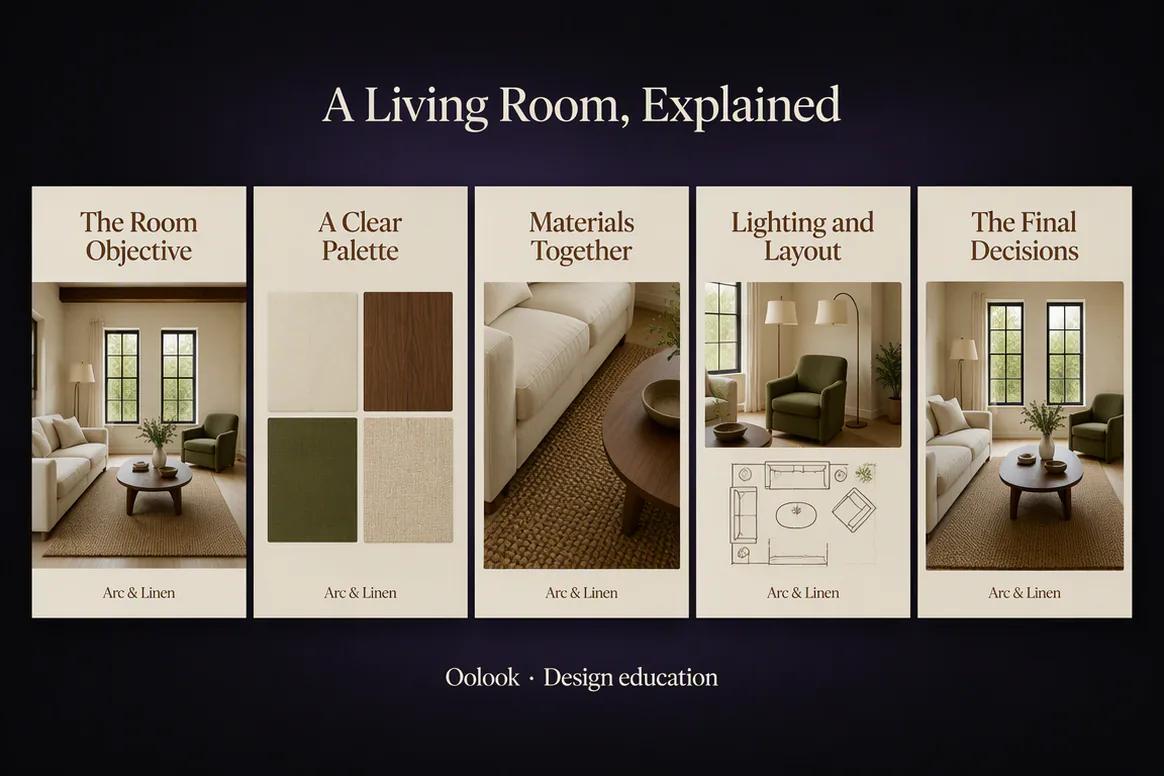
Turn verified design knowledge into content about layouts, lighting, materials, styling, functionality, and project considerations.

  • Use verified material information
  • Explain approved design decisions
  • Create practical educational content
  • Avoid unsupported durability or cost claims
Interior design material and decision education prepared for review

Campaign execution

Extend Project Expertise Across Social and Search

Prepare destination drafts, reuse approved project media, schedule eligible content, and continue into researched design articles.

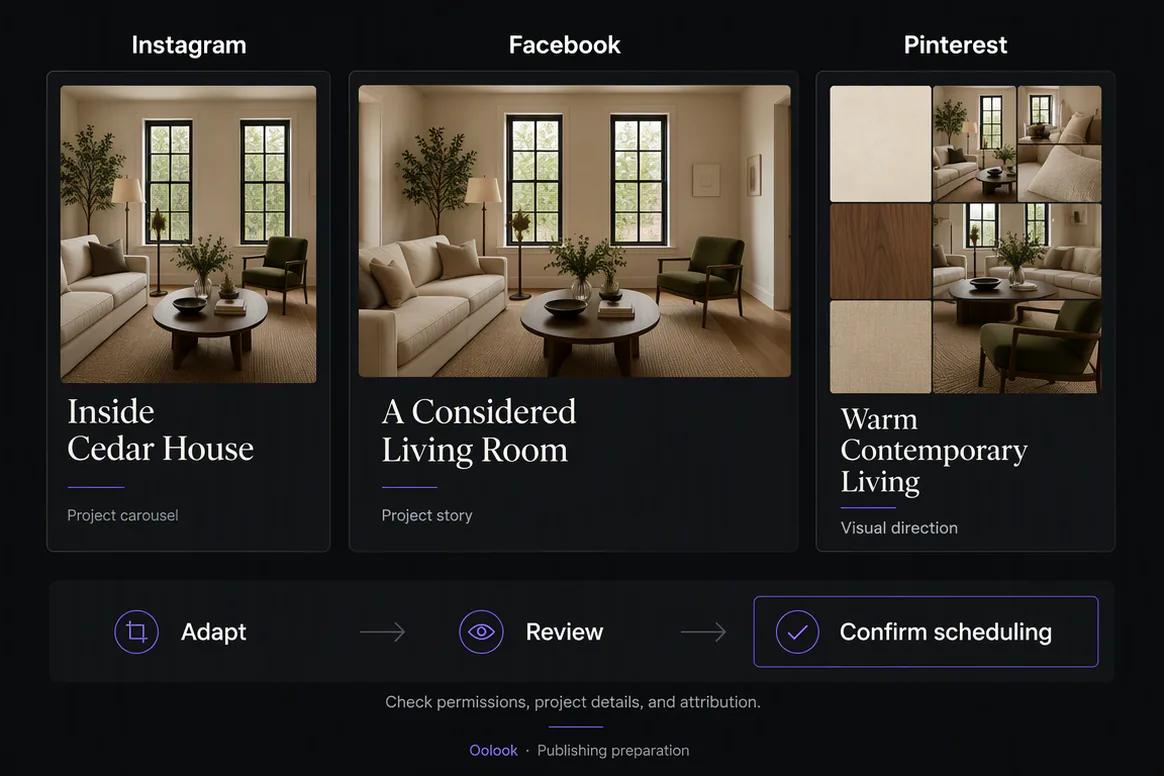
  • Adapt project stories by destination
  • Reuse approved project photography
  • Schedule eligible campaign content
  • Create supporting design articles
Interior design campaign adapted for social publishing and SEO

Interior design campaign examples

Turn One Approved Design Project Into a Complete Campaign

Connect project facts, moodboards, material decisions, final photography, and design education.

Oolook displaying a completed interior design project campaign

Completed Project Story

Present the approved objective, design challenge, response, and completed living space.

Oolook displaying an interior design moodboard campaign

Moodboard Story

Connect the approved palette, materials, furniture references, and lighting direction to the final project.

Oolook displaying an interior design education carousel

Design Education

Explain verified layout, lighting, material, and styling decisions without inventing project details.

Oolook displaying a connected interior design marketing campaign

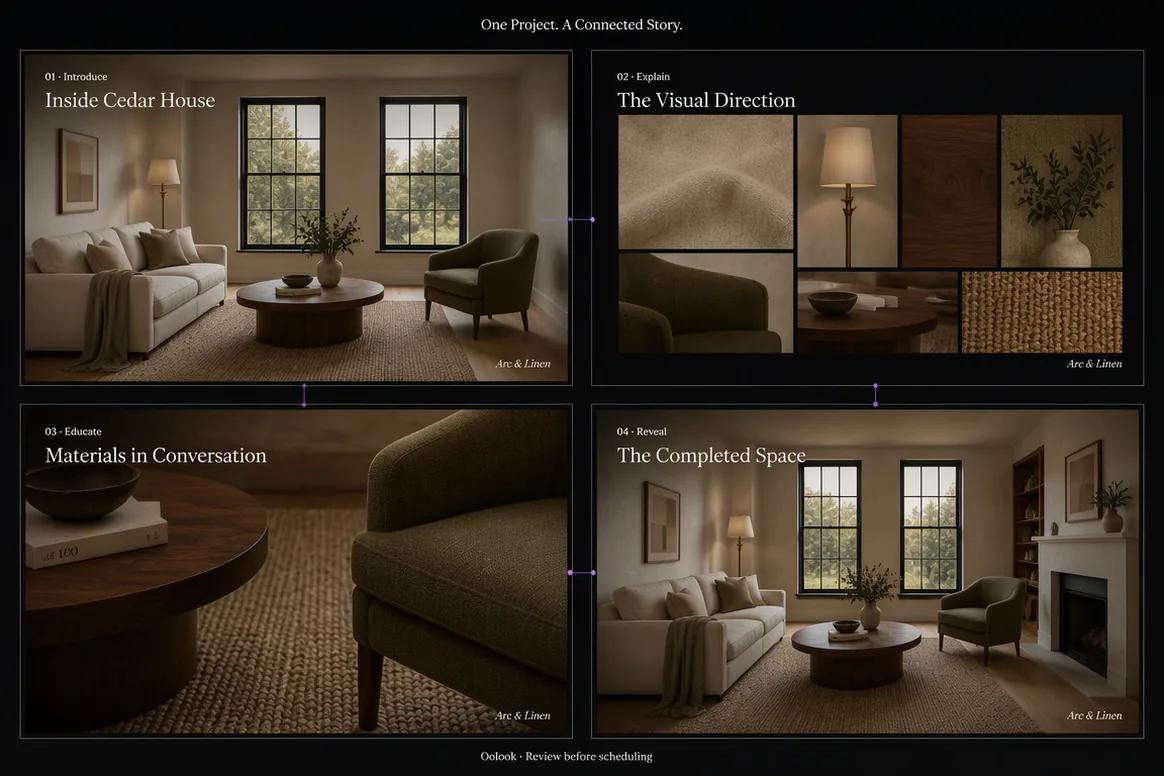
Connected Project Campaign

Combine the project introduction, moodboard, material education, and completed-room reveal.

Oolook Copilot in action

How Oolook Copilot Supports Interior Design Marketing

Keep project facts, visual references, client permissions, design expertise, and human review connected.

01

Provide the approved project record

Add the client objective, project scope, room details, design decisions, materials, location context, audience, and campaign objective.

02

Find approved project assets

Select permitted before, process, final, moodboard, palette, material, plan, and team assets.

03

Prepare the content

Create project stories, moodboard carousels, material education, service content, destination drafts, and articles.

04

Review and confirm

Check project facts, material details, permissions, privacy, attribution, visual accuracy, and publishing actions.

Built for Interior Design Marketing

Create Content Around Projects, Materials, and Expertise

Use distinct formats to demonstrate completed work, explain design decisions, educate prospects, and support enquiries.

Project stories

Present the approved objective, challenge, design response, materials, details, and completed space.

Moodboard carousels

Explain approved palettes, materials, forms, references, and visual direction.

Design education

Create reviewed content around layouts, lighting, materials, styling, and project planning.

Interior design articles

Create researched content around rooms, styles, materials, processes, and client questions.

Practical marketing jobs

Use Oolook for Recurring Interior Design Marketing

Prepare campaigns around completed projects, design concepts, services, materials, processes, and client education.

Create a completed-project story

Turn a moodboard into a carousel

Explain a verified material choice

Prepare a service explainer

Repurpose approved project photography

Create an interior design article

One connected workspace

Everything Connected to interior design Marketing Execution

Keep the brief, brand guidance, approved sources, creative assets, destination drafts, publishing records, available reports, and SEO content inside one brand workspace.

Brand Kit

Keep the audience, positioning, writing preferences, visual direction, and approved calls to action for interior design content available in one workspace.

Oolook Copilot

Inspect available workspace information, prepare marketing content, and present supported actions for review and confirmation.

Creative applications

Generate captions, marketing images, coordinated carousels, moodboards, and other supported campaign assets.

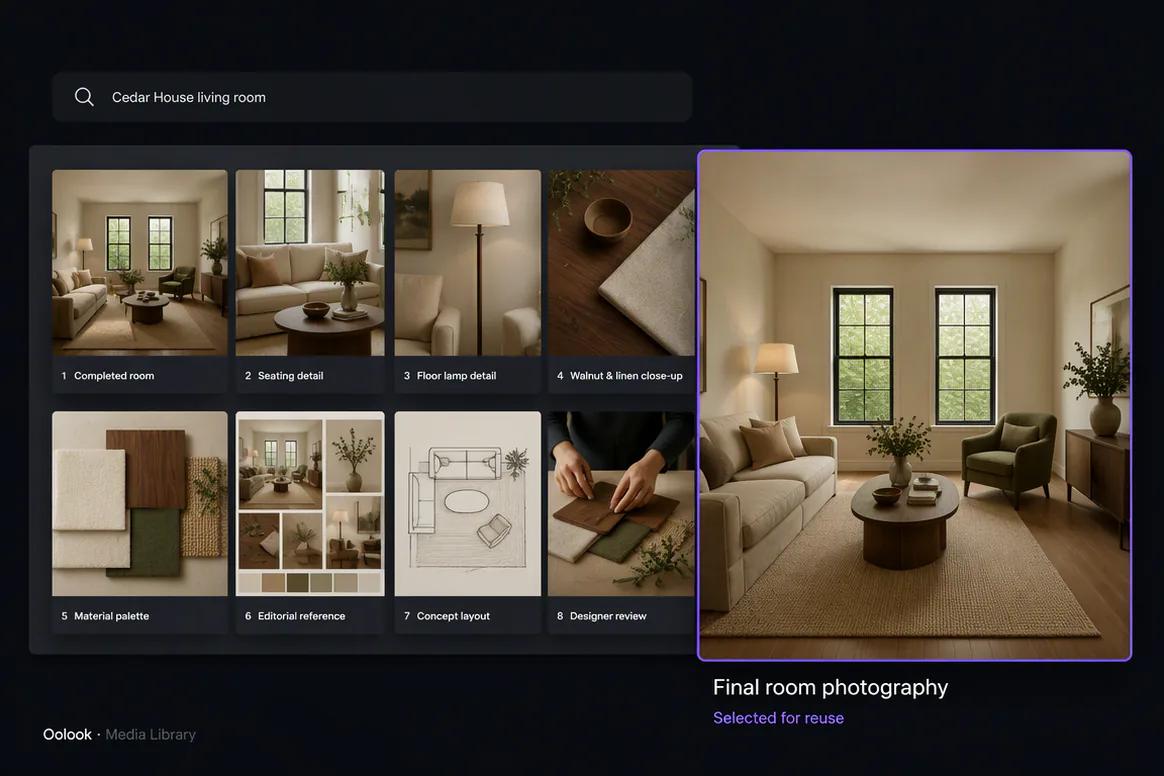
Media Library

Find, organize, process, and reuse approved project photography, moodboards, material references, plans, and campaign assets inside the selected brand workspace.

Controlled publishing

Prepare destination-specific drafts, review supported settings, schedule eligible content, and monitor publication states.

Available reporting

Review accessible profile and post information from supported connected networks before preparing follow-up content.

Why Oolook

Replace a Fragmented interior design Content Workflow

Oolook connects brand context, approved source material, creative production, reusable media, destination preparation, controlled publishing, and available reporting.

Workflow
Disconnected tools
Oolook
Campaign brief
Business information is copied between documents, writing tools, design tools, and schedulers
The approved objective stays connected to the selected brand workspace
Brand guidance
Audience, positioning, terminology, visual direction, and calls to action are repeated manually
Available Brand Kit information can guide supported workflows
Source assets
project photography, moodboards, material references, plans, and campaign assets are downloaded, renamed, and moved between tools
Approved assets remain searchable and reusable through the Media Library
Destinations
The same content is copied into every social destination
Each destination draft can be adapted and reviewed independently
Execution
Approved content is transferred into separate publishing and content systems
Eligible drafts continue into publishing, reporting, and SEO content workflows

Step-by-step guide

How to Create an Interior Design Marketing Campaign With AI

Follow a controlled workflow from approved information to reviewable marketing content.

  1. 1

    Select the correct brand workspace

    Open the workspace containing the relevant Brand Kit, approved media, connected profiles, drafts, reports, and SEO content.

  2. 2

    Choose the campaign objective

    Choose a project reveal, moodboard story, material series, service campaign, design-education sequence, event, or article.

  3. 3

    Collect approved source material

    Collect approved project facts, client permissions, design decisions, materials, suppliers, photography, plans, moodboards, testimonials, and service details.

  4. 4

    Prepare the content sequence

    Plan project introduction, design challenge, visual direction, material decisions, completed result, enquiry call to action, and follow-up.

  5. 5

    Create or reuse visual assets

    Use permitted project, moodboard, palette, material, plan, team, and completed-space assets with accurate attribution.

  6. 6

    Review every destination

    Check the profile, caption, media, claims, date, time, timezone, and supported platform settings before execution.

  7. 7

    Confirm and monitor

    Approve supported actions, monitor publication states, and use available performance information to inform the next content decision.

Frequently asked questions

Your Interior Design Marketing Questions, Answered

What is an AI marketing tool for interior designers?+

It is software that helps interior designers turn approved project information, visual references, expertise, brand guidance, and photography into marketing content.

Can Oolook create interior design project stories?+

Yes. Oolook can help prepare project narratives, visual carousels, captions, destination drafts, service content, and supporting articles.

Can Oolook use our project photography and moodboards?+

Yes. Approved project photography, moodboards, palettes, plans, material references, and campaign assets can be organized, processed, and reused.

Does Oolook verify project details or image rights?+

No. Project facts, client consent, image rights, supplier attribution, material claims, prices, timelines, and professional claims require qualified review.

Can Oolook keep interior design content consistent with our brand?+

Yes. Available Brand Kit information can guide supported caption, image, carousel, media, social, and SEO workflows. Every output should still be reviewed for accuracy and brand alignment.

Can I reuse existing project photography, moodboards, material references, plans, and campaign assets?+

Yes. Approved uploaded, generated, and processed assets can be organized, searched, processed, and reused through the selected brand's Media Library.

Can the content be adapted for several social platforms?+

Yes. Oolook supports independently editable destination content and supported platform settings. Exact publishing capabilities depend on current social-network APIs and Oolook availability.

Does Oolook publish Copilot actions automatically?+

No. Supported workspace actions are presented for review and confirmation before execution.

Start with Oolook

Turn Interior Design Work Into Connected Campaigns

Connect approved project facts, visual assets, Brand Kit guidance, creative production, publishing, reporting, and SEO content.