Oolook for Manufacturing Marketing

Turn Manufacturing Expertise Into Accurate Marketing Content

Transform approved product specifications, application knowledge, process information, technical imagery, and campaign objectives into useful B2B content.

Oolook Copilot

Brand-aware content preparation

Working in: Alder & Form
Ask anything
Brand details shown here are fictional. Actual output uses available information from the selected Brand Kit.
Launch an industrial productExplain an applicationPrepare trade-show content

Supported actions are prepared for review and confirmation. Publishing capabilities and formats depend on current Oolook availability and the destination network.

AI content marketing for manufacturers

Connect Technical Accuracy, Application Education, Visual Assets, and Distribution

Prepare product campaigns, application explainers, process stories, technical education, trade-show content, destination drafts, and supporting articles from approved information.

Product campaigns

Build the Campaign Around Verified Product Information

Organize the model, specifications, intended applications, compatibility, standards, availability, limitations, audience, and campaign timing.

  • Use approved technical specifications
  • Explain intended applications
  • Prepare launch and follow-up content
  • Keep limitations and availability visible
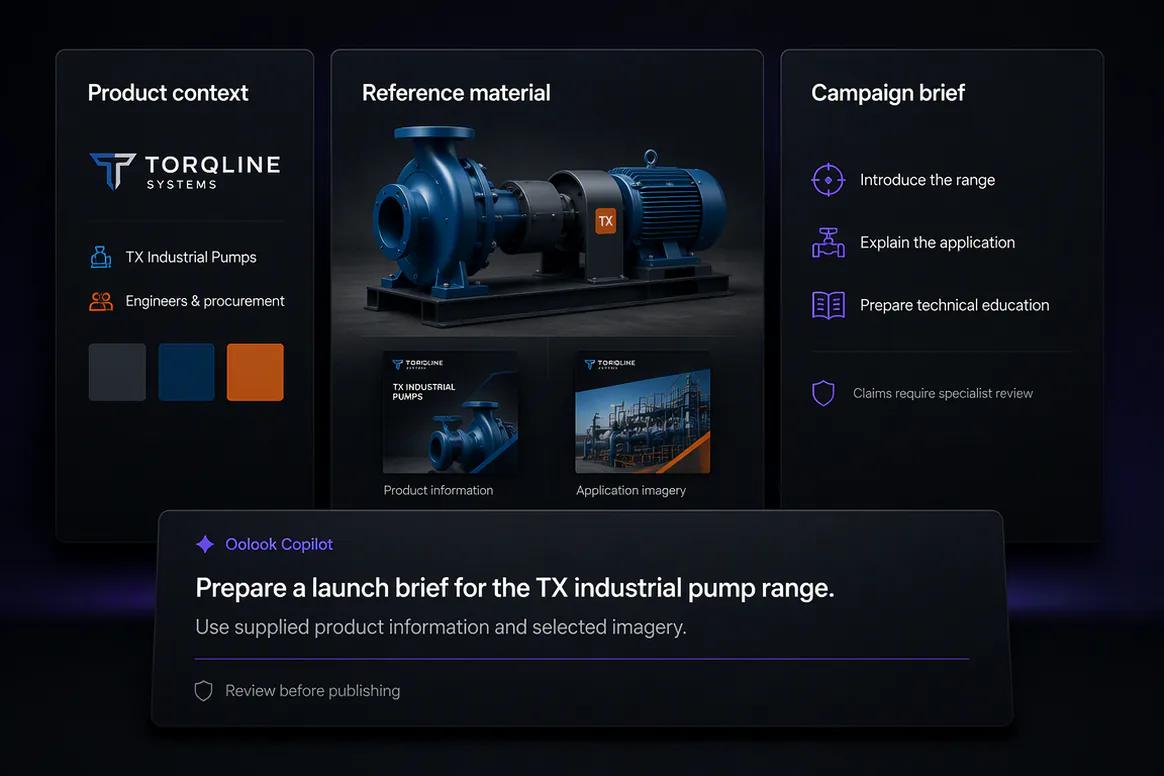
Manufacturing product campaign prepared from approved specifications

Application education

Show How the Product Supports a Real Industrial Use Case

Turn approved application knowledge, diagrams, project imagery, and process steps into useful visual explanations.

  • Explain verified use cases
  • Create application carousels
  • Use approved technical diagrams
  • Avoid inventing compatibility or performance
Industrial product application education prepared in Oolook

Process and expertise

Make Manufacturing Knowledge Easier to Understand

Create reviewed content around materials, production processes, quality practices, maintenance, and customer questions.

  • Use approved process information
  • Explain verified quality practices
  • Prepare maintenance education
  • Protect confidential production details
Manufacturing process and technical education content

B2B execution

Adapt Technical Content Across Social, Events, and Search

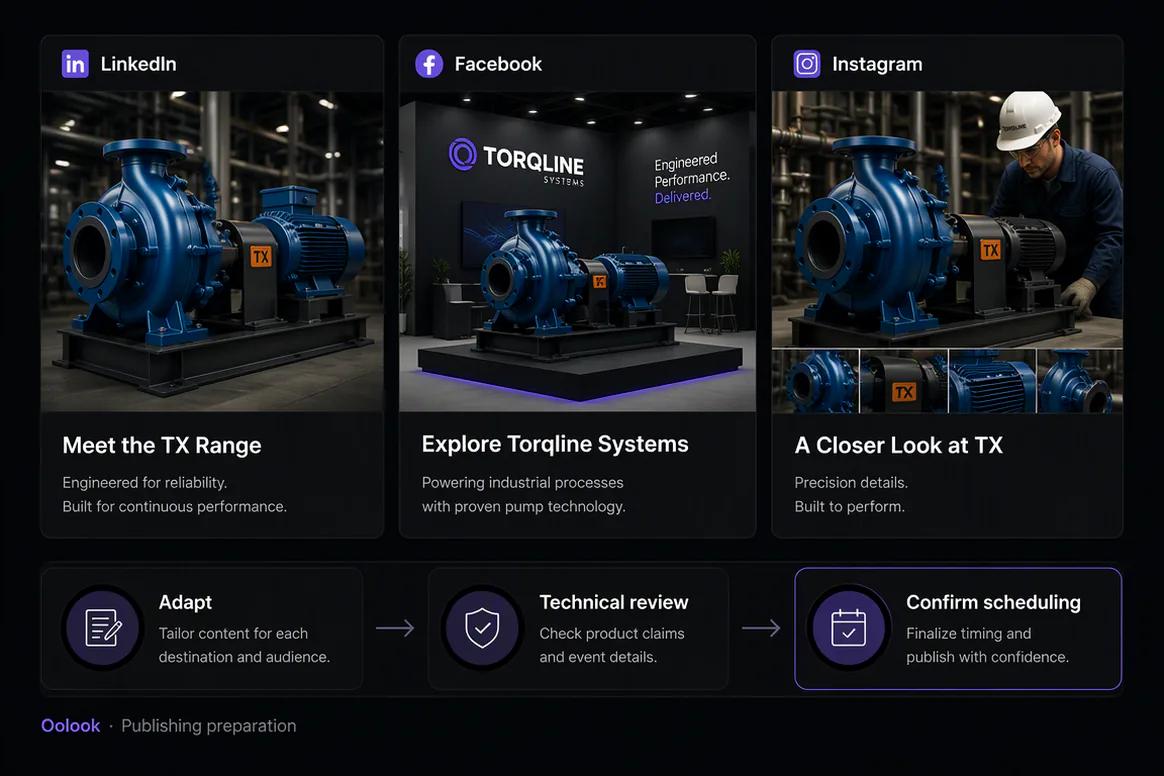
Prepare destination drafts, trade-show campaigns, visual explainers, and researched articles while preserving technical review.

  • Adapt technical depth by destination
  • Reuse approved product media
  • Schedule eligible event and launch content
  • Create supporting SEO articles
Manufacturing campaign adapted for social events and SEO content

Manufacturing campaign examples

Turn Verified Technical Information Into a B2B Campaign

Connect approved product specifications, application knowledge, technical media, education, and trade-show content.

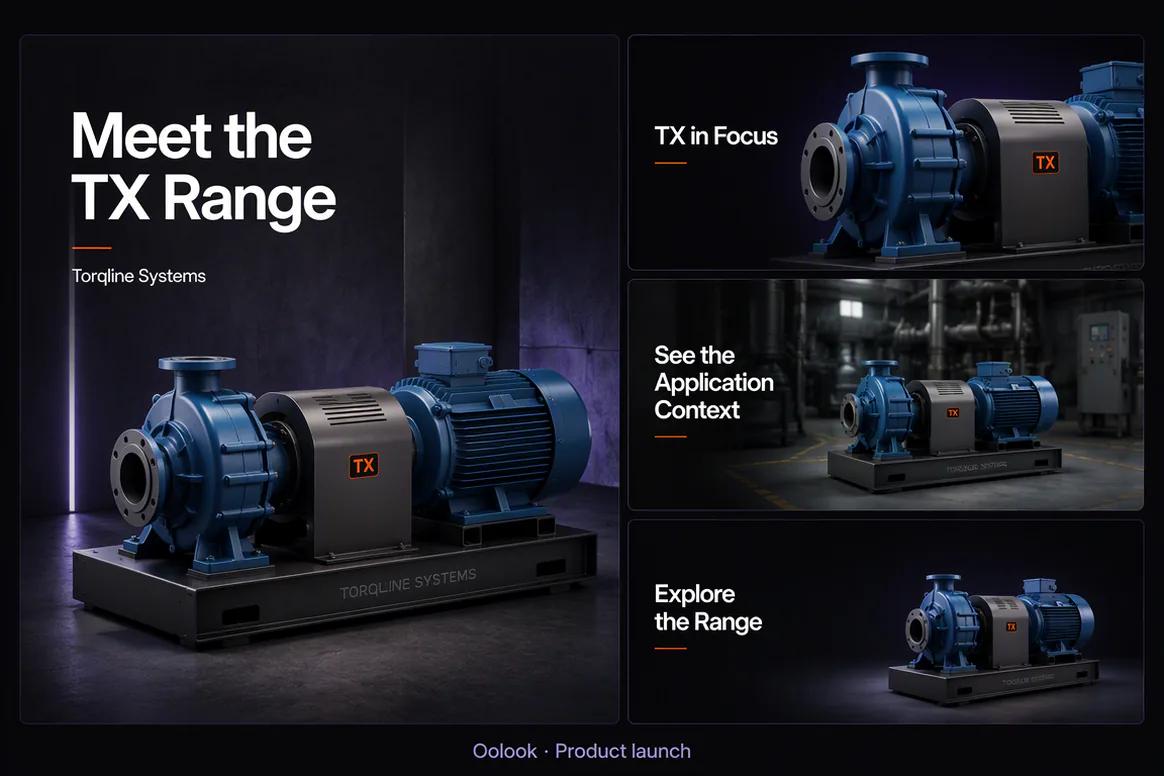
Oolook displaying a coordinated industrial product launch

Industrial Product Launch

Introduce the approved product range, intended application, visual identity, and campaign message.

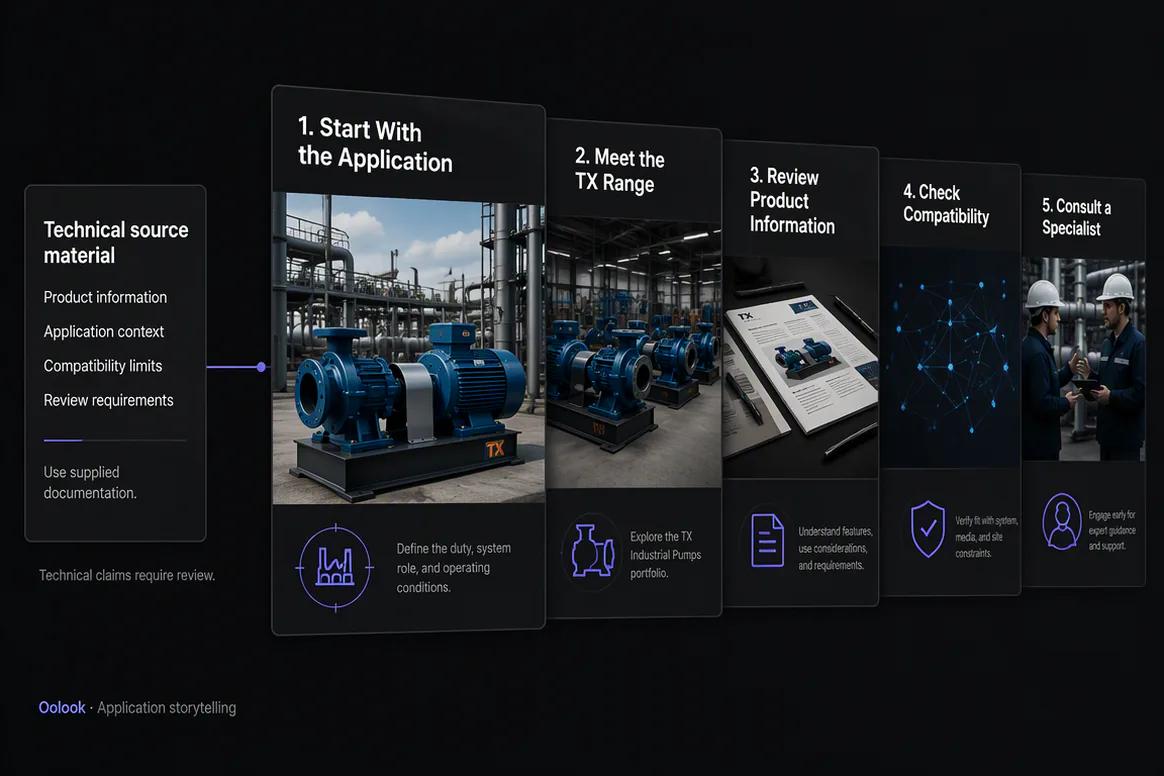
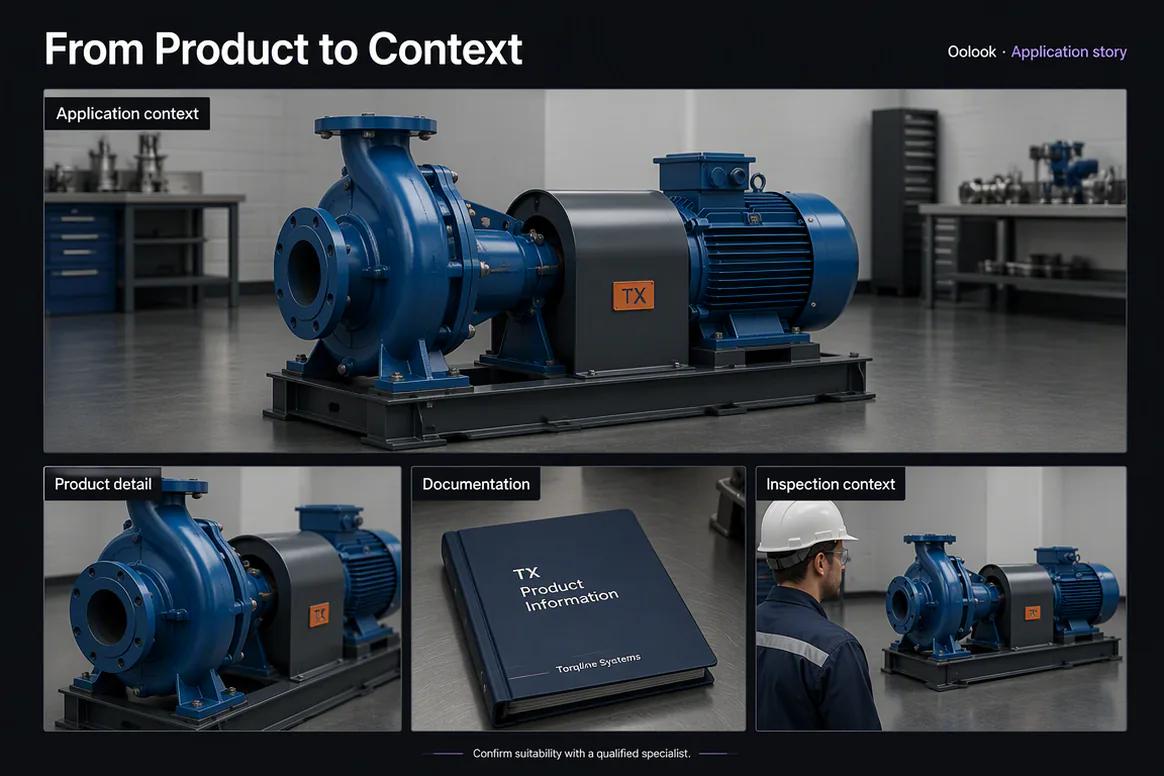
Oolook displaying an industrial application story

Application Story

Show how the approved product fits into a verified industrial application or process.

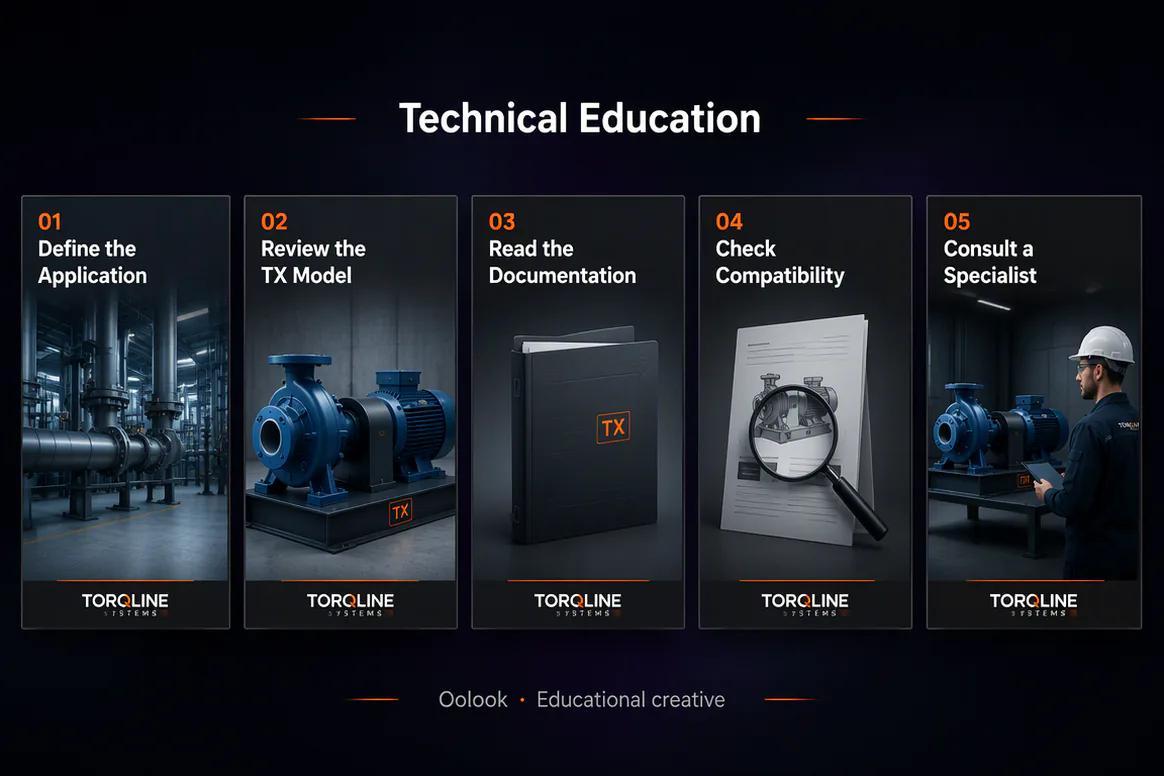
Oolook displaying a manufacturing technical education carousel

Technical Education

Explain approved technical information while keeping compatibility and specialist review visible.

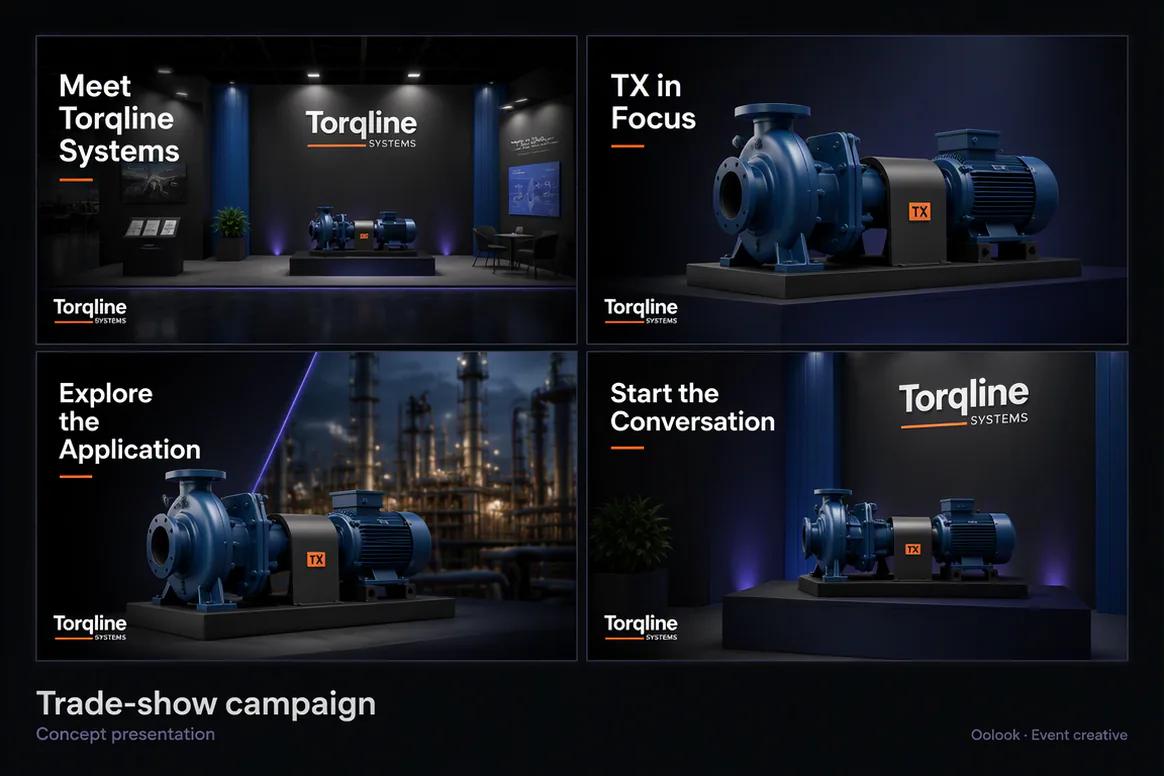
Oolook displaying a coordinated manufacturing trade show campaign

Trade Show Campaign

Combine the event announcement, product spotlight, application explainer, and event reminder.

Oolook Copilot in action

How Oolook Copilot Supports Manufacturing Marketing

Keep specifications, application facts, approved technical media, campaign sequencing, and specialist review connected.

01

Provide the approved technical record

Add the product, specifications, applications, standards, compatibility, availability, limitations, audience, and campaign objective.

02

Find accurate manufacturing assets

Select approved product photography, diagrams, application imagery, process media, certifications, and event assets.

03

Prepare the content

Create product campaigns, application explainers, technical education, carousels, destination drafts, and articles.

04

Review and confirm

Check specifications, compatibility, standards, performance claims, confidentiality, imagery, and publishing details.

Built for Manufacturing Marketing

Create Content Around Products, Applications, and Expertise

Use distinct formats to support product discovery, technical understanding, application fit, and buyer education.

Product campaigns

Present verified models, specifications, applications, compatibility, standards, availability, and limitations.

Application explainers

Show how an approved product supports a specific industrial process or use case.

Technical education

Explain reviewed materials, processes, maintenance, quality practices, and customer questions.

Manufacturing articles

Create researched content around applications, processes, products, maintenance, and buyer questions.

Practical marketing jobs

Use Oolook for Recurring Manufacturing Marketing Work

Prepare campaigns around products, applications, industries, technical education, projects, trade shows, and search topics.

Launch an industrial product

Create an application explainer

Prepare technical education content

Promote a trade show

Repurpose approved process imagery

Create a manufacturing SEO article

One connected workspace

Everything Connected to manufacturing Marketing Execution

Keep the brief, brand guidance, source material, creative assets, destination drafts, publishing records, available reports, and SEO content inside one brand workspace.

Brand Kit

Keep the audience, positioning, writing preferences, visual direction, and approved calls to action for manufacturing content available in one workspace.

Oolook Copilot

Inspect available workspace information, prepare marketing content, and present supported actions for review and confirmation.

Creative applications

Generate captions, marketing images, coordinated carousels, moodboards, and other supported campaign assets.

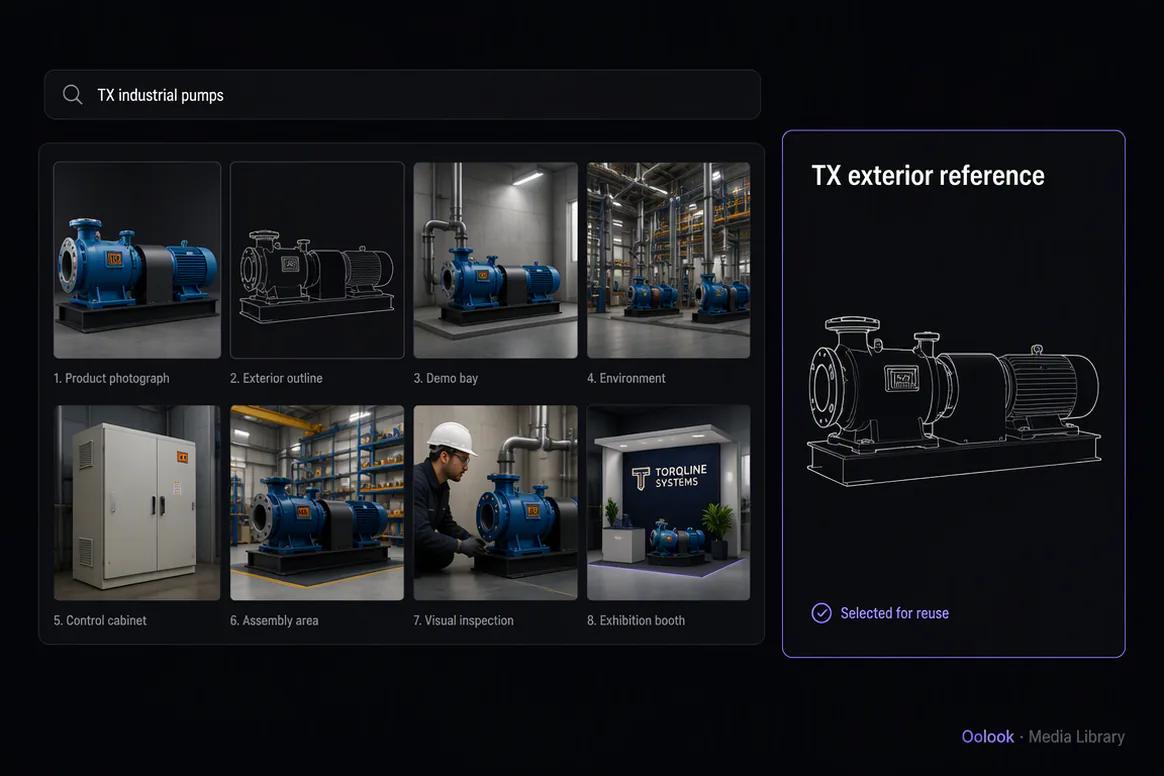
Media Library

Find, organize, process, and reuse approved product specifications, technical diagrams, application imagery, process media, and campaign assets inside the selected brand workspace.

Controlled publishing

Prepare destination-specific drafts, review supported settings, schedule eligible content, and monitor publication states.

Available reporting

Review accessible profile and post information from supported connected networks before preparing follow-up content.

Why Oolook

Replace a Fragmented manufacturing Content Workflow

Oolook connects brand context, creative production, reusable media, destination preparation, controlled publishing, and available reporting.

Workflow
Disconnected tools
Oolook
Campaign brief
Business information is copied between documents, writing tools, design tools, and schedulers
The approved objective stays connected to the selected brand workspace
Brand guidance
Audience, positioning, terminology, visual direction, and calls to action are repeated manually
Available Brand Kit information can guide supported workflows
Source assets
product specifications, technical diagrams, application imagery, process media, and campaign assets are downloaded, renamed, and moved between tools
Approved assets remain searchable and reusable through the Media Library
Destinations
The same content is copied into every social destination
Each destination draft can be adapted and reviewed independently
Execution
Approved content is transferred into separate publishing and content systems
Eligible drafts continue into publishing, reporting, and SEO content workflows

Step-by-step guide

How to Create a Manufacturing Marketing Campaign With AI

Follow a controlled workflow from approved business information to reviewable marketing content.

  1. 1

    Select the correct brand workspace

    Open the workspace containing the relevant Brand Kit, approved media, connected profiles, drafts, reports, and SEO content.

  2. 2

    Choose the campaign objective

    Choose a product launch, application campaign, technical education series, project story, trade show, process campaign, or article.

  3. 3

    Collect approved source material

    Collect approved specifications, applications, compatibility, standards, certifications, availability, limitations, project facts, confidentiality boundaries, and media.

  4. 4

    Prepare the content sequence

    Plan buyer problem, product introduction, application explanation, technical evidence, event or sales call to action, reminder, and follow-up.

  5. 5

    Create or reuse visual assets

    Use approved product photography, diagrams, application imagery, process media, project assets, certificates, and event visuals.

  6. 6

    Review every destination

    Check the profile, caption, media, claims, date, time, timezone, and supported platform settings before execution.

  7. 7

    Confirm and monitor

    Approve supported actions, monitor publication states, and use available performance information to inform the next content decision.

Frequently asked questions

Your Manufacturing Marketing Questions, Answered

What is an AI manufacturing marketing tool?+

It is software that helps manufacturers turn approved product, application, process, and technical information into marketing content.

Can Oolook create industrial product campaigns?+

Yes. Oolook can help prepare product launches, application explainers, technical carousels, destination drafts, trade-show content, and supporting articles.

Can Oolook use technical diagrams and product photography?+

Yes. Approved diagrams, specifications, product photography, application imagery, process media, and event assets can be organized and reused.

Does Oolook verify technical specifications or compliance?+

No. Specifications, compatibility, standards, certifications, performance, safety, confidentiality, and regulatory claims require qualified technical review.

Can Oolook keep manufacturing content consistent with our brand?+

Yes. Available Brand Kit information can guide supported caption, image, carousel, media, social, and SEO workflows. Every output should still be reviewed for accuracy and brand alignment.

Can I reuse existing product specifications, technical diagrams, application imagery, process media, and campaign assets?+

Yes. Approved uploaded, generated, and processed assets can be organized, searched, processed, and reused through the selected brand's Media Library.

Can the content be adapted for several social platforms?+

Yes. Oolook supports independently editable destination content and supported platform settings. Exact publishing capabilities depend on current social-network APIs and Oolook availability.

Does Oolook publish Copilot actions automatically?+

No. Supported workspace actions are presented for review and confirmation before execution.

Start with Oolook

Turn Manufacturing Expertise Into Connected B2B Campaigns

Connect verified specifications, application knowledge, technical media, Brand Kit guidance, publishing, reporting, and SEO content.